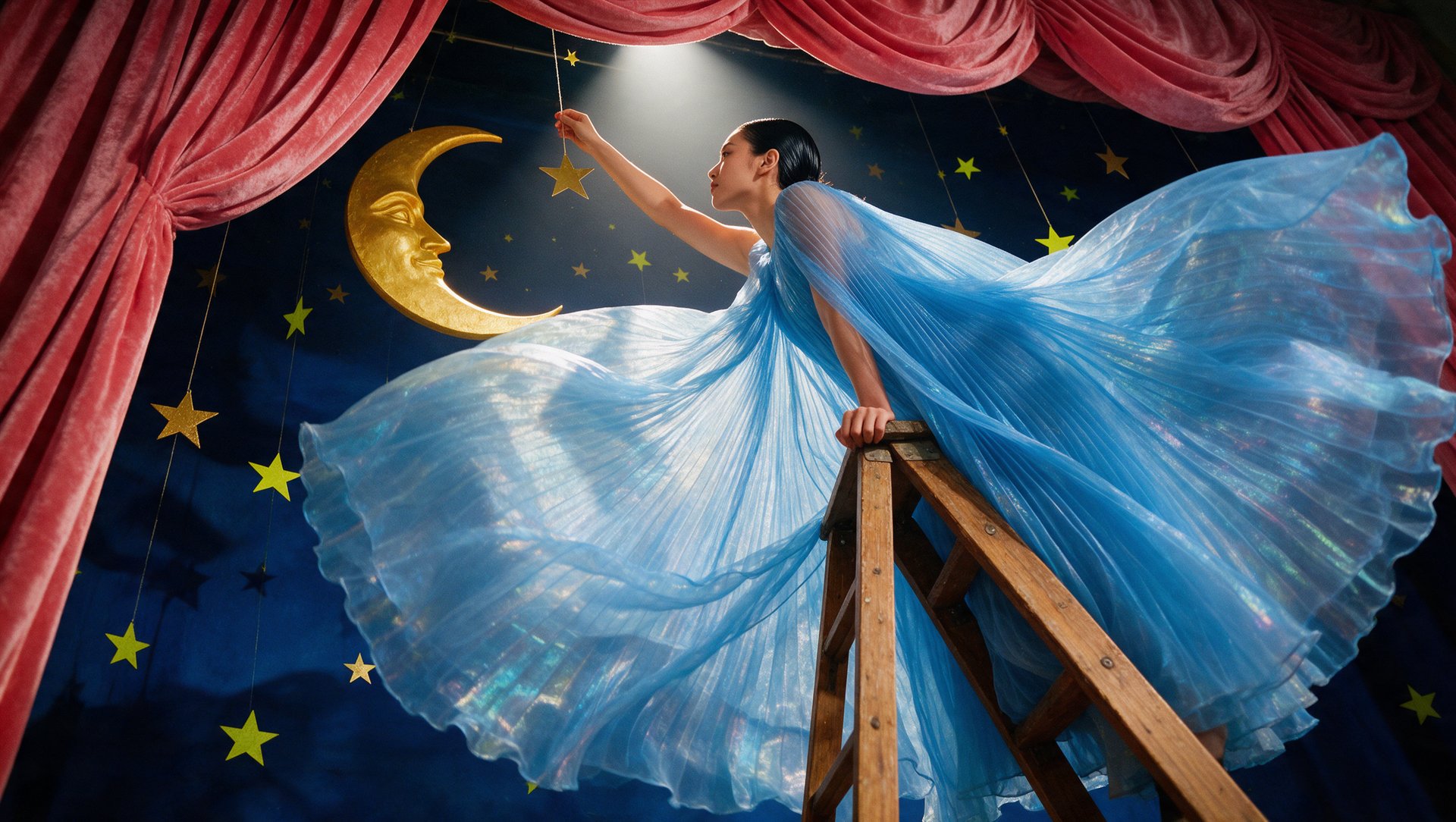
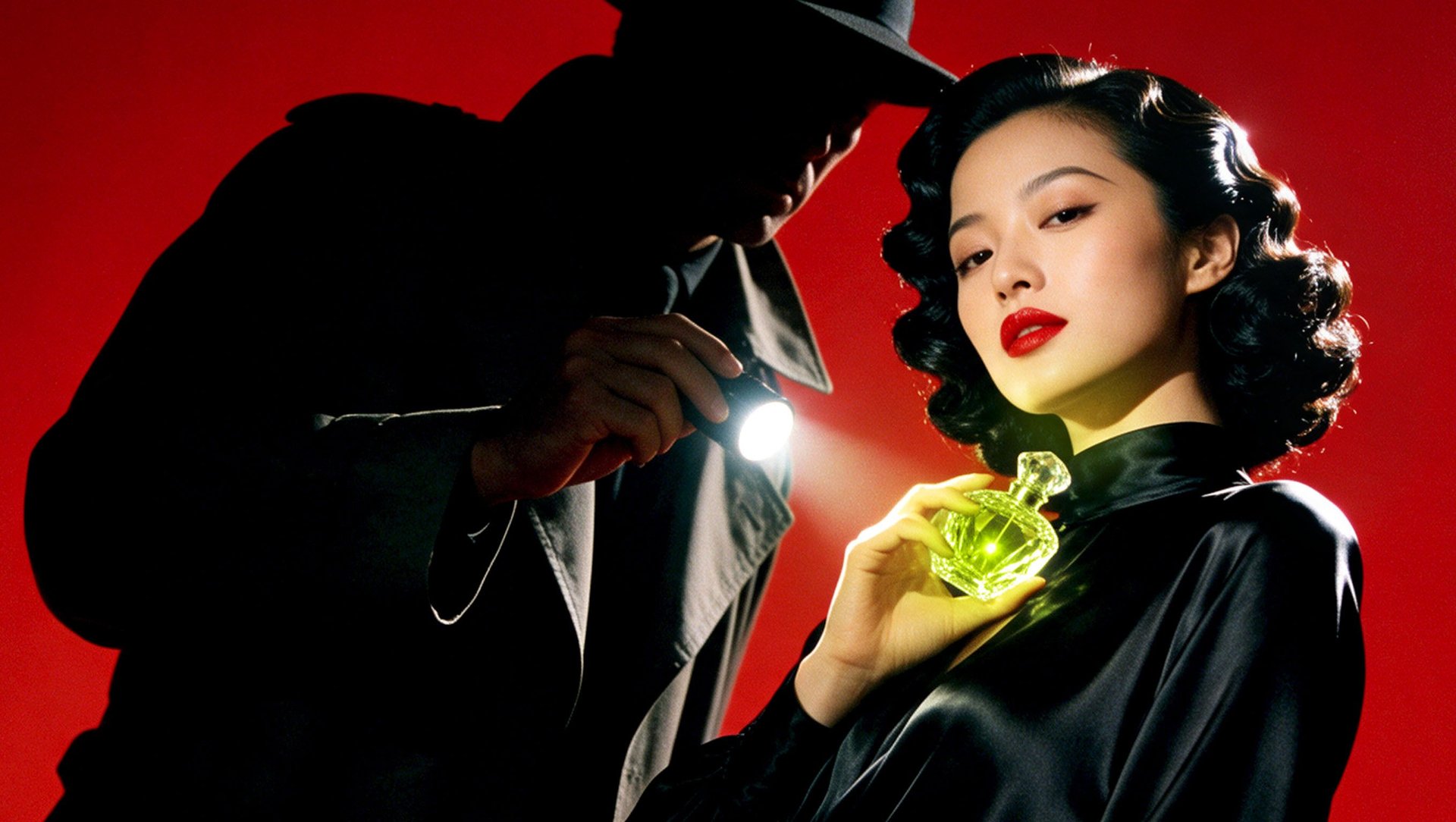
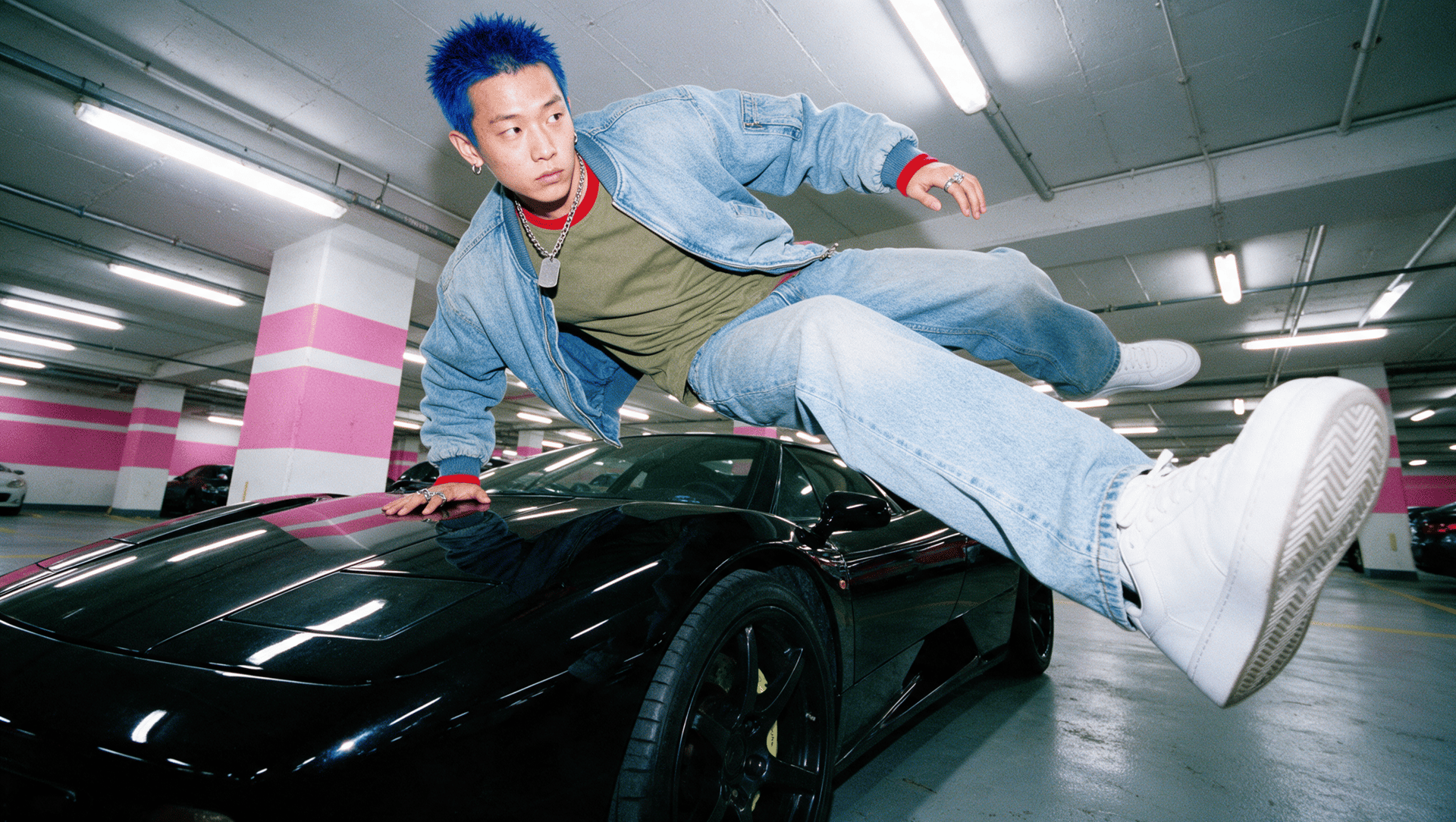
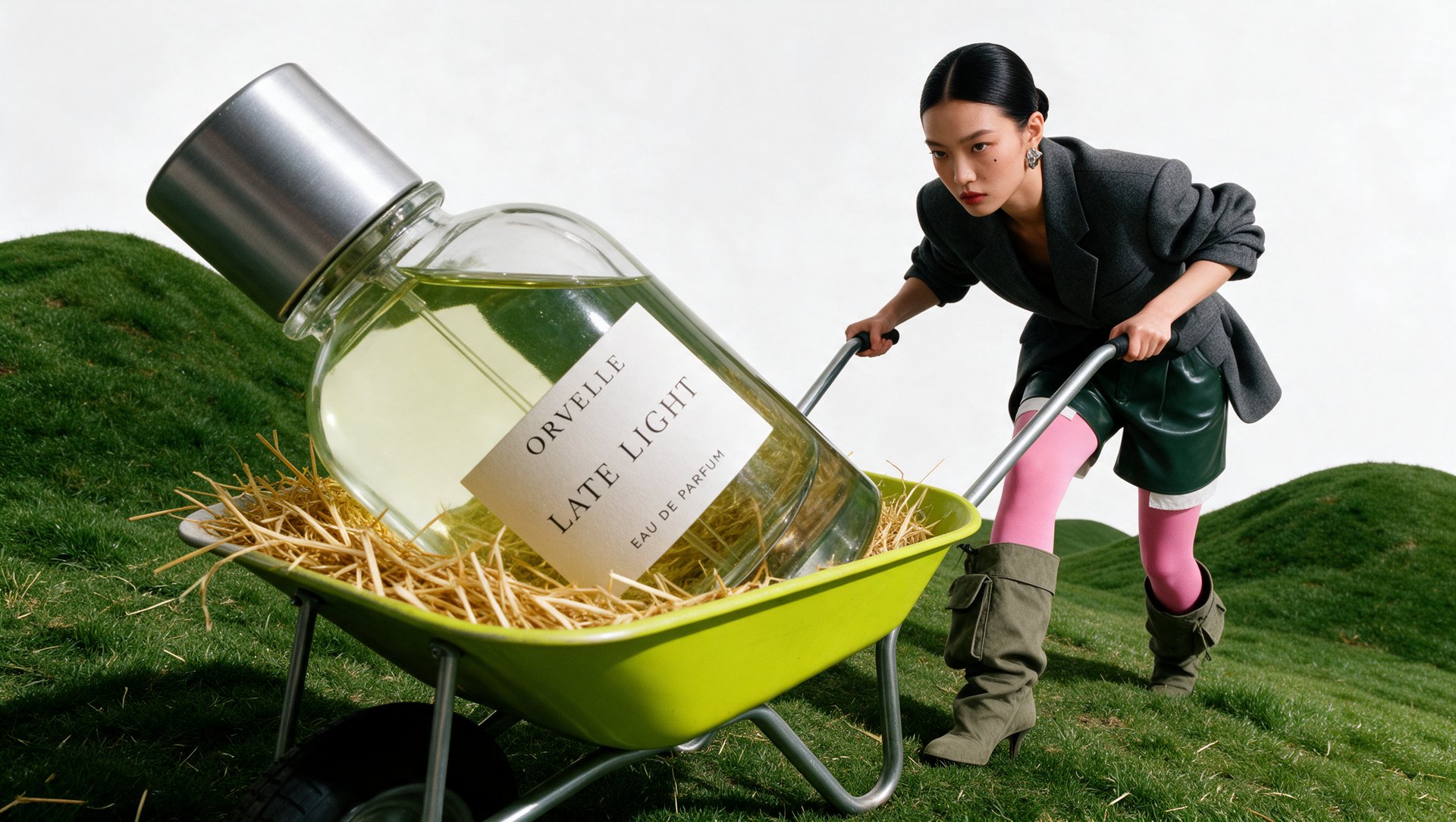
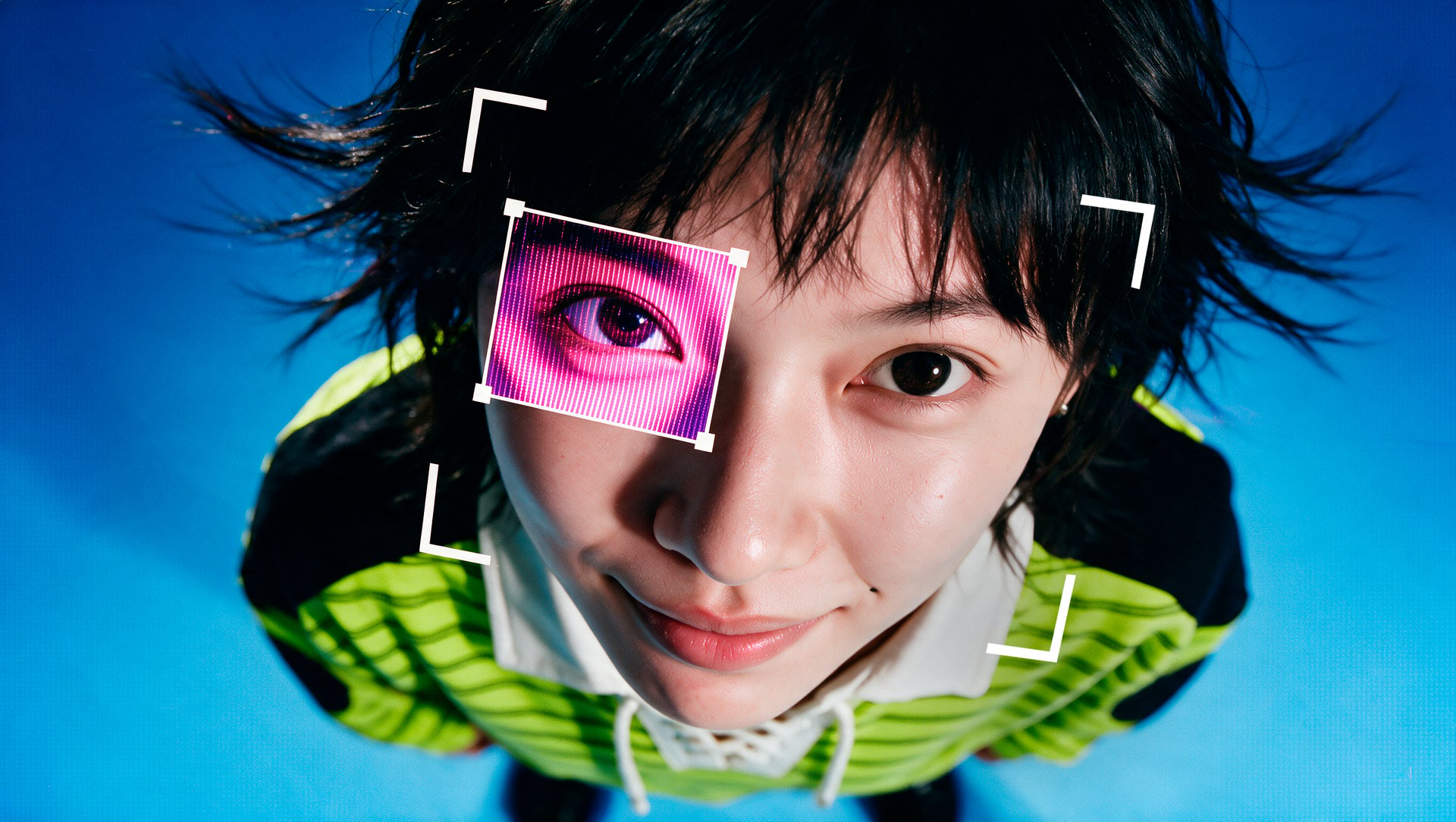
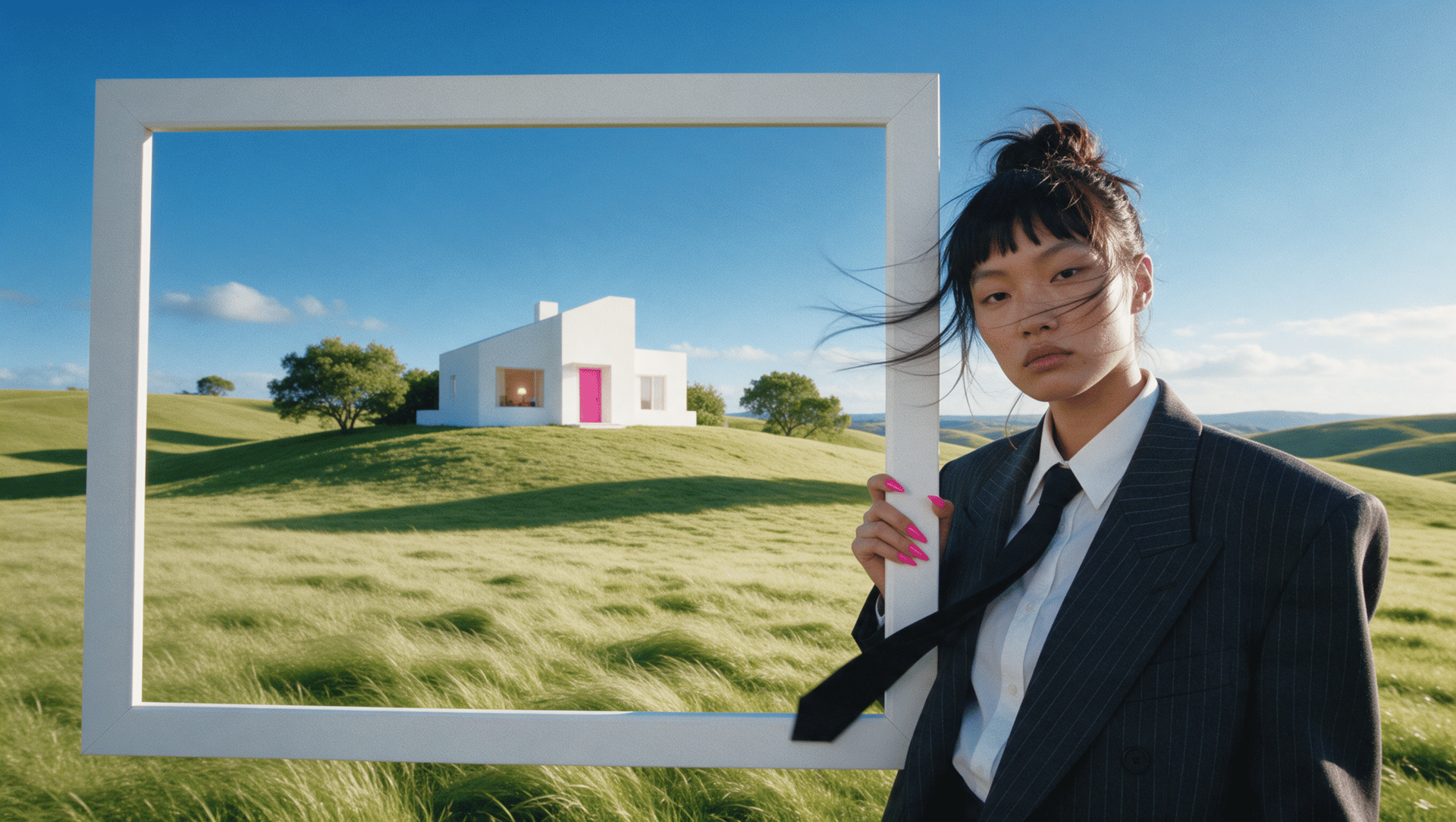
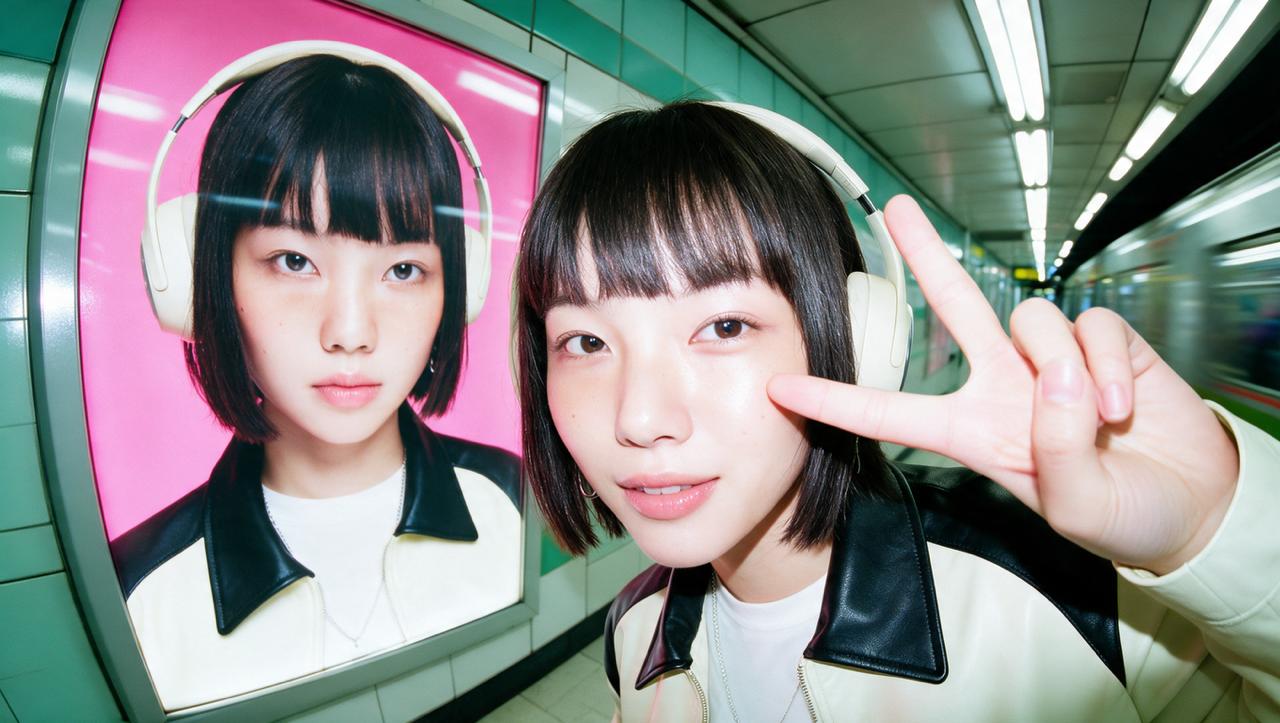
Turn photos, artwork, and product shots into moving scenes with Higgsfield's AI image-to-video generator. Upload an image, then guide the action and camera movement with a text prompt.
Partnering with global industry leaders to power your creativity output
Created by community
MOTION
Happy multi-generational family — grandparents, parents and three kids — laughing and hugging close behind an orange sofa, in a bright modern living room with plants and colorful ceramics, soft daylight, vertical 4:5, photorealistic candid family lifestyle.
MOTION
Happy multi-generational family — grandparents, parents and three kids — laughing and hugging close behind an orange sofa, in a bright modern living room with plants and colorful ceramics, soft daylight, vertical 4:5, photorealistic candid family lifestyle.
LOOP
Two original muscular fighters mid-combat on a neon graffiti back-alley stage — a hulking wrestler in red-and-black gear vs a barefoot martial artist kicking — with smoke and spark effects and a stylized health-bar HUD, vertical 4:5, photorealistic AAA fighting-game aesthetic.
LOOP
Two original muscular fighters mid-combat on a neon graffiti back-alley stage — a hulking wrestler in red-and-black gear vs a barefoot martial artist kicking — with smoke and spark effects and a stylized health-bar HUD, vertical 4:5, photorealistic AAA fighting-game aesthetic.
ANIMATE
Pearlux prompt – A 12-second vertical iPhone selfie beauty-review video where a modern young creator, styled like a Vermeer portrait and lit by a single Dutch Golden Age window light, casually presents and applies Pearlux Brightening Eye Cream against a deep painterly dark background, blending authentic TikTok UGC energy with Old Master aesthetics.
REVEAL
A hand holding a glass bottle of pink "Dream Essence – Strawberry Dream" soda (200 ml, Y2K star-and-heart label) toward the camera, in a dreamy pastel-pink bedroom full of butterfly wall decals, holographic decor, plushies and inflatable furniture, soft natural light, vertical 4:5, photorealistic Y2K coquette aesthetic.
See Image-to-Video AI in Action
Set the scene with an image, then reveal what happens next through a video. Explore how Higgsfield helps you build on your starting visual and experiment with different ways the scene could unfold.
Turn a Still Image into Video
Start with a photo or illustration and describe what should happen next. Higgsfield’s AI image-to-video generator uses your image as the starting point for a new clip. Experiment with different prompts to explore how the scene unfolds without filming new footage.
Animate Any Image
Turn a Still Image into Video after
Animate Portraits, Artwork, and Product Photos
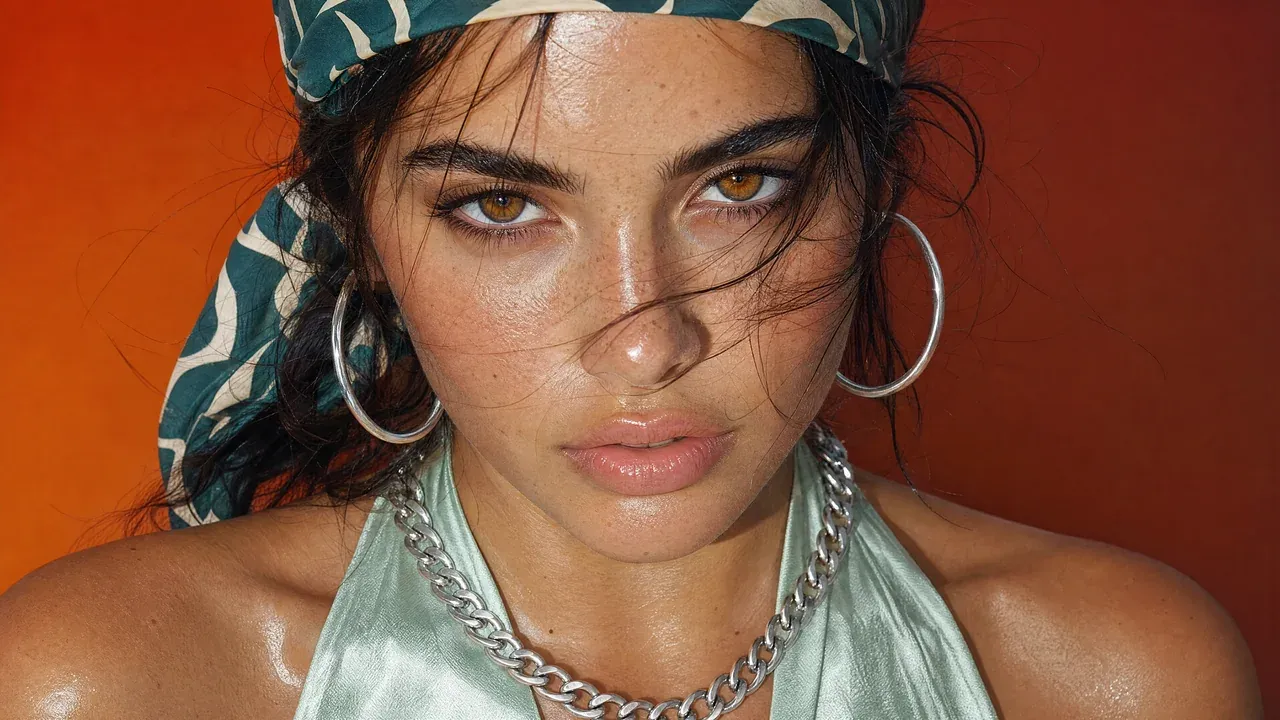
Use the AI photo animator to explore subtle expressions, moving illustrations, or product reveals. Breathe life into your photos with a blink or smile in a portrait, drifting clouds in artwork, or a gentle rotation around a product.
Animate Portraits, Artwork, and Product Photos after
Direct How Your Image Moves
Use your photo as the starting frame and describe what should move within it. Guide subject movement and camera motion through your prompt, with additional controls available on supported models.
Use your photo as the starting frame and describe what should move within it. Guide subject movement and camera motion through your prompt, with additional controls available on supported models.
Refine your generated clip with Higgsfield’s enhancement tools. Use upscaling to increase resolution up to 4K, or frame interpolation to increase the frame rate up to 120 fps. Available resolutions and frame rates depend on the selected tool and preset.
The same kitchen clip after upscaling to higher resolution
Enhance Your Video up to 4K and 120 fps
Refine your generated clip with Higgsfield’s enhancement tools. Use upscaling to increase resolution up to 4K, or frame interpolation to increase the frame rate up to 120 fps. Available resolutions and frame rates depend on the selected tool and preset.
The same kitchen clip after upscaling to higher resolution
All the Features You Need for Image to Video Generation
Create moving clips from photos and artwork with Higgsfield's AI image-to-video generator. Use prompts to guide subject and camera motion, then take your results further with separate editing and enhancement tools.
Image to Video AI
Turn a single image into a video with a prompt describing what happens next. Choose an available model to shape the clip around your starting visual.
AI Photo Animator
Add movement to details in your photo, including hair, foliage, or water. Describe the action and explore different interpretations of your starting image.
Animate Product Rotations
Generate a rotating product view from a still image by prompting camera movement. Review newly revealed angles to check product details.
AI Portrait Animator
Animate headshots and older portraits with subtle expressions and gestures. Prompt a blink, smile, or gentle head turn, then check the result for consistency.
AI Lifestyle Scene from Photo
Place your subject in a new setting using image-editing tools, then animate the result. Explore indoor scenes, outdoor backdrops, or styled product setups.
AI Background Animator
Add drifting clouds, flowing water, or swaying trees to your image. Specify which background elements should move and whether your subject should remain still.
AI Spokesperson from Image
Turn a portrait into a talking character with Higgsfield Intone. Add a character image, choose a setting, and use recorded or generated speech to create a lip-synced video.
AI Voiceover & Lip Sync
Add narration to your generated video with Higgsfield Audio. For visible speakers, use Lipsync Studio to align mouth movements with your chosen speech audio.
AI Video Upscaler
Increase your generated clip’s resolution up to 4K with Higgsfield Upscale. Choose an available preset suited to your footage and preview the enhanced result.
AI Video Enhancer
Refine your generated clip with optional tools for smoother motion and reduced flicker. Use frame interpolation to increase the frame rate up to 120 fps.
AI Object & Clutter Remover
Remove distracting objects from your generated clip using text prompts in Higgsfield’s video-editing tools. Review the edited area for consistency as the scene moves.
AI Video Resizer
Adapt your generated video to portrait, square, or landscape formats with Reframe. Adjust the composition and check that key subjects remain clearly in view.
How to Generate Video from Images with AI
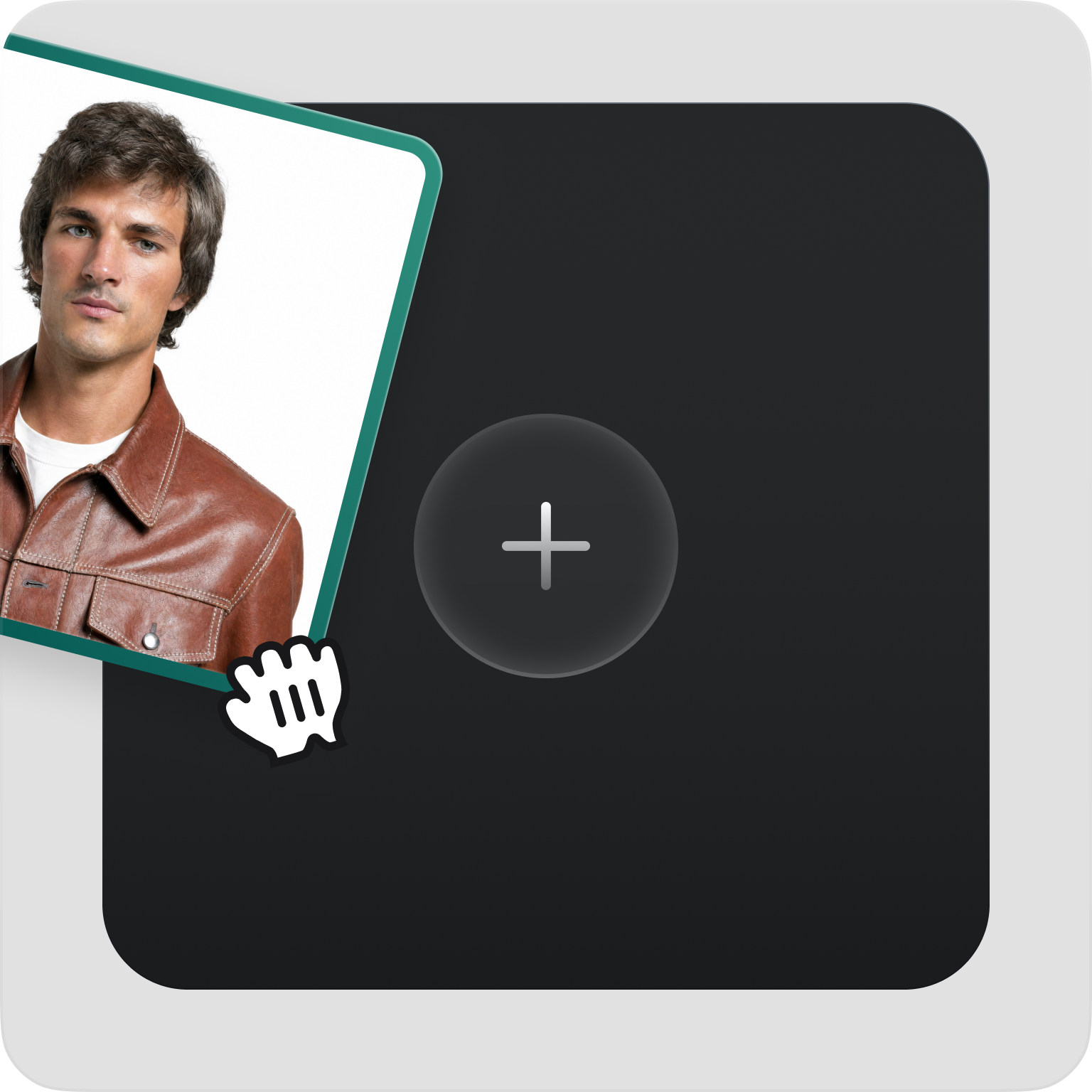
Step 1: Upload Your Image in Higgsfield
1. Upload Your Image
Choose a photo, illustration, or product image with a clear subject. Select a video model that supports image input.
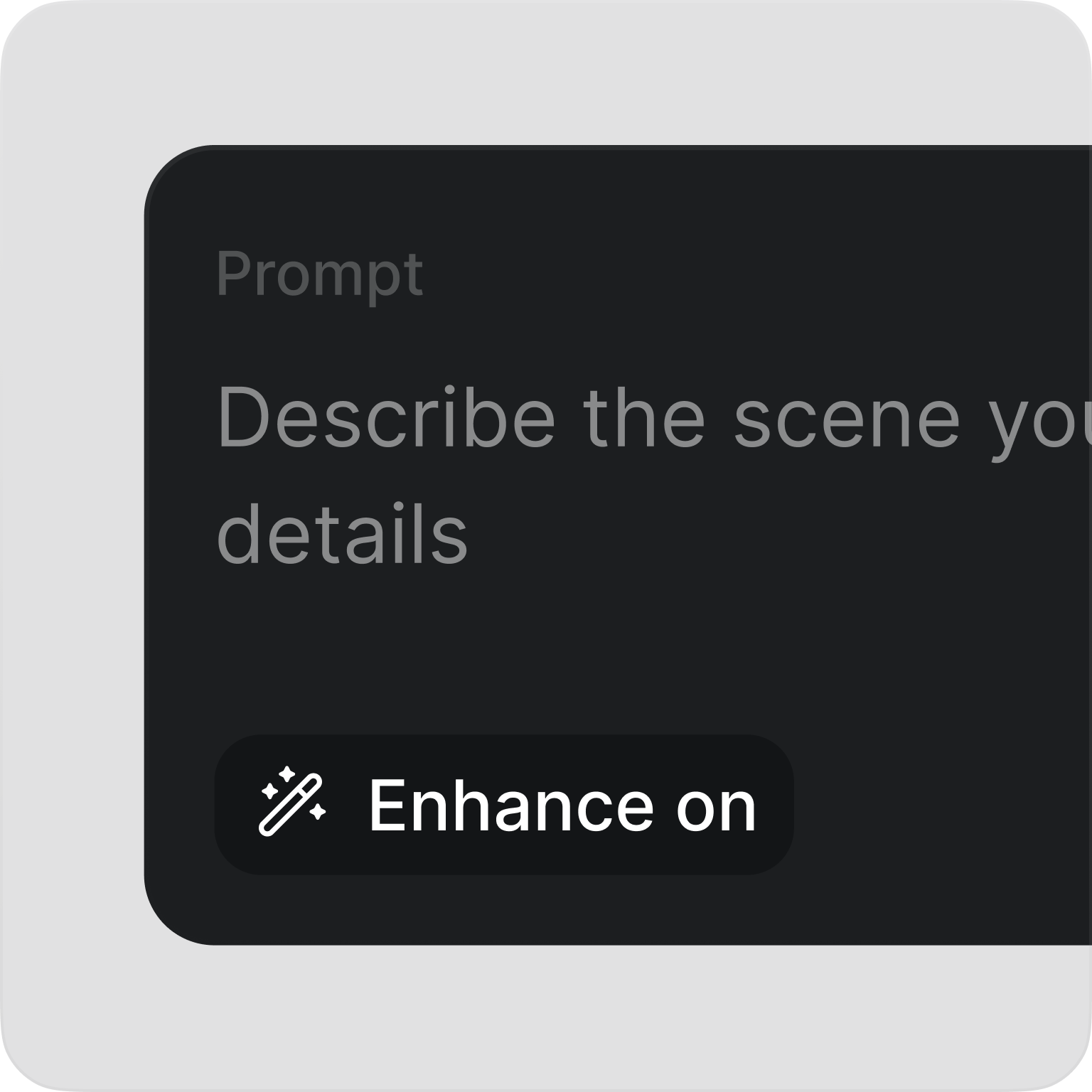
Step 2: Direct the Motion in Higgsfield
2. Describe the Motion
Write what should move and how the camera should follow it. Choose from the clip lengths and settings available for your model.
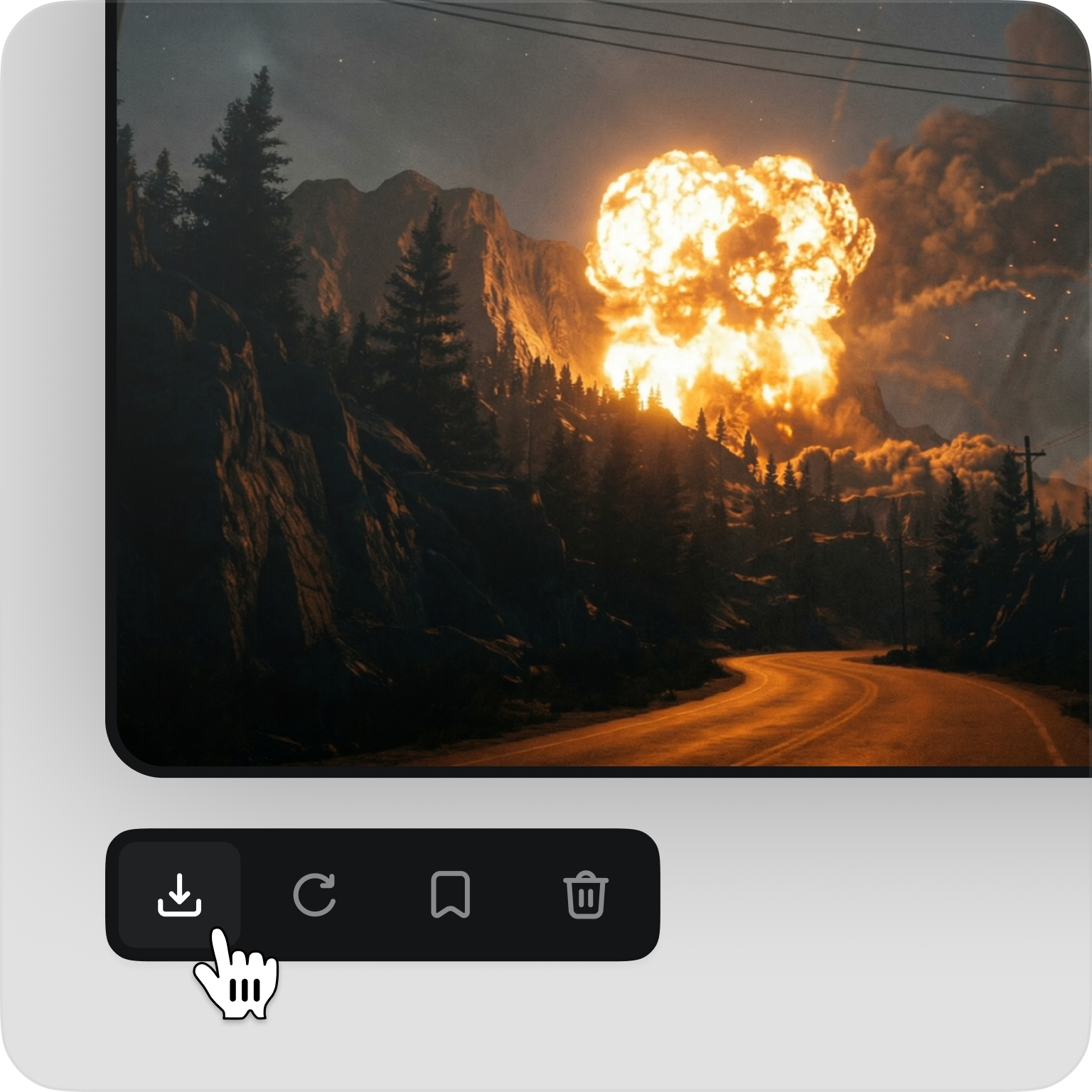
Generated result with the Download button highlighted, next to Regenerate, Save and Delete
3. Generate and Download
Generate your video and preview the result. Refine your prompt if needed, then download your clip or optionally upscale it.
Choose according to your shot’s needs: clip length, output resolution, audio, and control over starting frames or references. Compare available settings and credit costs before generating, as options vary by model and plan.
kling logo
Kling 4.0
Use Kling 4.0 for image-to-video generation, multiple references, and up to 10 keyframes. Output up to 4K.
Turn Product Photos, Portraits, and Artwork into Video
Build on the images you already have to create product showcases, animated artwork, personal keepsakes, and branded content. Explore how image-to-video AI can support different creative projects.
Animate Art, Illustrations and Concepts
Animate Art, Illustrations & Concepts
Bring drawings, paintings, and concept art into motion for creative exploration and presentations. Experiment with animated illustrations, moving concept boards, and stylized reveals without animating each frame manually. Use your original artwork as a visual starting point and guide the action through your prompt.
Animate Product and E-commerce Photos
Animate Product & E-commerce Photos
Turn product photos into short clips for online stores, listings, and advertising. Explore rotating views, close-up reveals, and lifestyle scenes from existing product images. Check labels, proportions, and newly revealed surfaces before publishing to check that the video represents your product accurately.
Bring Family Photos & Memories to Life
Bring Family Photos & Memories to Life
Create animated interpretations of family portraits and older photos for personal keepsakes or storytelling. Try subtle expressions, gentle gestures, or slow camera movement. Start with a clear image and review facial details to choose a result that feels appropriate to the original photo.
Power Brand & Marketing Visuals
Power Brand & Marketing Visuals
Extend campaign photography and branded artwork into video for Reels, TikToks, Shorts, and other placements. Explore animated key visuals and variations from an existing image, then adjust the framing with Reframe. Review brand colors, logos, and text before sharing the finished clip.
Trusted by 40M+ users worldwide
Join a global creative network where people generate AI images, share insights, and inspire each other every day.
A
Alexandre
I've been using Higgsfield for my creative work for a while now and, honestly, it's one of the best platforms out there - the tools are powerful and the results speak for themselves. But what made me write this was the support. I had a question about my credits, and Tim handled everything with a transparency and care you rarely see.
S
Spock
Im a new customer of Higgsfield and enjoying it! I'm making some cool videos. I look forward to the advances on the platform! Oh, the support service is excellent!
R
Rha
Higgsfield A.I. has been the best and most exciting tool I've used since I first started editing back in 2008! I still can't believe we live in a time where we can type a sentence; prompt, on one end and get a blockbuster video that comes out on the other end! The site can feel overwhelming at times, but in a good way.
AS
Akun Suliman
I am an Indonesian content creator based on my experience, I feel helped by the presence of this AI Agent higgsfield I say honestly and swear also thank you.. Because AI Agent Higgsfield has helped a lot, especially for creators in the form of our full support to create. In addition to this support, there are many other supports that are very helpful, especially the Higgsfield team
SJ
Shatanu Jachak
What Higgsfield is doing really well is making high-quality AI creation feel smooth, fast, and inspiring. I also appreciate how the company supports its creative community and gives artists the freedom to experiment, grow, and push visual storytelling to the next level.
FM
Freissy Mediaart
The user interface (UI) is highly intuitive and beginner-friendly. Additionally, the cloud rendering speed for generating both images and videos is exceptionally fast, and the AI tools menu is very well-organized. I have completed numerous projects using Higgsfield, and every single one of them turned out perfectly.
LE
Ls estúdios
For a long time, I have seen it as a useful and well-optimized tool, designed to help creators in the best possible way. I like that it constantly introduces updates and interesting features that improve the experience. That is why it has always been a platform that has caught my attention and that I have enjoyed using compared to others.
RR
Rian Rizky Ananta
Honestly one of the best AI creative platforms out there. The credit pricing is surprisingly affordable compared to similar platforms, and what impresses me most is how consistently they keep shipping new features. You can tell the team actually listens and keeps pushing the product forward.
DD
Deyo D
The Most Powerful AI Creative Platform for Creators. What impressed me the most is the level of support around the creator program. The team is helpful, professional, and always there when you need assistance or have questions. It really feels like they care about creators and want to help them grow.
Got any questions left?
We’ve answered the most frequently asked questions
What is an AI image-to-video generator?
An AI image-to-video generator creates a moving clip from an uploaded image. Start with a photo, illustration, or product image, then describe the subject movement or camera motion you want.
Can I animate portraits and old photos?
Yes. You can prompt expressions and gestures such as blinking, smiling, or a gentle head turn. Start with a clear image and review the generated facial details, as results can vary.
Can I create an AI video from multiple images?
Yes. Supported Higgsfield models let you use multiple reference images to guide characters, objects, and the look of a video. Some models also support starting and ending frames or additional keyframes to direct how the scene changes. Available controls depend on the model you select.
Will my image stay consistent across the video?
Your image guides the generated scene, but faces, text, colors, and fine details can change as movement develops. Supported reference-image and keyframe controls can help guide consistency. Review the full clip before using it.
What video models can I use?
Higgsfield offers image-to-video options including Kling 4.0, Seedance 2.5, Veo 3.1, Wan 3.0, and MiniMax H3. Models differ in supported inputs, clip lengths, audio, and creative controls. Access depends on your plan.
What resolution can I export?
Resolution depends on the selected model and settings. Kling 4.0 and supported Seedance 2.0 modes offer 4K generation. You can also upscale compatible videos to 4K using Higgsfield Upscale.
Can I add voiceover and lip sync?
Yes. Add narration through Higgsfield Audio and use Lipsync Studio to synchronize a visible speaker’s mouth movements with speech. Some video models also generate audio alongside the visuals.
What aspect ratios are supported?
Available aspect ratios depend on the model and generation mode. Common options include 16:9 landscape and 9:16 portrait, with square and other formats supported in some workflows. Use Reframe to adapt a finished clip.
Do I need video editing skills?
No video editing experience is required to generate a clip. Upload an image, describe the motion, and select your settings. You can refine the prompt or use optional editing tools afterward.
Can I generate videos from images for free?
New accounts get 10 free credits; the cost of a generation depends on the model and is shown before you generate.
Do videos generated with Higgsfield have a watermark?
Videos generated on a paid plan have no visible Higgsfield watermark, including those covered by Unlimited access or your plan’s free allowances. Invisible AI-identification markers or metadata may still be present.
Get the insights you need. Our experts share actionable hacks, break down the hottest topics, and provide essential how-to guides to help you build, optimize, and scale.