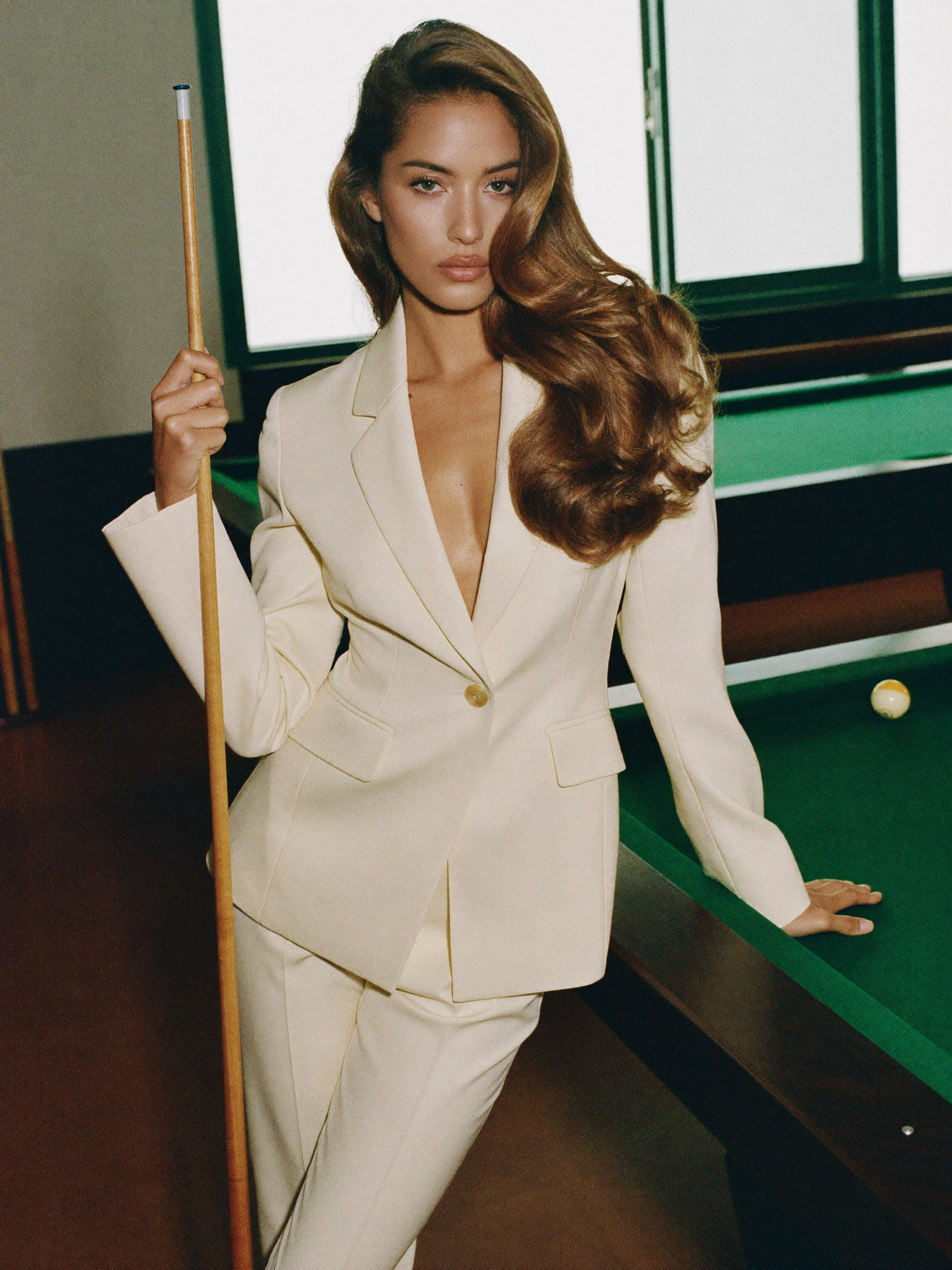
HAIRSTYLE
Swap the cut while aiming to keep the face recognizable.
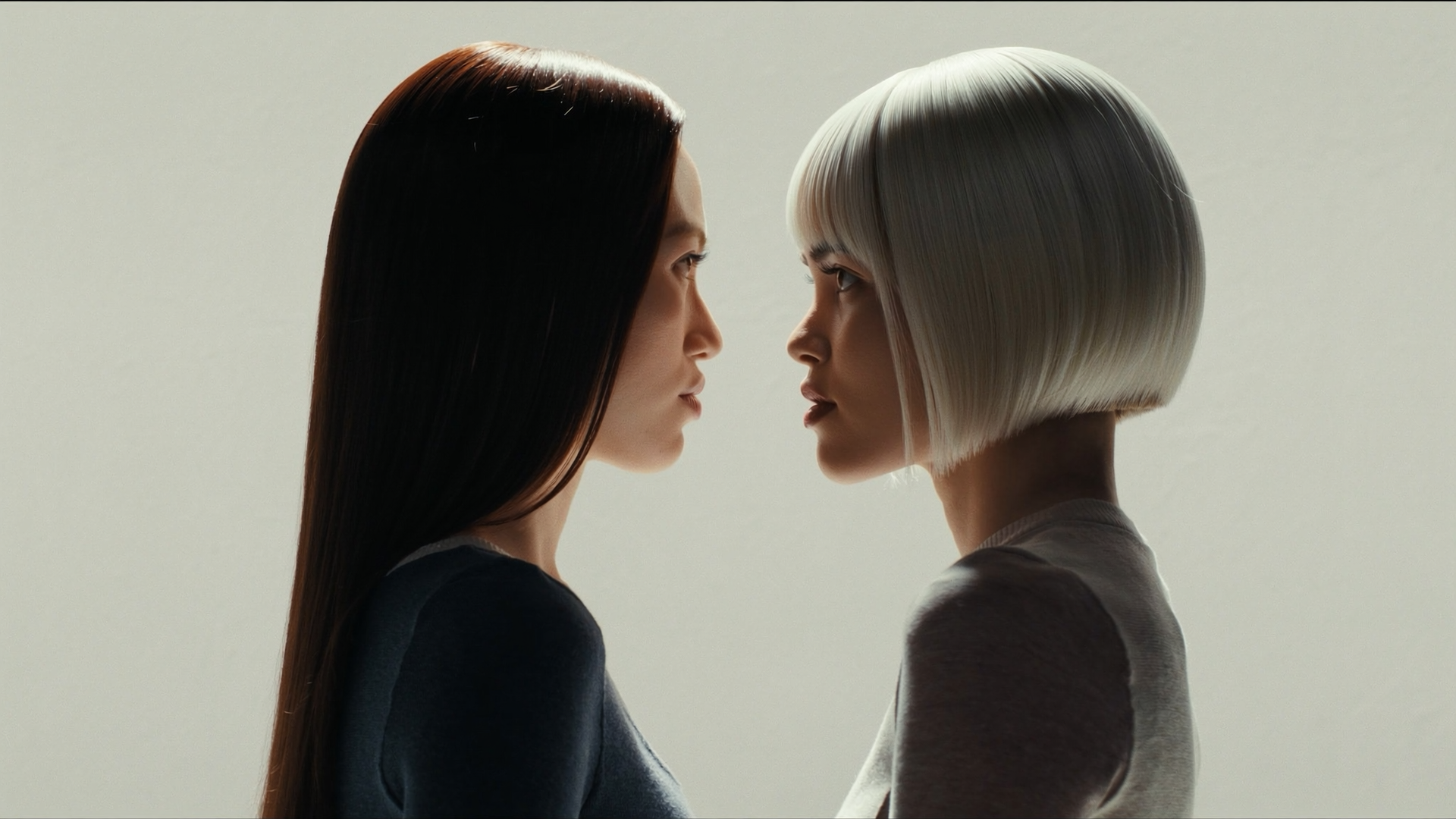
Try haircuts online without the salon. Describe a new cut, color, or style, and AI Hairstyle Changer applies it to your photo.
Partnering with global industry leaders to power your creativity output







Preview new hairstyles on your photo with an AI hairstyle changer. Try different cuts and colors, then compare the results with your original look.
Upload a photo and describe the look you want to try with an AI hairstyle changer online. It applies the requested style to your image while aiming to keep your face recognizable.
Change Hairstyle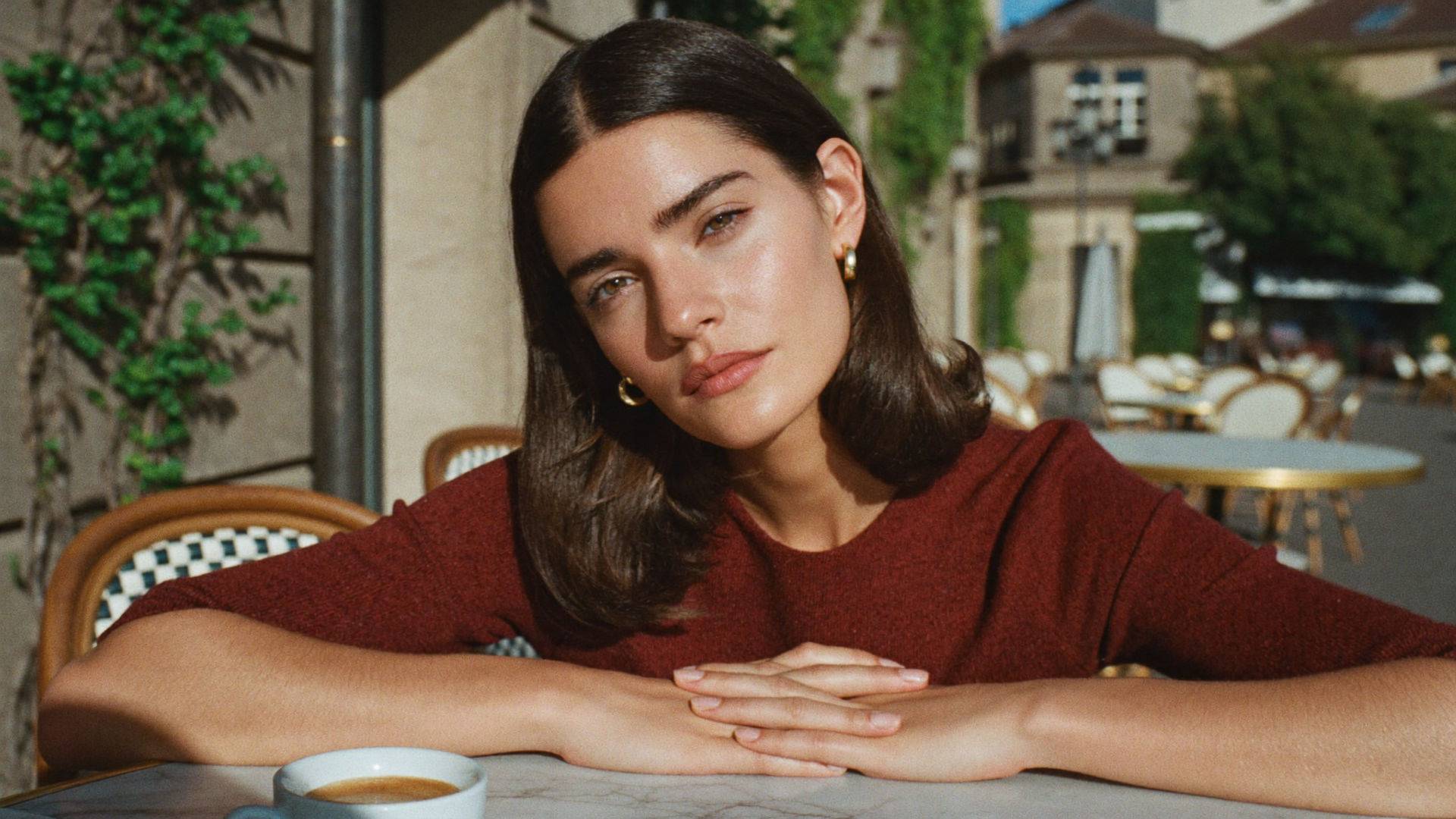

Upload a photo and describe the look you want to try with an AI hairstyle changer online. It applies the requested style to your image while aiming to keep your face recognizable.
Change HairstyleUse the virtual hairstyle try-on to explore cuts, lengths, textures, and colors on your photo. Describe details such as curls, bangs, braids, or highlights to guide the result.
Pick a Style
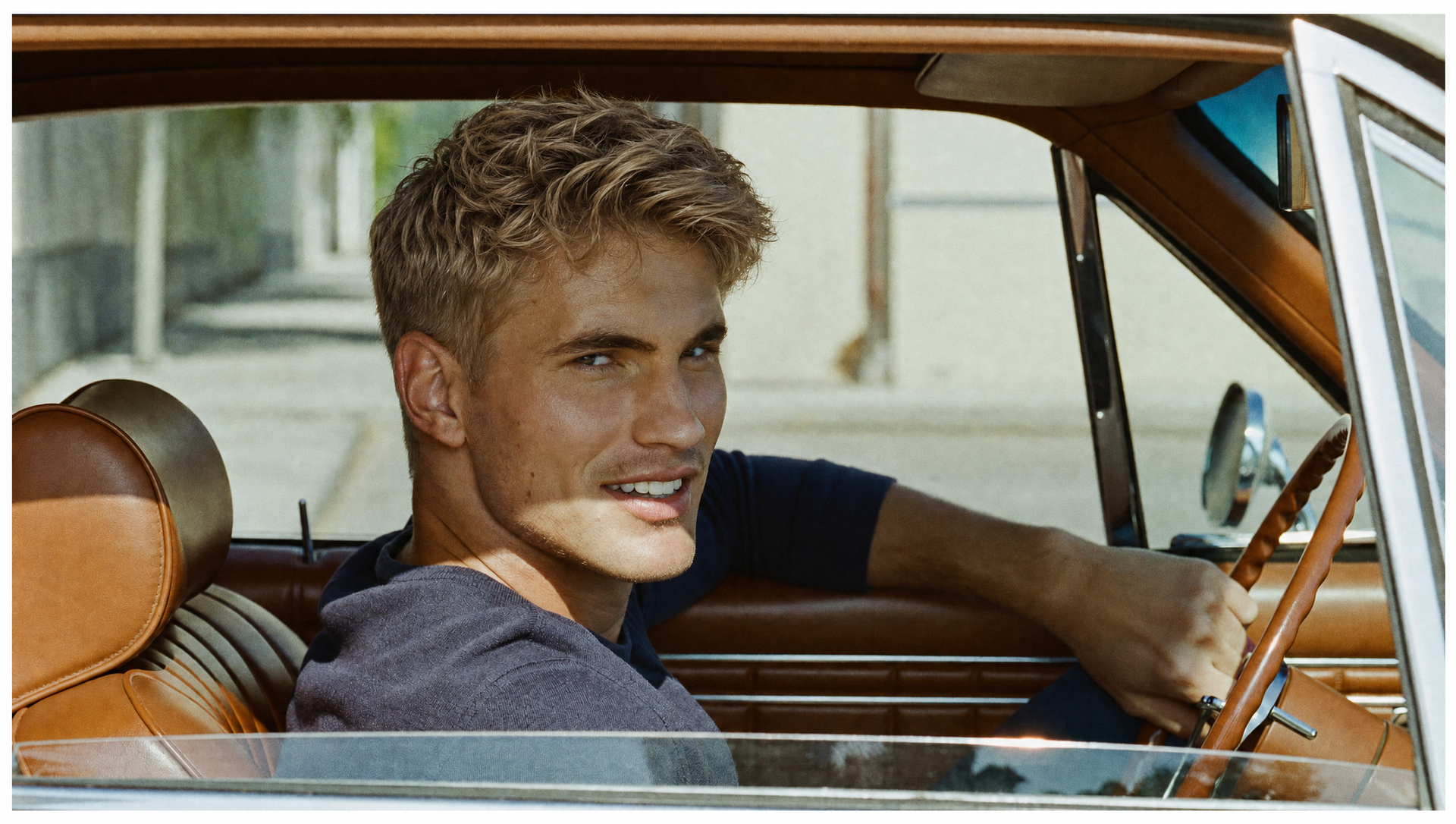
Use the virtual hairstyle try-on to explore cuts, lengths, textures, and colors on your photo. Describe details such as curls, bangs, braids, or highlights to guide the result.
Pick a StyleThe hairstyle changer AI aims to preserve your face, skin tone, and proportions while changing your hair. Try several looks on the same photo and compare each with the original.
See Your Look

The hairstyle changer AI aims to preserve your face, skin tone, and proportions while changing your hair. Try several looks on the same photo and compare each with the original.
See Your LookA hair changer for cuts, colors, and styles: swap, recolor, and export a salon-ready preview. No editing skills to learn.
Use the AI hairstyle changer online to replace your hair from a text prompt while aiming to preserve your face and skin.
Use the AI hair color changer to preview blonde, brunette, red, or pastel shades with natural-looking roots and tone.
Use the AI haircut generator to preview short cuts, including pixies, with a crisp, defined shape.
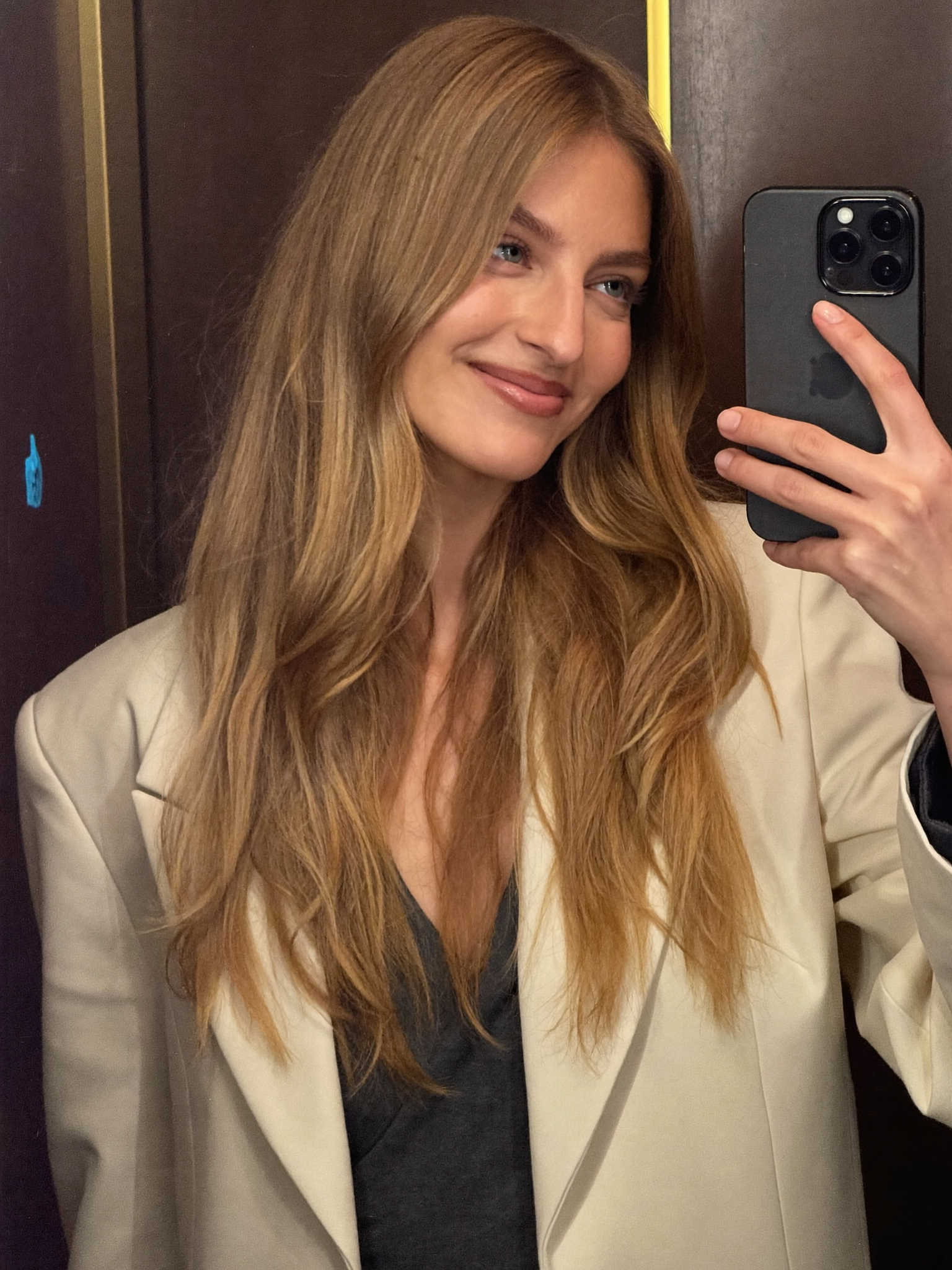
Preview longer hair and layers on your photo with natural-looking length and movement.
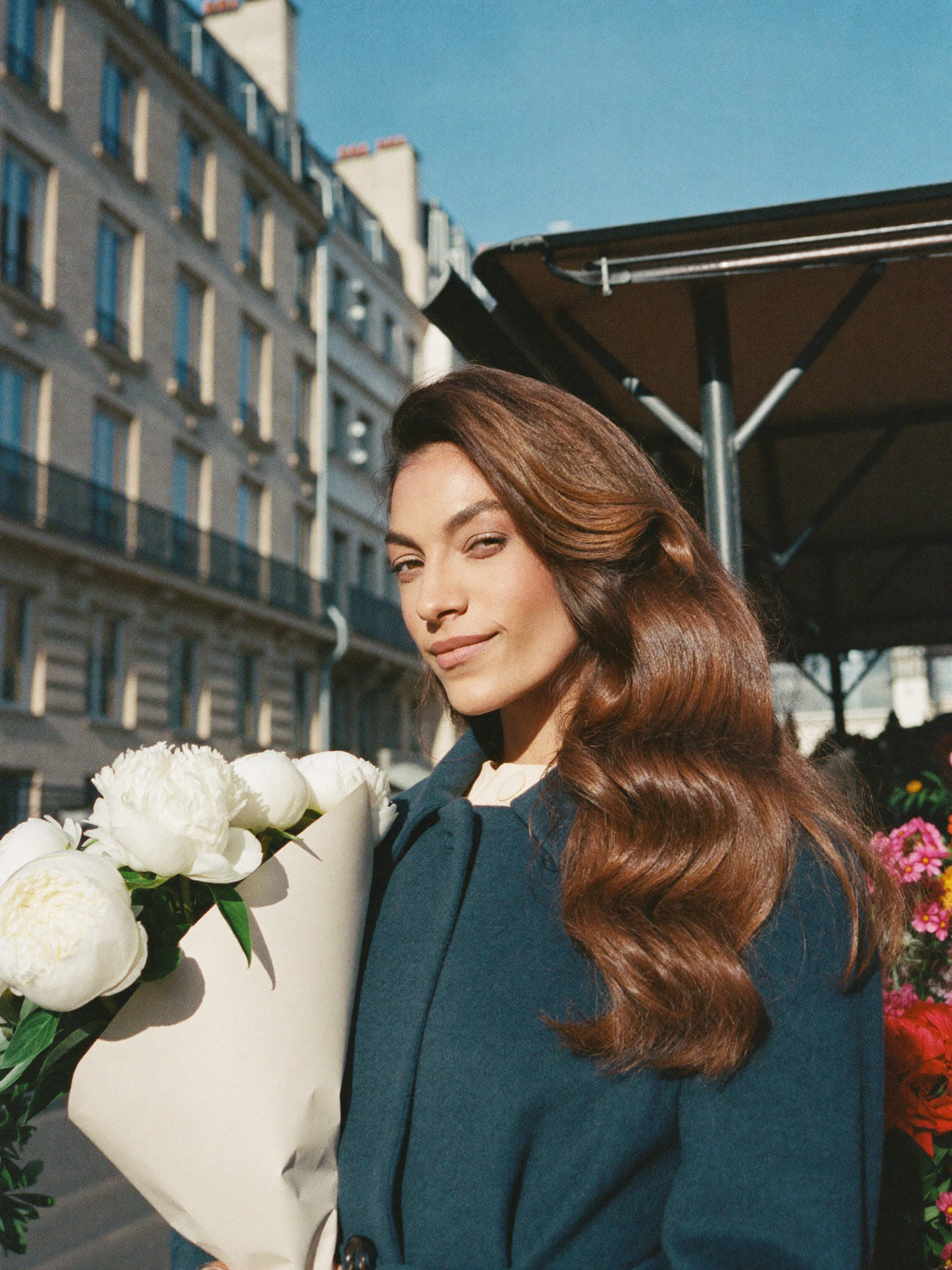
Try curls or waves on straight hair and preview the texture and volume on your photo.
Preview braids, buns, and updos on your photo for an event or everyday style.
Try bangs or fringe on your photo to compare the look before cutting your hair.
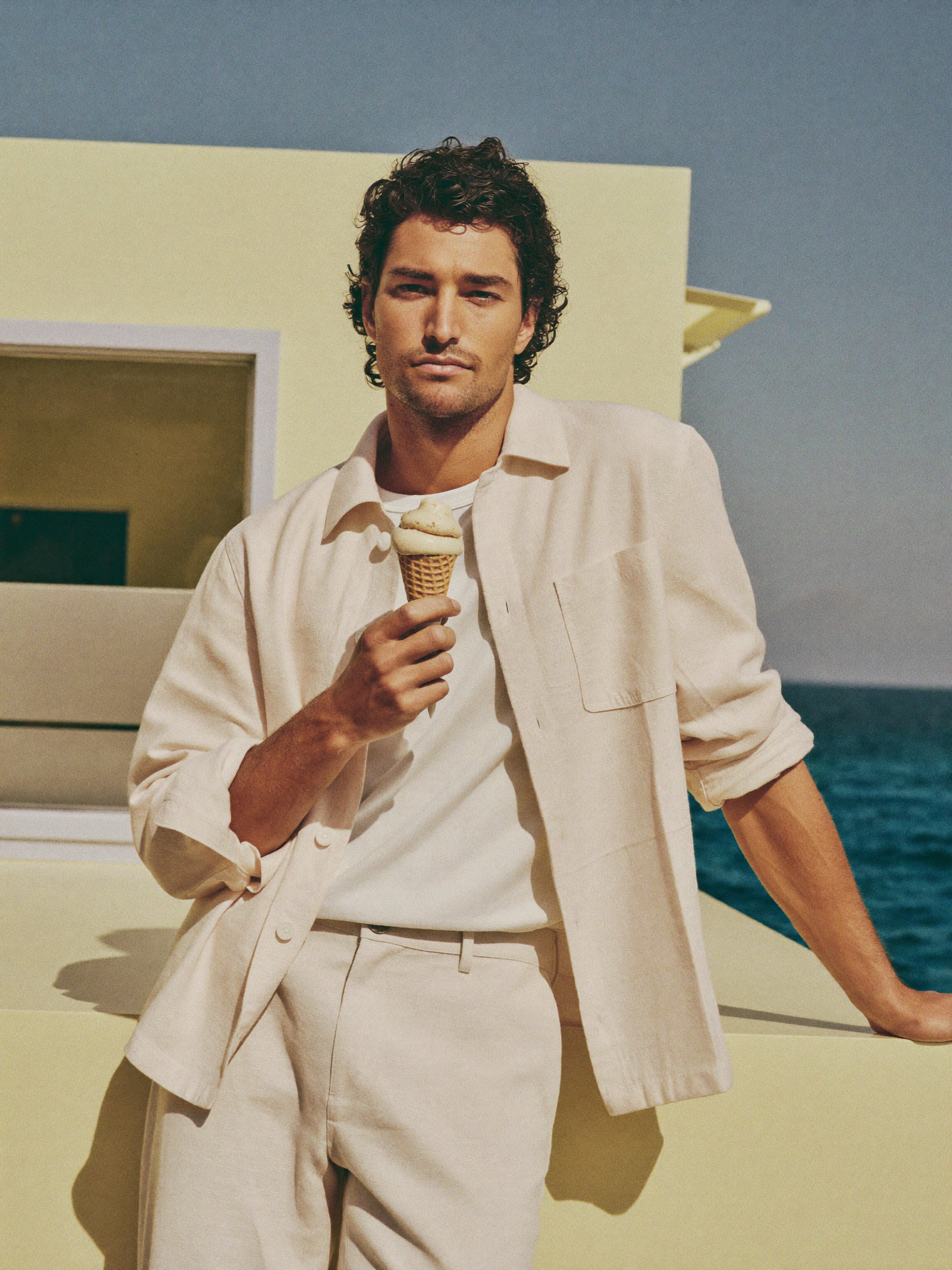
Use the AI hairstyle changer for men to preview cuts, fades, and beard styles.
Preview highlights, balayage, or dip dye on your photo with blended color transitions.
Generate different cuts and colors from the same photo, then compare each prompt-based look and choose a favorite.
Compare each look from the hair changer with your original photo before choosing one.
Export up to 4K with Nano Banana Pro or GPT Image, then sharpen the image with Higgsfield Upscale.
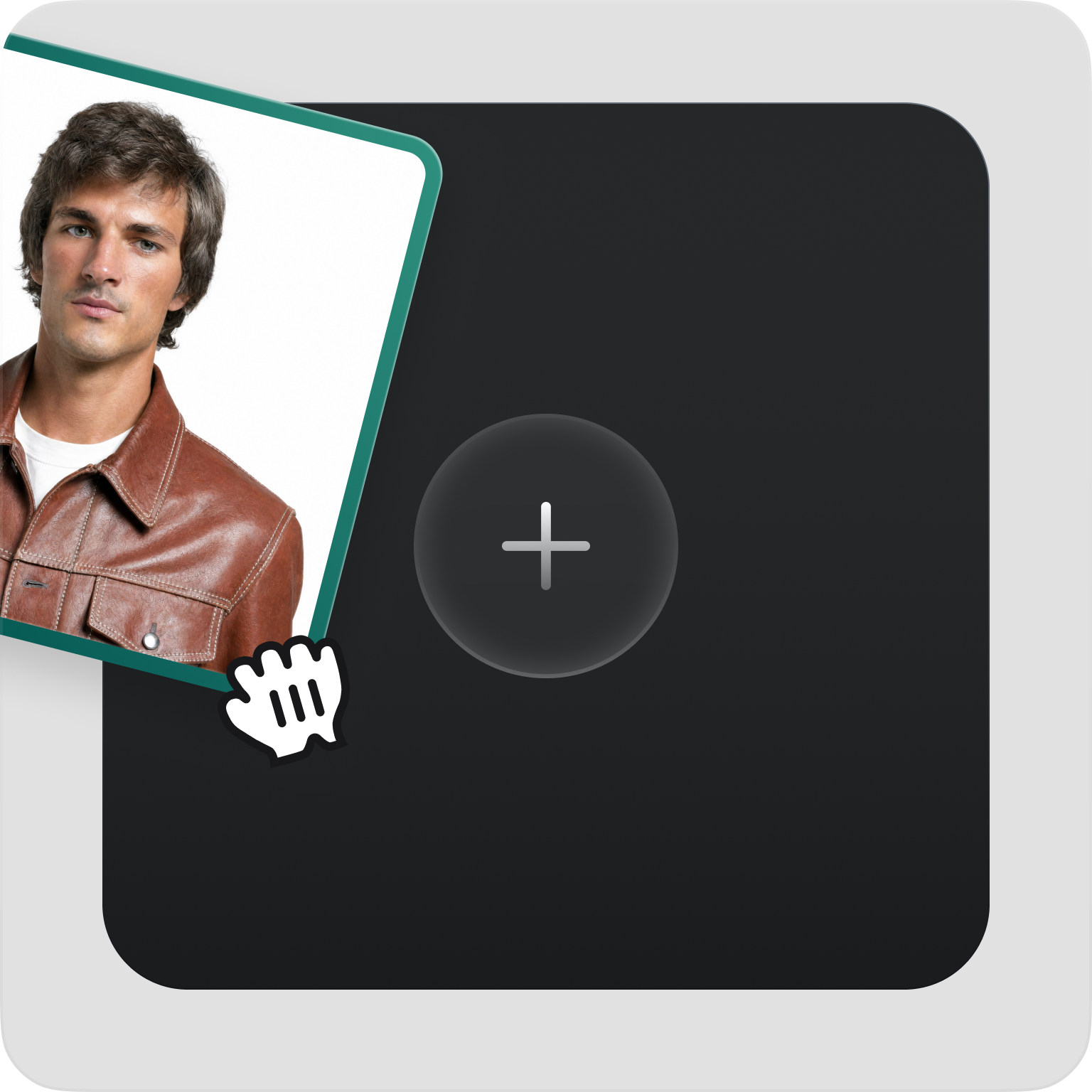
Upload photo references: a clear picture of yourself, or of someone who gave you permission.
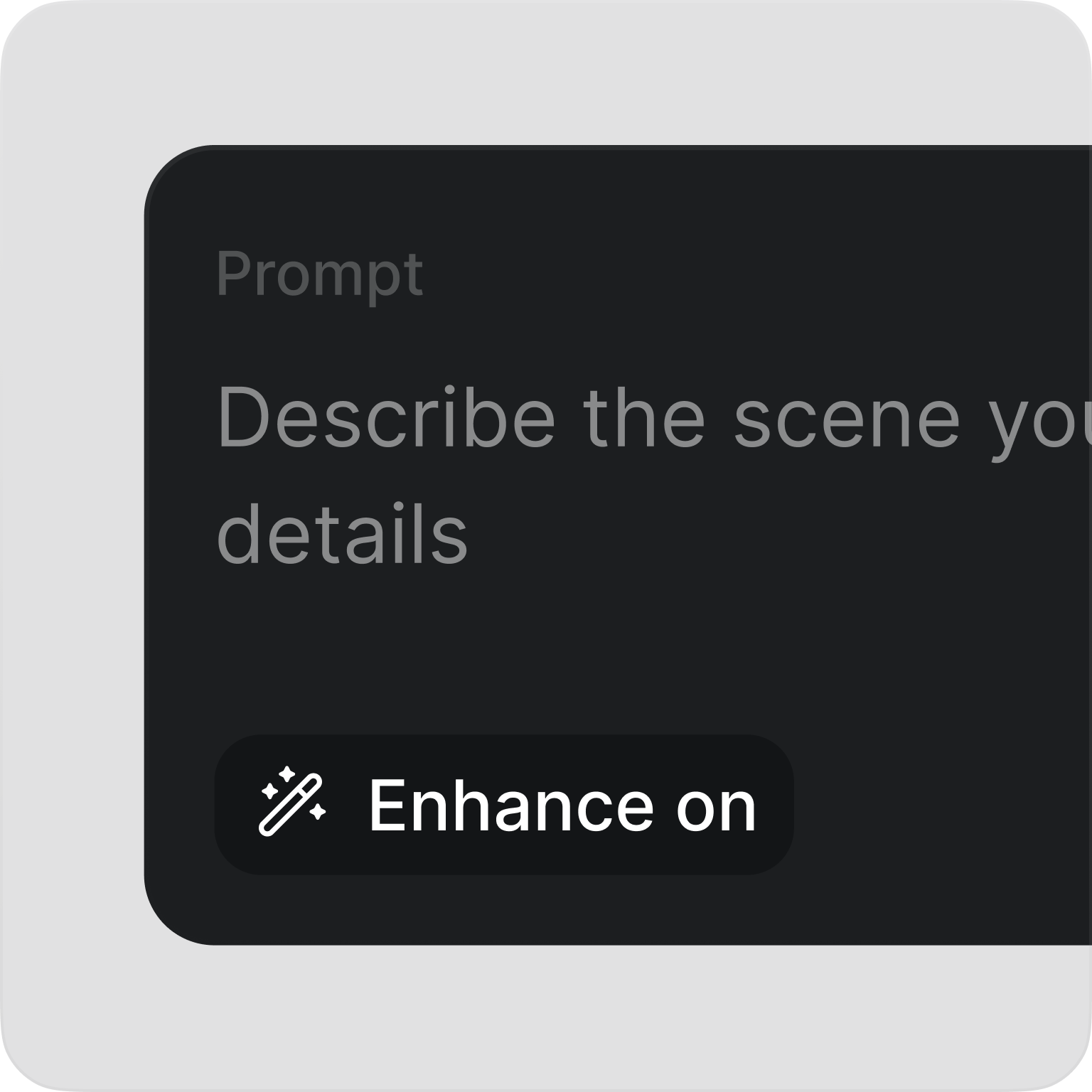
Type the cut, length, texture, or color you want and let AI change hairstyle details such as highlights, bangs, or braids.
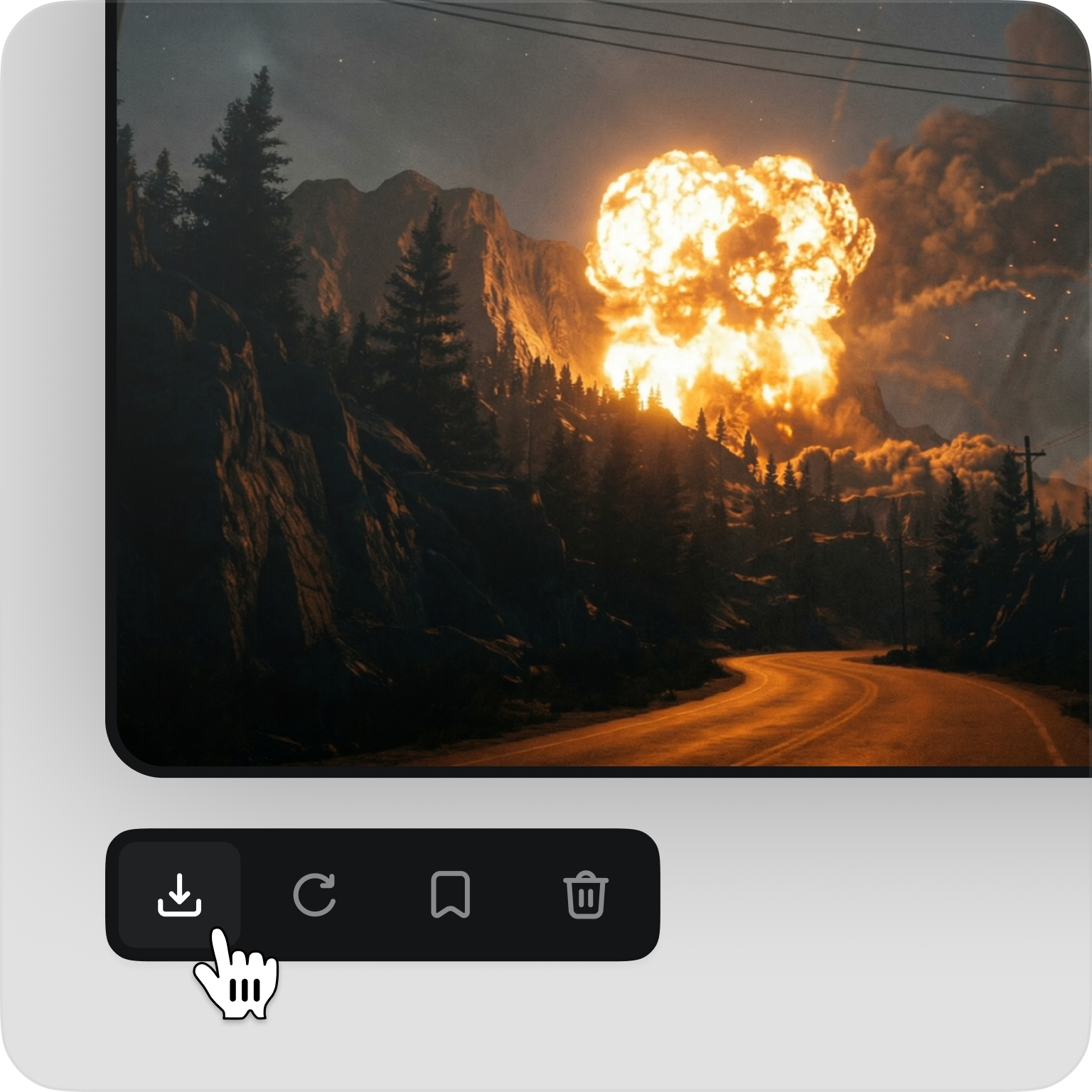
Compare with your original, refine it further if necessary, and download the image.
Higgsfield is the generative platform for creative production, with image models suited to different hairstyle edits. Use the AI hairstyle changer to preview a cut, color, or texture on your photo before your next salon visit.


Use Nano Banana 2.1 for reference-guided haircuts, color swaps, and multi-photo hairstyle consistency.
Generate

Try Seedream 5.0 Lite for prompt-led hairstyle edits with visual reasoning.
Generate

Use FLUX 3 Image for detailed hairstyle edits, from strands to color.
Generate

Use GPT Image 2.6 for expressive hairstyle ideas and bold color.
Generate

Use Higgsfield Soul 2.0 to create fashion-aware portraits from hairstyle prompts.
GenerateHiggsfield gives you image models for each look, photo references, and area edits for the hair. If you want AI to change a hairstyle in a photo before the salon, it handles short cuts, long layers, braids, updos, color changes, and men's fades.
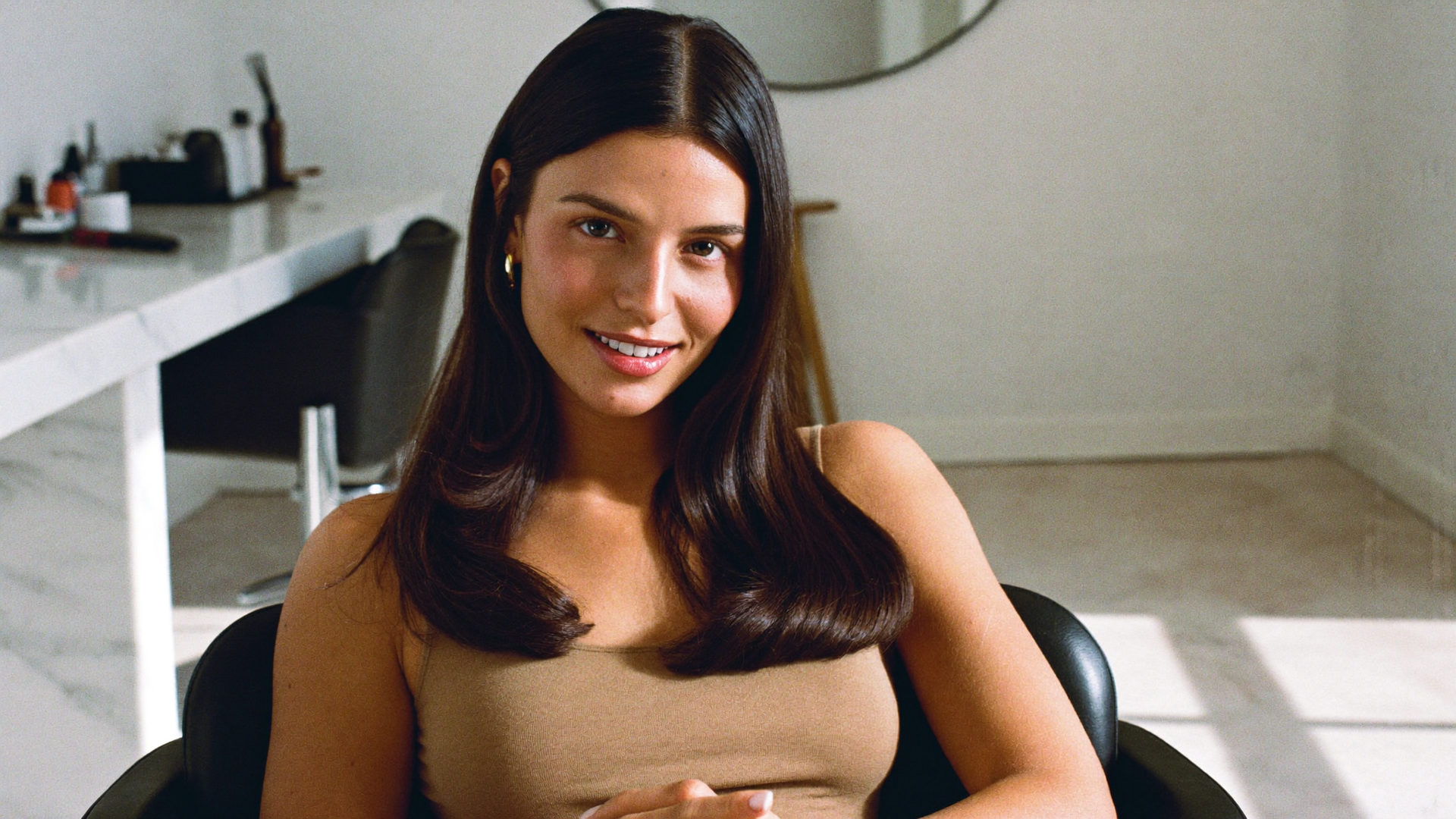
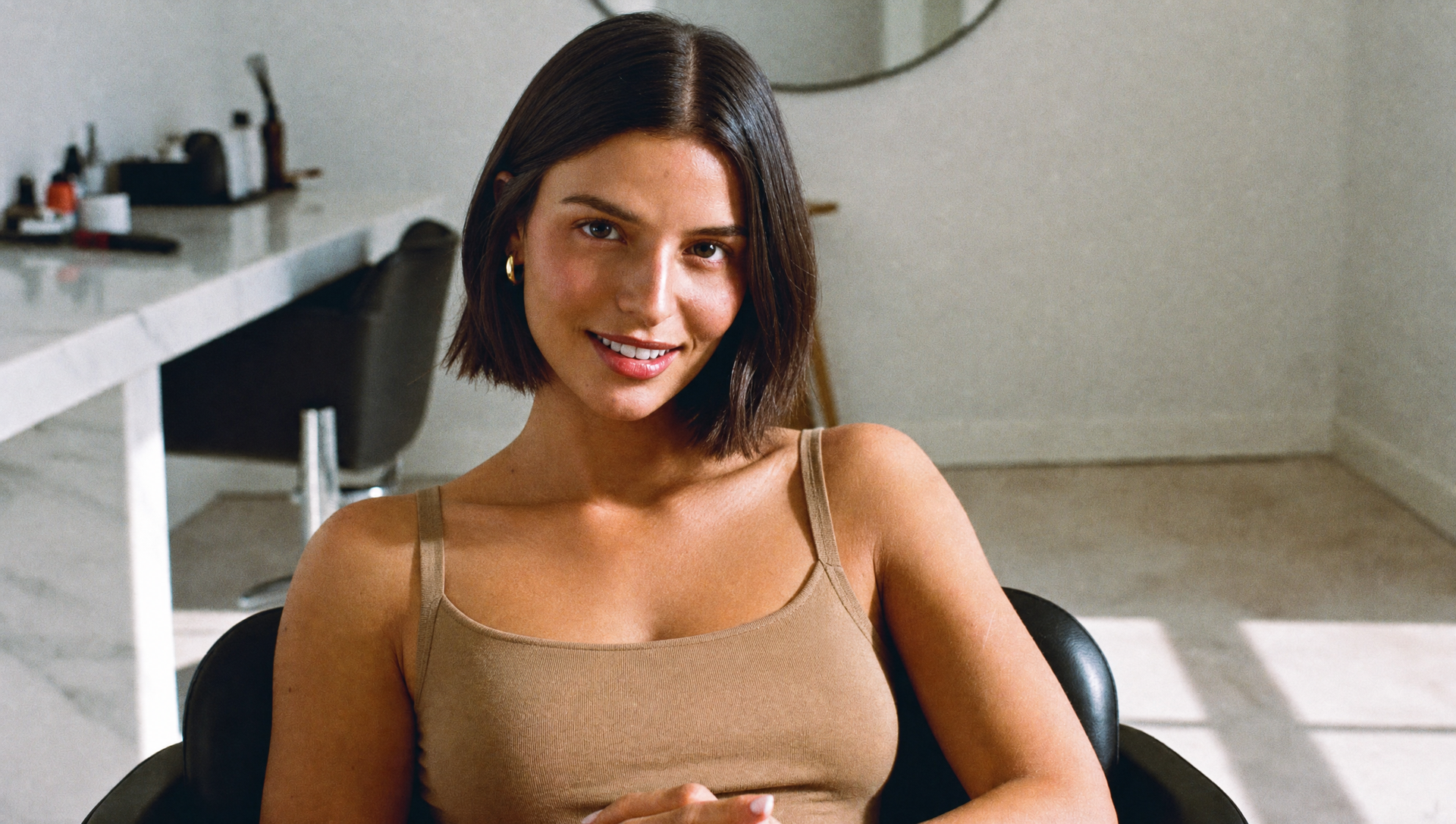
Previews for shoppers, salon clients, and anyone looking for a change my hairstyle AI tool, covering cut, length, color, bangs, and full restyle tests. See how a new look could suit you before the chair, no haircut required.

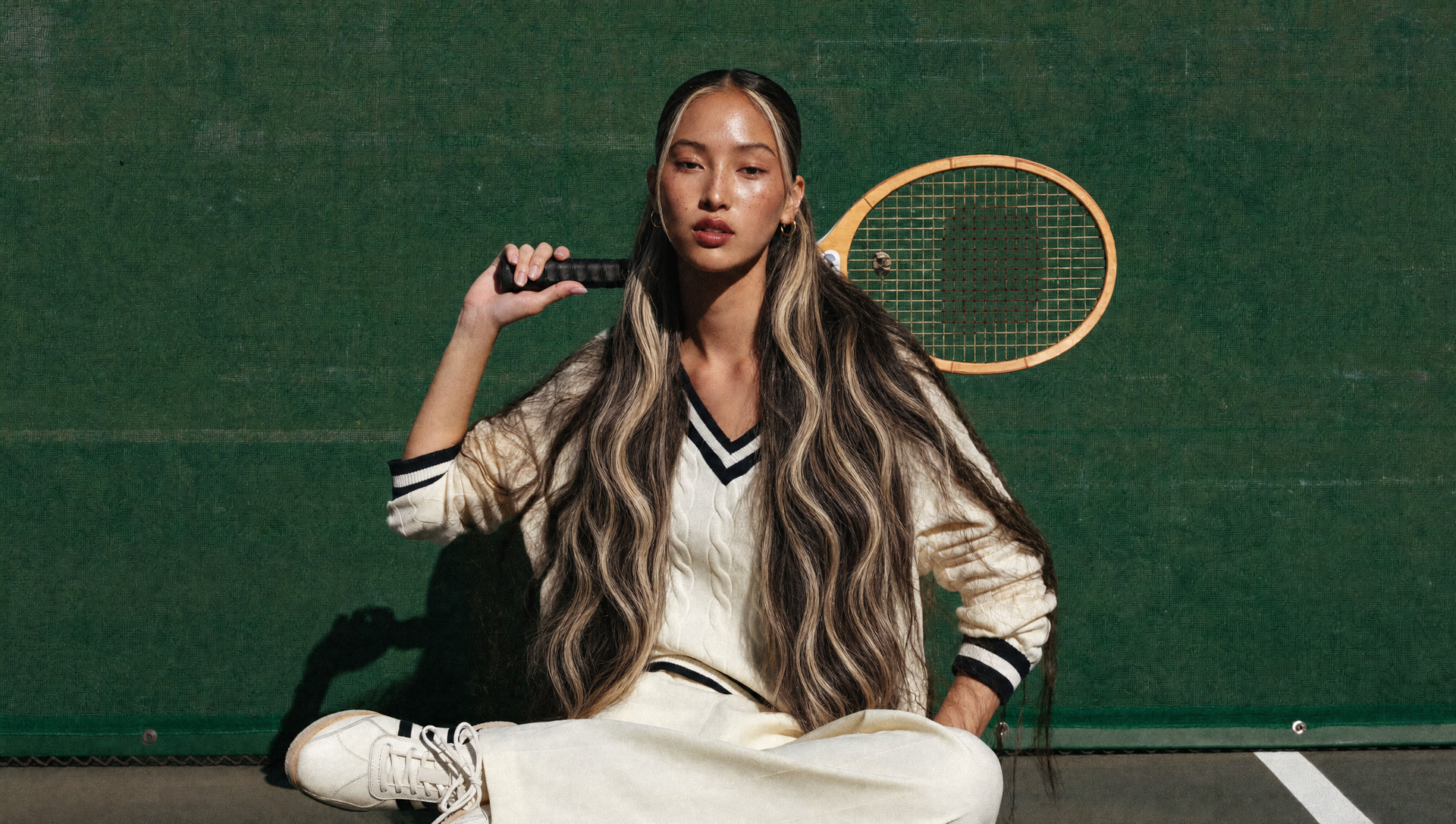
Try a new color before you dye: blonde, brunette, red, black, pastels, balayage, and highlights. Higgsfield’s AI hairstyle changer lets you try natural color options on your own photo, no dye or damage required.

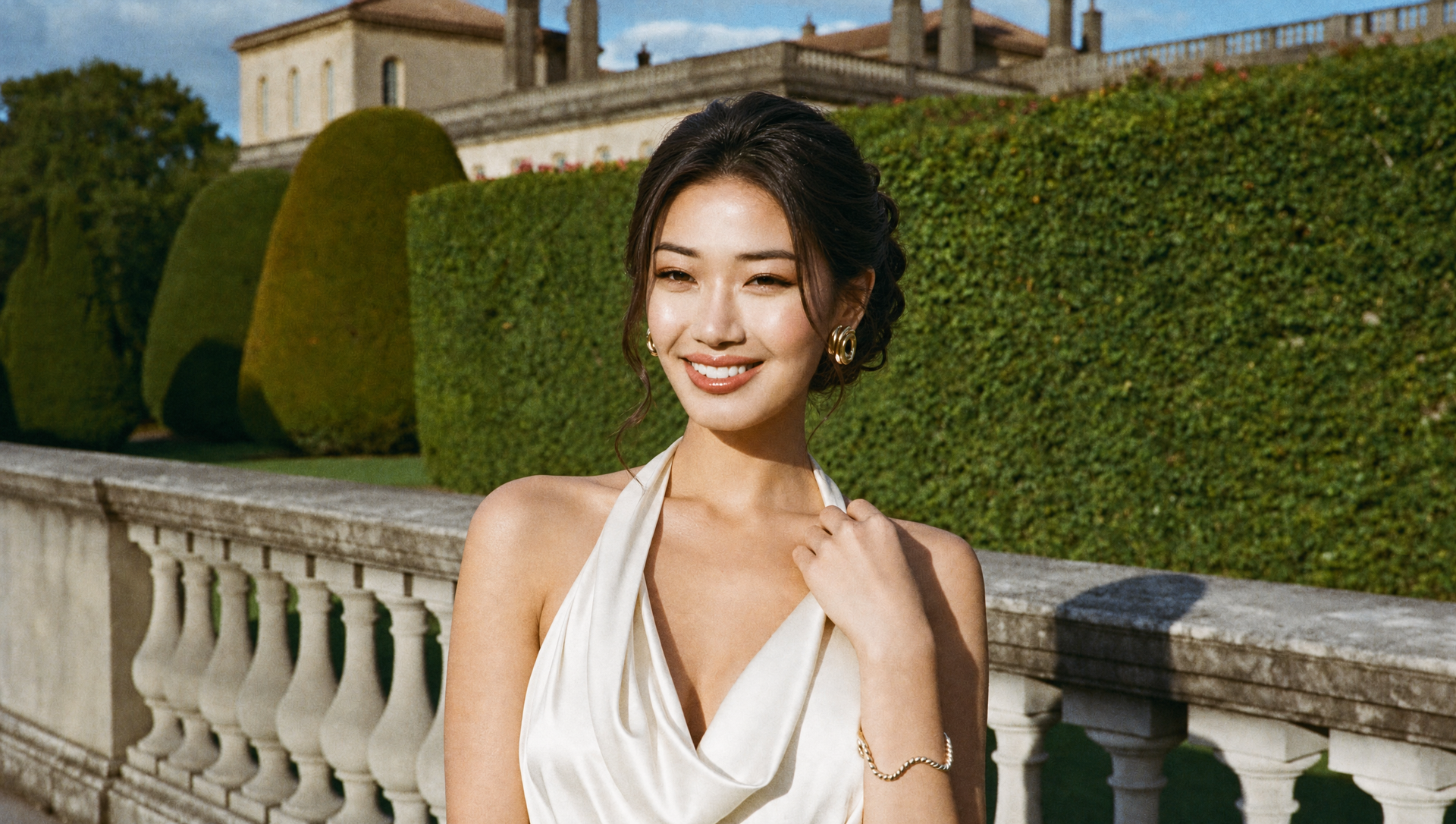
Event looks for brides, prom-goers, and creators: braids, updos, romantic curls, formal styles, and themed event hair. Try them on your photo before the trial visit.
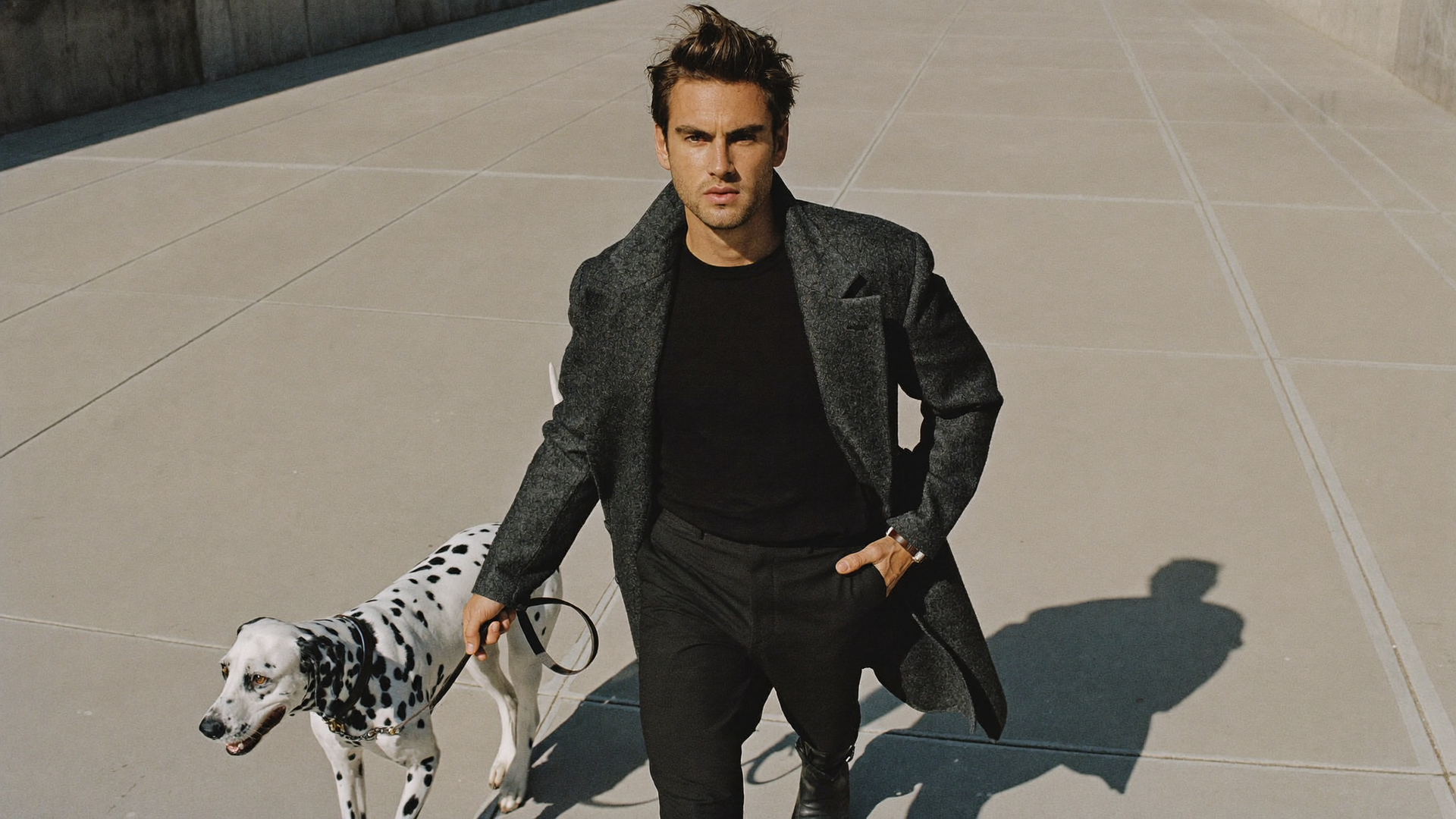

Men's grooming previews for clients and barbers. The hairstyle change AI shows fades, tapers, crops, longer styles, and full beard options on your own photo, no chair time required.
Join a global creative network where people generate AI images, share insights, and inspire each other every day.
We've answered the most frequently asked questions