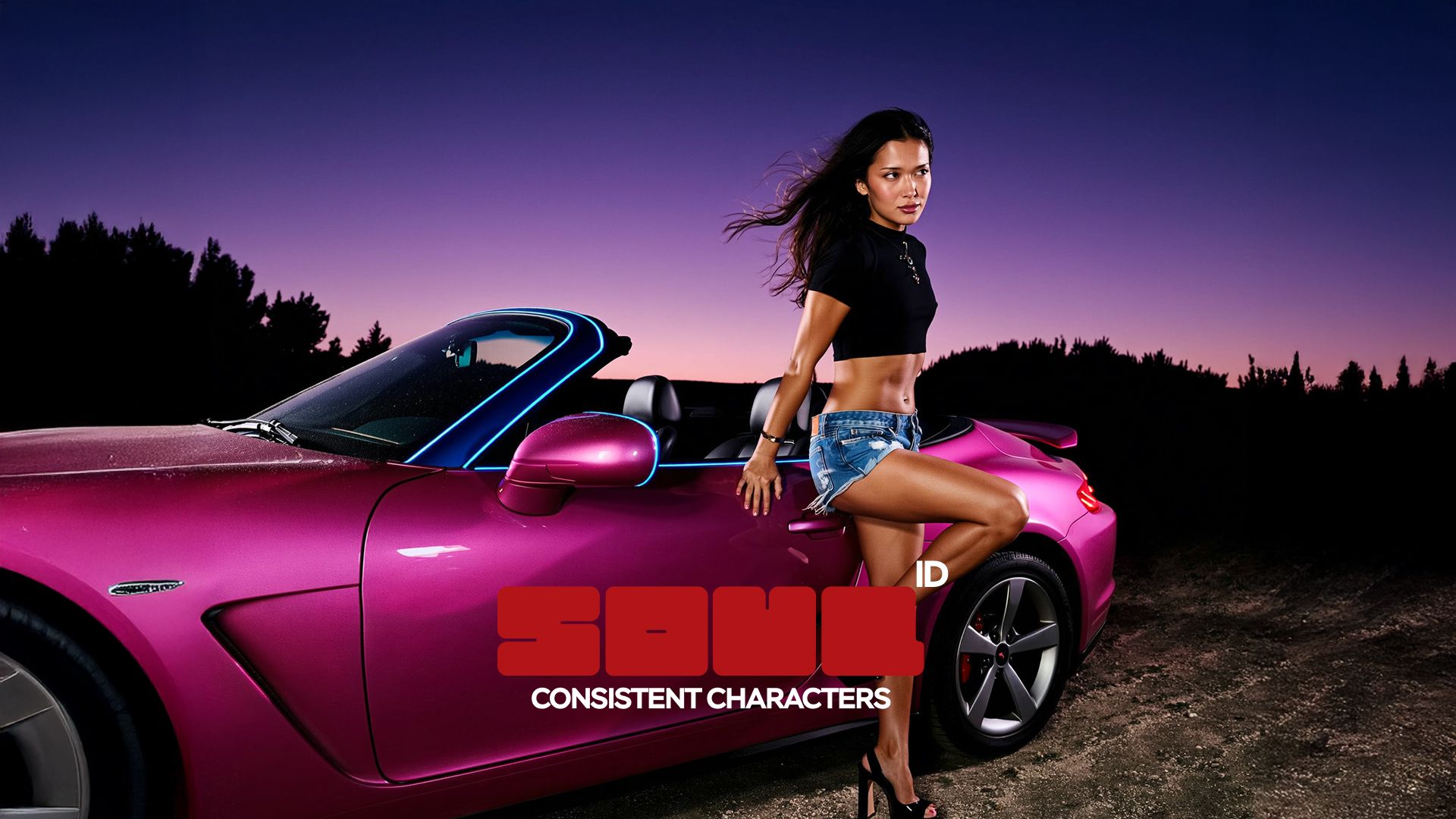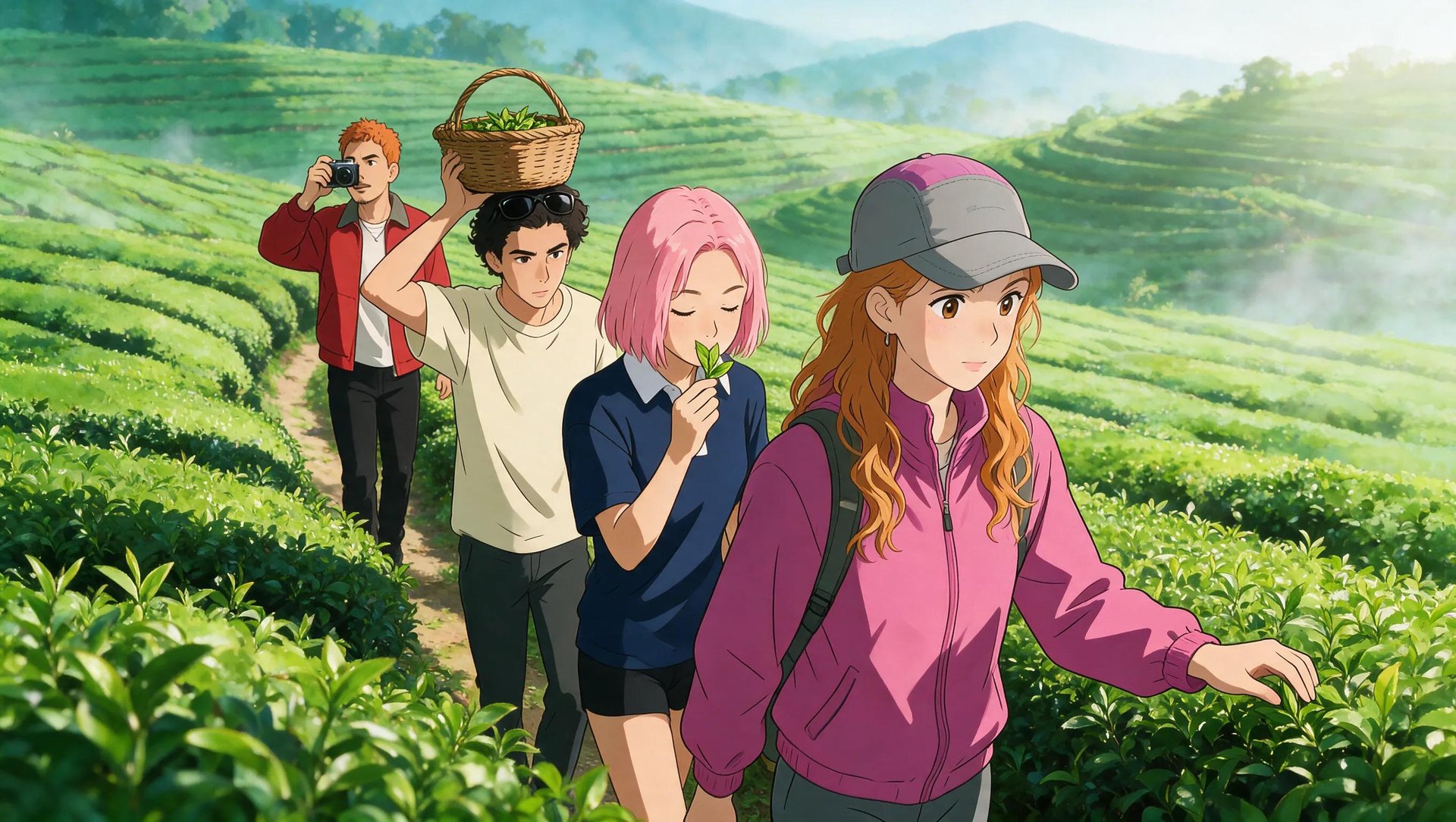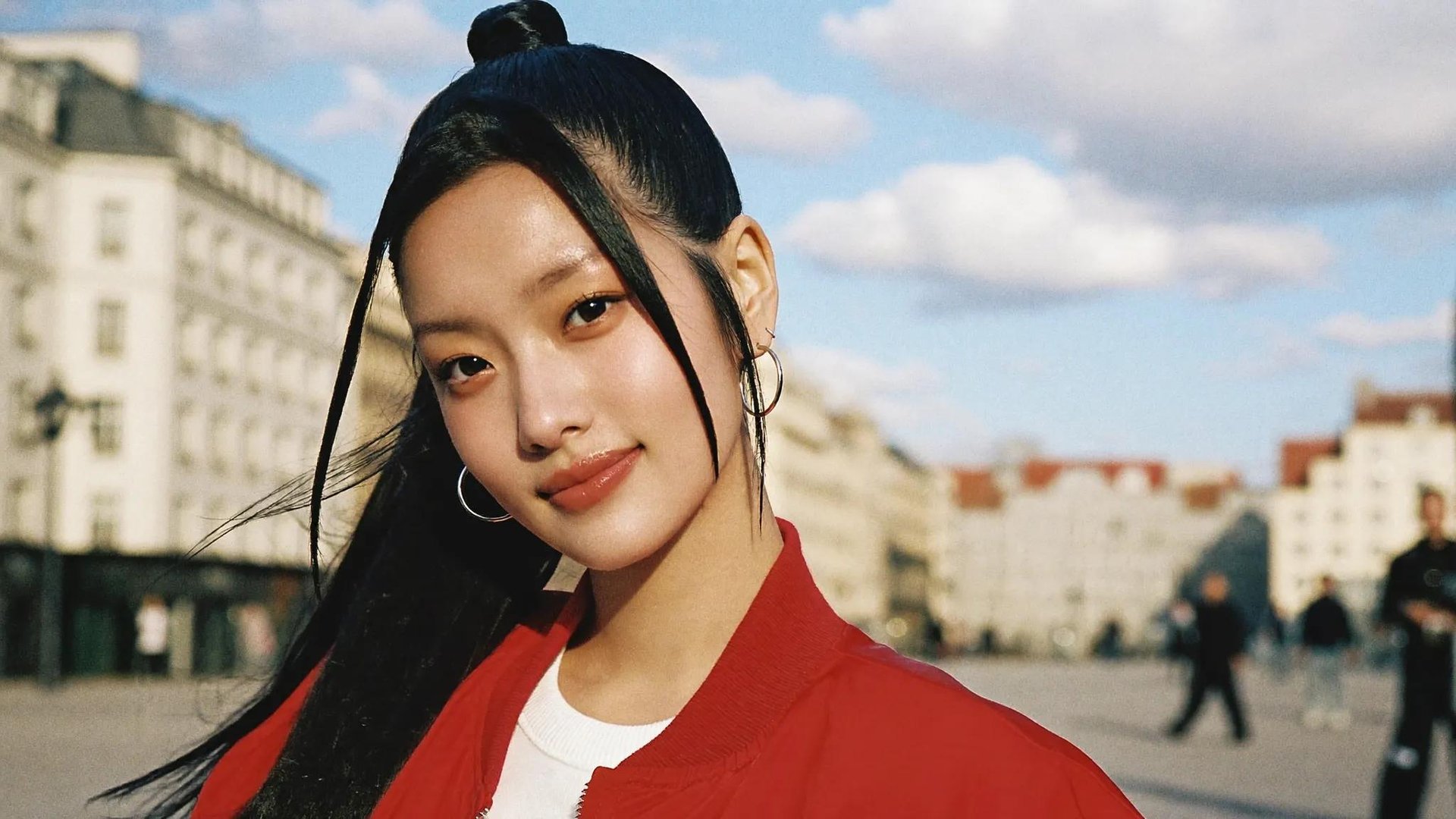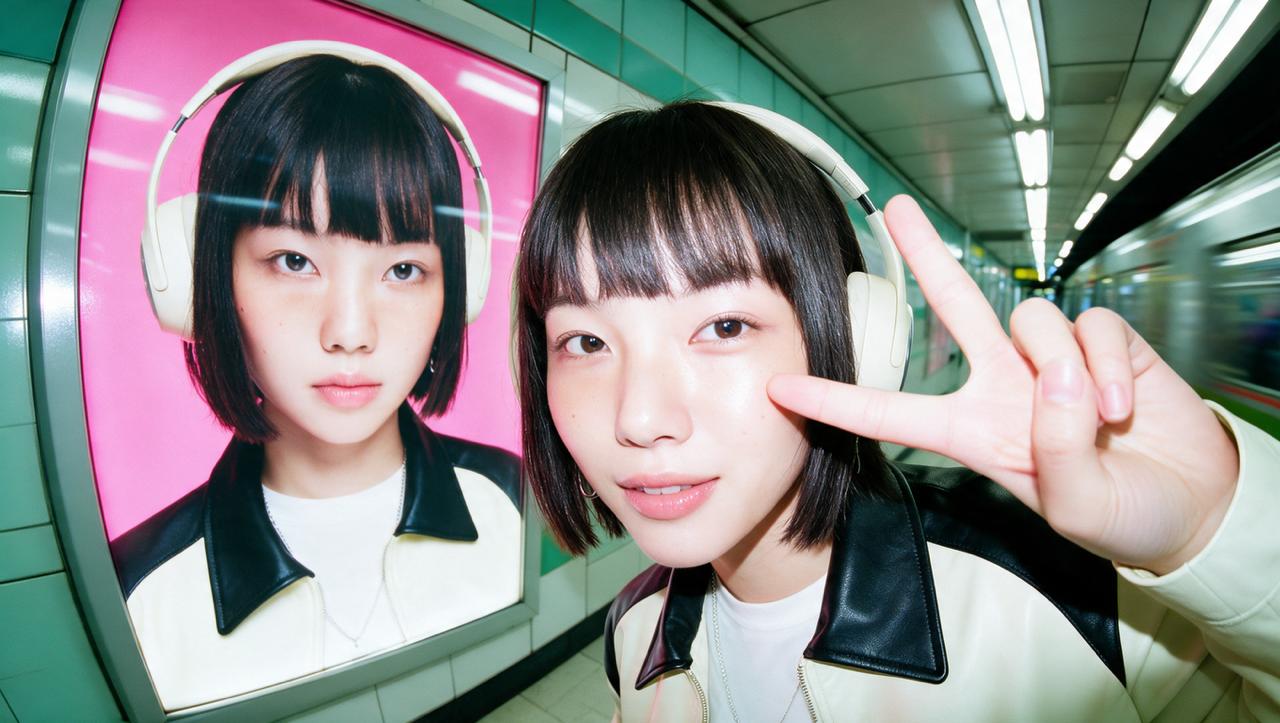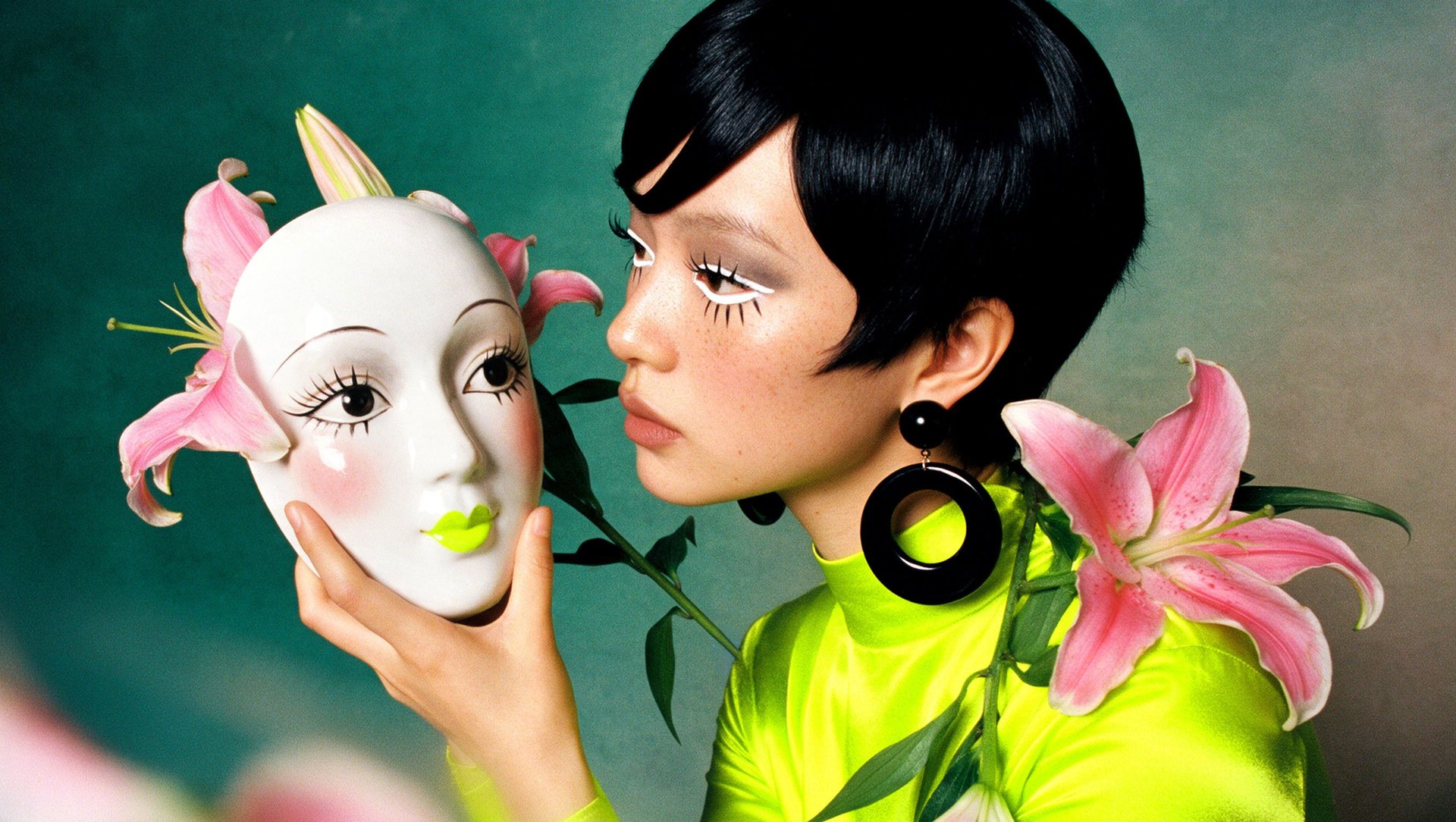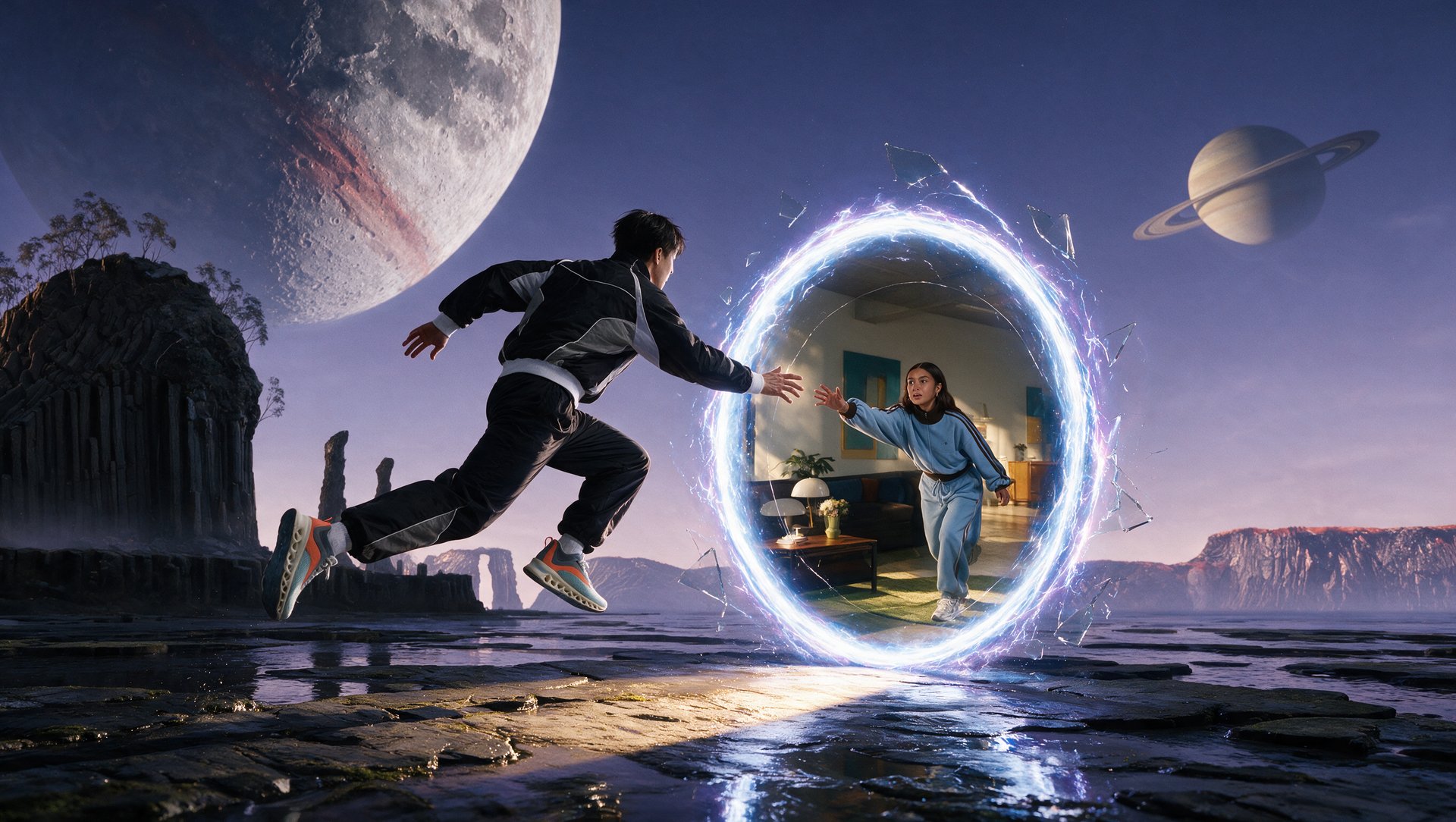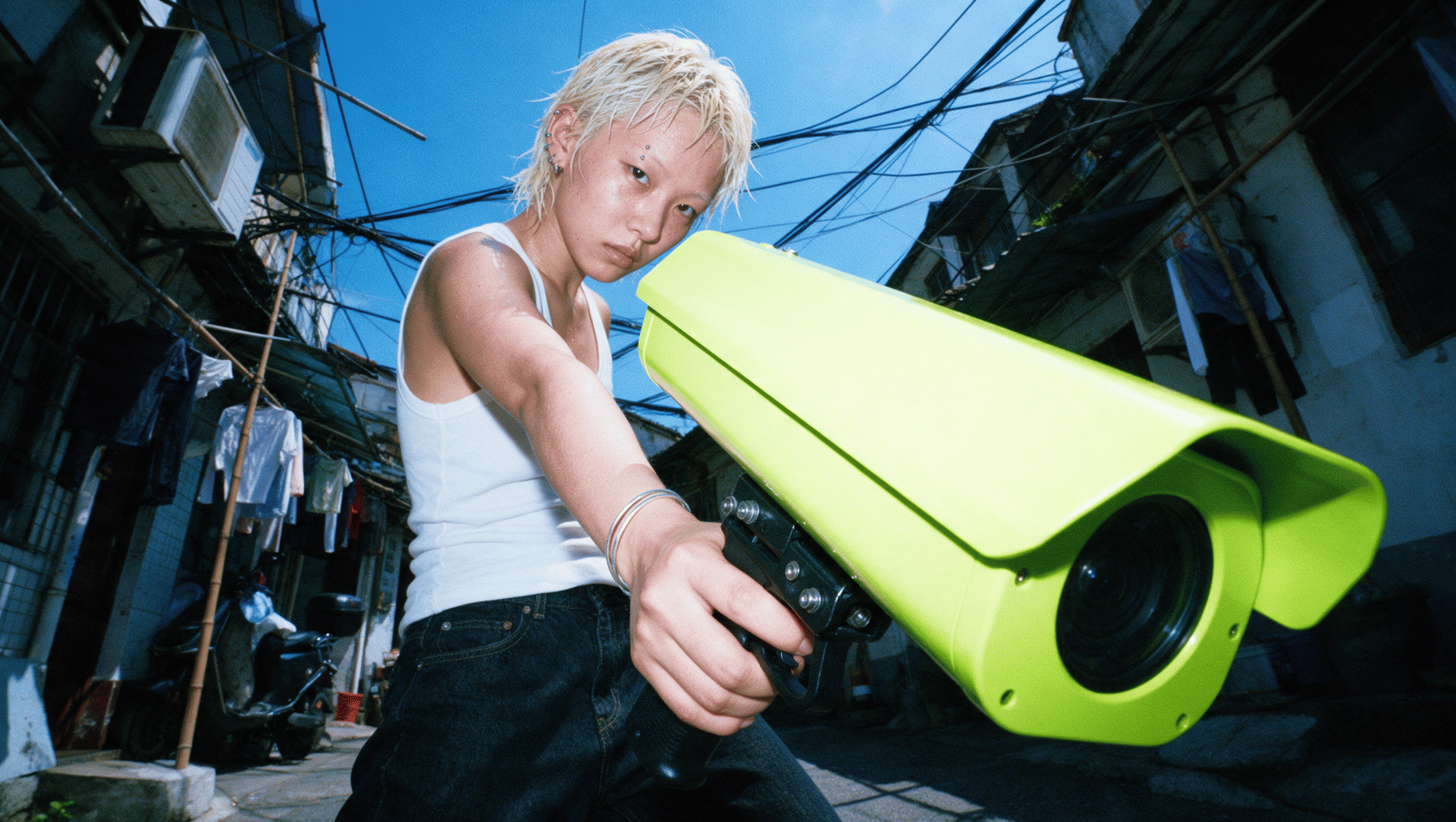
The 10 best AI image generators in 2026 each fit a different job. ChatGPT generates and revises images in one chat, and Higgsfield creates realistic people with Soul 2.0 and keeps one face across a series with Soul ID. Ideogram puts text in images, Google Gemini edits photos by prompt, and Recraft makes vector logos.
Key Takeaways
- ChatGPT Images 2.6, released on November 4, 2026, generates images 50% faster than the previous version and is available on every ChatGPT plan, from Free to Pro.
- Higgsfield’s Soul 2.0 uses 0.125 credits per 2K image, about $0.006, and Soul ID keeps one person’s face consistent across new images.
- For API work, one 2K image costs $0.0504 with Google’s Nano Banana 2.1 and $0.10 with Black Forest Labs’ FLUX 3 Image.
- Free-plan images are public on Ideogram, Recraft, and Leonardo.Ai, and Midjourney’s Stealth mode on its Pro and Mega plans hides website images but not images made in public Discord channels.
AI Image Generators Compared: Best Fit, Cost, and Limits
Tool | Best for | Approx. cost per image (conditions) | Main limitation |
|---|---|---|---|
ChatGPT | Generating and revising images in one chat | Included in Go at $8/month; no per-image app rate | Image limits on Free and Go are not published as numbers |
Higgsfield AI | Realistic portraits and one face across a series | $0.006 (Soul 2.0, 2K, 0.125 credits) | Soul 2.0 generates up to 2K |
Ideogram | Posters, signs, and text in images | $0.08 (Ideogram 4.6, High, 2K, 10 credits on Plus) | Free-plan images are public |
Google Gemini | Photo edits by prompt | Included in Google AI Plus at $4.99/month; API $0.0504 at 2K | Nano Banana 2.1 in the app needs a Google AI plan |
Recraft | Vector logos and illustrations | $0.21 via API (V4.1 Pro); app credits vary by model | Free-plan images are public and not for commercial use |
Adobe Firefly | Editing part of a real photo | $0.05 (Firefly Image 5, 10 credits on Standard) | Firefly Image 5 uses premium credits |
Midjourney | Stylized concepts and art direction | $0.016 per image in a four-image HD job (Basic) | Stealth mode requires Pro or Mega and does not cover public Discord channels |
FLUX | High-resolution images through an API | $0.10 (FLUX 3 Image, 2K, pay as you go) | A 4K image costs $0.607 |
Leonardo.Ai | Many models and unlimited relaxed images on Premium | Token cost varies by model and settings (Essential, $12/month) | Free-plan images are public |
Canva | Images for a Canva design | $0.01 per Dream Lab image, Canva’s estimate without a set resolution (Pro, $18/month) | Dream Lab shares one AI allowance with other Canva AI tools |
Prices checked on November 25, 2026. Prices and plan details may change.
The order follows the jobs in the opening answer: the five tools named there come first, followed by five tools for editing, stylization, API work, model choice, and design.
How We Compared the AI Image Generators
We compared the 10 AI image generators using official model documentation, help centers, and regular monthly pricing, checked on November 25, 2026. For each tool, we recorded the current model, the job it suits, its main limitation, and the published cost of one image with the conditions behind it: plan, model, resolution, and quality. Where a tool publishes only a plan allowance, the tables show the allowance instead of a per-image price.
We did not run a same-prompt quality test across the 10 tools, so this guide does not rank image quality.
ChatGPT: Best for Generating and Revising Images in One Chat
ChatGPT is OpenAI’s chat assistant, and it creates images inside a conversation with Images 2.6, which OpenAI released on November 4, 2026. You describe a picture or upload a photo, then ask for changes in follow-up messages. OpenAI says Images 2.6 generates images 50% faster and can turn a still image into an animated GIF.
Best for: a social graphic or product visual whose layout, headline, and colors will change several times before approval.
ChatGPT image creation is limited on the Free plan and expanded on Go at $8 per month and Plus at $20 per month. Pro, from $100 per month, includes unlimited image creation within OpenAI’s abuse guardrails. OpenAI does not publish a per-image price inside ChatGPT.
For developers, OpenAI offers Images 2.6 as two API models: GPT-Image-2.6 Flare and GPT-Image-2.6 Sunburst. Flare is the faster option and improves layouts for posters and product images, while Sunburst keeps images more consistent across edits. The API also exports SVG files.
The main limit for heavy use is that ChatGPT Free and Go describe image limits as “limited” and “more” rather than as numbers. ChatGPT also offers fewer layout and typography controls than a dedicated design tool.
Higgsfield AI: Best for Realistic Portraits and One Face Across a Series
Higgsfield is a generative platform for creative production, with 35+ frontier models for generating images and turning them into video scenes. Soul 2.0, its in-house image model, creates realistic photos of people and follows photography terms such as phone flash, studio light, and film grain.
Best for: a fashion brand or creator who needs a realistic person, the same face across a series, and video from the same images.
One 2K Soul 2.0 image uses 0.125 credits, about $0.006 at $59 for 1,200 credits. Presets and Moodboards control the look. Soul ID is trained once on 20 to 80 photos of one person, then selected to keep that face in new images. Use only your own photos or photos of someone who gave you permission.
The same credit balance covers GPT Image 2.6 and Ideogram 4.6 for text, Nano Banana 2.1 and Seedream 5.5 for edits, Recraft V4.1, and FLUX 3 Image. Turn to video sends any image to a video model.
Three limits apply. Soul 2.0 generates up to 2K, so larger files need an upscale. Attaching a reference image turns off the text prompt. Each model has its own credit rate, shown on the Generate button.
Ideogram: Best for Posters, Signs, and Text in Images
Ideogram is built for images with text: posters, labels, signs, and social graphics. Ideogram 4.6 is the newest model in its menu. Put the headline in quotation marks and describe its position, size, and contrast, and the model places the text in the layout.
Best for: an events team making a poster with a five-word headline that must be spelled and placed correctly.
Ideogram’s Plus plan costs $20 per month for 2,400 credits. One Ideogram 4.6 image at High quality and 2K uses 10 credits, about $0.08, and 22 credits, about $0.18, with a reference image. The Generate button shows the exact cost before you generate.
Ideogram’s Layerize Text tool detects lettering in a flat image and turns it into editable text in Ideogram Studio. You can then change the wording, font, size, and color without generating the image again.
Free-plan images are public, so an unreleased title or brand should be made on a paid plan. Layerize Text is in beta, works best with clear, mostly straight lettering, and exports JPEG, PNG, or WebP rather than an editable PSD or SVG.
Google Gemini: Best for Photo Edits by Prompt
Google Gemini is Google’s AI assistant, and it edits photos from a plain-language request. You upload an image and ask Gemini to change the background, replace an object, or add an element. Name the details to keep, such as the pose, clothing, and framing, in the same request. Nano Banana 2.1, Google’s current image model, also handles text in images and character consistency across turns.
Best for: a product seller who needs the same product photo on five different backgrounds without a photo shoot.
The Gemini app gives free users Nano Banana 2, while Nano Banana 2.1 needs a Google AI plan. Google AI Plus costs $4.99 per month, and higher plans raise the generation limits. Plus, Pro, and Ultra subscribers can also redo an image with Nano Banana Pro.
Developers pay per image: the Gemini API prices Nano Banana 2.1 at $0.0336 per 1K image, $0.0504 per 2K image, and $0.113 per 4K image. The API has no free tier for this model.
Image limits in the app depend on the plan and are not published as a fixed number of images.
Recraft: Best for Vector Logos and Illustrations
Recraft is a design tool rather than a photo generator: it creates both raster images and vector graphics. Recraft V4.1 Vector produces SVG artwork with editable paths, so a designer can resize a logo or icon and adjust individual shapes after generation.
Best for: a small business that needs a logo it can use on a website header, packaging, and signage.
Recraft’s Basic plan costs $12 per month for 1,000 credits, and Pro costs $20 for 2,000 credits. Recraft says credit costs vary by action and model. Through the API, a Recraft V4.1 image costs $0.035, a V4.1 Pro image costs $0.21, and a V4.1 Vector image costs $0.08.
Paid Recraft plans also add Nano Banana, Seedream, GPT Image, and FLUX in the same workspace, along with custom color palettes and upscaling. Recraft’s API documentation lists V4.1 Pro as a 2K model, and a square V4.1 Pro image is 2,048 × 2,048 pixels.
On the Free plan, images are public, owned by Recraft, and not licensed for commercial use. Paid plans grant ownership and commercial rights, so a client logo should be made on a paid plan.
Adobe Firefly: Best for Editing Part of a Real Photo
Adobe Firefly is Adobe’s generative AI tool for adding generated elements to real photos. Generative Fill in Photoshop lets you select an area and describe what goes there, so a product photographer can replace a backdrop and leave the product untouched. Adobe says its own Firefly models are trained on licensed and public-domain content.
Best for: a retoucher who works in Photoshop and needs to change one part of a photo inside a layered file.
Firefly Standard costs $9.99 per month with 2,000 credits, and all paid plans include unlimited generations with standard Firefly image and vector models. Firefly Image 5, Adobe’s newer model, is a premium feature at 10 credits per generation, about $0.05 on Standard.
Outside Photoshop, Firefly works in Adobe Express and the Firefly web app, and the web app also offers partner image models with their own credit rates.
The credit cost depends on the tool and model you select, so one month of Firefly Image 5 work on Standard covers about 200 generations. Firefly fits best if your workflow is already in Adobe apps.
Midjourney: Best for Stylized Concepts and Art Direction
Midjourney is an image generator for stylized visuals that runs its own models, and V8.2 has been the default versionsince July 24, 2026. Each standard job returns four images, so you can compare four different looks for a campaign image or a lookbook at once.
Best for: an art director exploring four or more looks for a campaign before choosing one.
Midjourney’s Basic plan costs $10 per month for 200 Fast GPU minutes. An HD job at 2,048 pixels uses 1.3 GPU minutes, about $0.065, or about $0.016 per image in a four-image job. A standard-definition job uses 0.8 minutes.
Midjourney V8.2 also adds an Edit Model that replaces Omni Reference, Character Reference, and the Retexture tool. Personalization learns your taste from images you rate, and Moodboards and Style References set the look.
Images are visible to others on the Midjourney website unless you use Stealth mode, which is available only on the Pro and Mega plans. Even with Stealth mode on, images made in public Discord channels stay visible to others, so private work belongs on the web Create page, in Discord direct messages, or in a private server. A company with more than $1 million in yearly gross revenue must also buy Pro or Mega.
FLUX: Best for High-Resolution Images Through an API
FLUX is a family of image models from Black Forest Labs. FLUX 3 Image is the current main model for text-to-image and image-to-image work, and FLUX 3 Image Klein is a smaller model with open weights that runs on a single consumer GPU.
Best for: a developer building an app or an online store that needs many images at one fixed size.
Black Forest Labs sells FLUX on pay-as-you-go pricing with no subscription. FLUX 3 Image costs $0.048 at 1K, $0.10 at 2K, and $0.607 at 4K. FLUX 3 Image Klein costs $0.014 at 2K.
Klein’s open weights can run on your own hardware under a Black Forest Labs license, and FLUX models are also available on other platforms, including Higgsfield and Recraft.
FLUX suits developers more than casual users, because it is billed per image and has no creative app subscription. The price rises steeply with size: a 4K image costs about six times as much as a 2K image.
Leonardo.Ai: Best for Many Models and Unlimited Relaxed Images
Leonardo.Ai is a multi-model creative platform with 80+ image and video models on paid plans, including its own Lucid Origin, which Leonardo describes as strong on prompt adherence, clean text, and layouts. Leonardo.Ai is owned by Canva.
Best for: a concept artist who generates many variations every day and wants a flat monthly price.
Leonardo.Ai’s Essential plan costs $12 per month for 8,500 Fast Tokens. The Premium plan, at $30 per month, adds unlimited image generation at a relaxed pace for selected models, including Lucid Origin, Phoenix, and FLUX Dev. The Free plan gives 150 Fast Tokens a day.
Lucid Origin offers Fast and Ultra modes and native Full HD output, and the Essential plan lets you train up to 10 personal AI models on your own images.
Lucid Origin cost depends on mode and image size, and Leonardo does not publish a per-image price. Free-plan images are public, and the Free plan uses only the Auto model.
Canva: Best for Images That Go Straight Into a Design
Canva is a design platform that generates images in Dream Lab with Canva Craft, Canva’s own image model, so the result can go into a slide, poster, or social post in the same account. Dream Lab creates up to four images per prompt and accepts a reference image to guide the look or composition.
Best for: a marketer who already builds presentations and social posts in Canva.
Canva Pro costs $18 per month. Image generation, reference images, and Boost Resolution draw from a monthly AI allowance that Canva shares across its AI tools. Canva estimates that one Craft generation in Dream Lab costs about $0.01 per image, without naming a resolution.
After generation, Dream Lab lets you refine an image with a follow-up prompt and use Boost Resolution for a sharper version.
Dream Lab opens from the Canva Homepage, not inside the editor, and generated images carry a visible AI label. Heavy users of other Canva AI tools will have less allowance left for images.
Other AI Image Tools Worth Considering
Dreamina, Runway, and Magnific are three more image tools for narrower jobs. Dreamina, ByteDance’s creative platform, offers Seedream 5.5 for generating images and editing selected regions, including images with transparent backgrounds. Runway generates images in a platform built mainly for video, which helps when the images will become part of a video. Magnific upscales images and adds detail to images made in other tools.
Which AI Image Generator Is Best for Realistic Photos?
Higgsfield with Soul 2.0 is a strong fit for realistic photos of people, because the model is built for realistic portraits and responds to photography terms such as disposable camera, phone flash, and film grain. Soul ID then keeps the same face across a series.
For other realistic work, the choice depends on the starting point:
- A real photo that needs one changed area: Adobe Firefly with Generative Fill.
- A real photo that needs a new background: Google Gemini with Nano Banana 2.1.
- A stylized, editorial look rather than a documentary one: Midjourney V8.2.
Our AI fashion photography guide shows a full on-brand photo workflow, and our AI persona guide explains how to turn your own photos into a consistent character.
What Does One AI Image Cost in 2026?
One AI image costs from under $0.01 to about $0.61 in 2026, depending on the tool, model, resolution, and quality. AI image generators bill in four ways: credits per image, GPU time, a plan allowance, or API rates per image or per token. Each price below names its conditions, because the same tool costs more at higher resolution, at higher quality, or with reference images.
Subscription and App Pricing
We divided each plan’s monthly price by its credits and multiplied by the credits one image uses. The estimates assume you use the full paid allowance and exclude daily free credits. On metered plans, three completed attempts at the same settings cost three times as much as one.
Tool | Plan or pricing basis | Model and setting | Approx. cost or allowance |
|---|---|---|---|
ChatGPT | Images 2.6 | Included within plan limits | |
Higgsfield AI | Soul 2.0, 2K | $0.006 (0.125 credits) | |
Ideogram | Ideogram 4.6, High, 2K | $0.08 (10 credits); $0.18 with a reference image (22 credits) | |
Google Gemini | Nano Banana 2.1 in the Gemini app | Included within plan limits | |
Recraft | Basic, $12/month, 1,000 credits | V4.1 models | Credits vary by model and action |
Adobe Firefly | Standard, $9.99/month, 2,000 credits | Firefly Image 5 | $0.05 (10 credits); standard models unlimited |
Midjourney | Basic, $10/month, 200 Fast GPU minutes | V8.2, HD | $0.065 per four-image job (1.3 minutes); $0.016 per image |
Leonardo.Ai | Essential, $12/month, 8,500 Fast Tokens | Lucid Origin | Varies by mode and image size |
Canva | Canva Craft in Dream Lab | $0.01 per image (Canva’s estimate, no set resolution); draws on the shared AI allowance |
Prices checked on November 25, 2026, at regular monthly rates without promotions. Prices and plan details may change.
API Pricing
API prices use each provider’s billing unit. Text inputs, reference images, and higher quality settings can add to the total.
Model | Provider | Price |
|---|---|---|
GPT-Image-2.6 Flare and Sunburst | $30 per 1M image output tokens; image input $8 and text input $5 per 1M tokens. The total per image depends on size, quality, and inputs. | |
Nano Banana 2.1 | $0.0336 at 1K, $0.0504 at 2K, $0.113 at 4K | |
FLUX 3 Image | $0.048 at 1K, $0.10 at 2K, $0.607 at 4K | |
FLUX 3 Image Klein | $0.009 at 1K, $0.014 at 2K, $0.036 at 4K | |
Ideogram 4.6 | $0.03 Low, $0.06 Medium, $0.10 High for prompt-only images at 1K or 2K; $0.22 High with source images at 1K or 2K | |
Recraft V4.1, V4.1 Pro, V4.1 Vector | $0.035, $0.21, and $0.08 per image |
Prices checked on November 25, 2026. Prices and plan details may change.
Which AI Image Generator Should You Choose?
Choose the AI image generator by the file you need at the end: each of the 10 tools in this guide fits a specific job.
- Drafting and revising in one conversation: ChatGPT with Images 2.6.
- Realistic people and one face across a series: Higgsfield with Soul 2.0 and Soul ID.
- Posters and text in images: Ideogram.
- Photo edits by prompt: Google Gemini with Nano Banana 2.1.
- Logos and vector art: Recraft.
- Editing part of a real photo: Adobe Firefly.
- Stylized concepts: Midjourney.
- Image generation through an API: FLUX 3 Image.
- Many variations on a flat monthly price: Leonardo.Ai.
- Images for a Canva design: Canva.