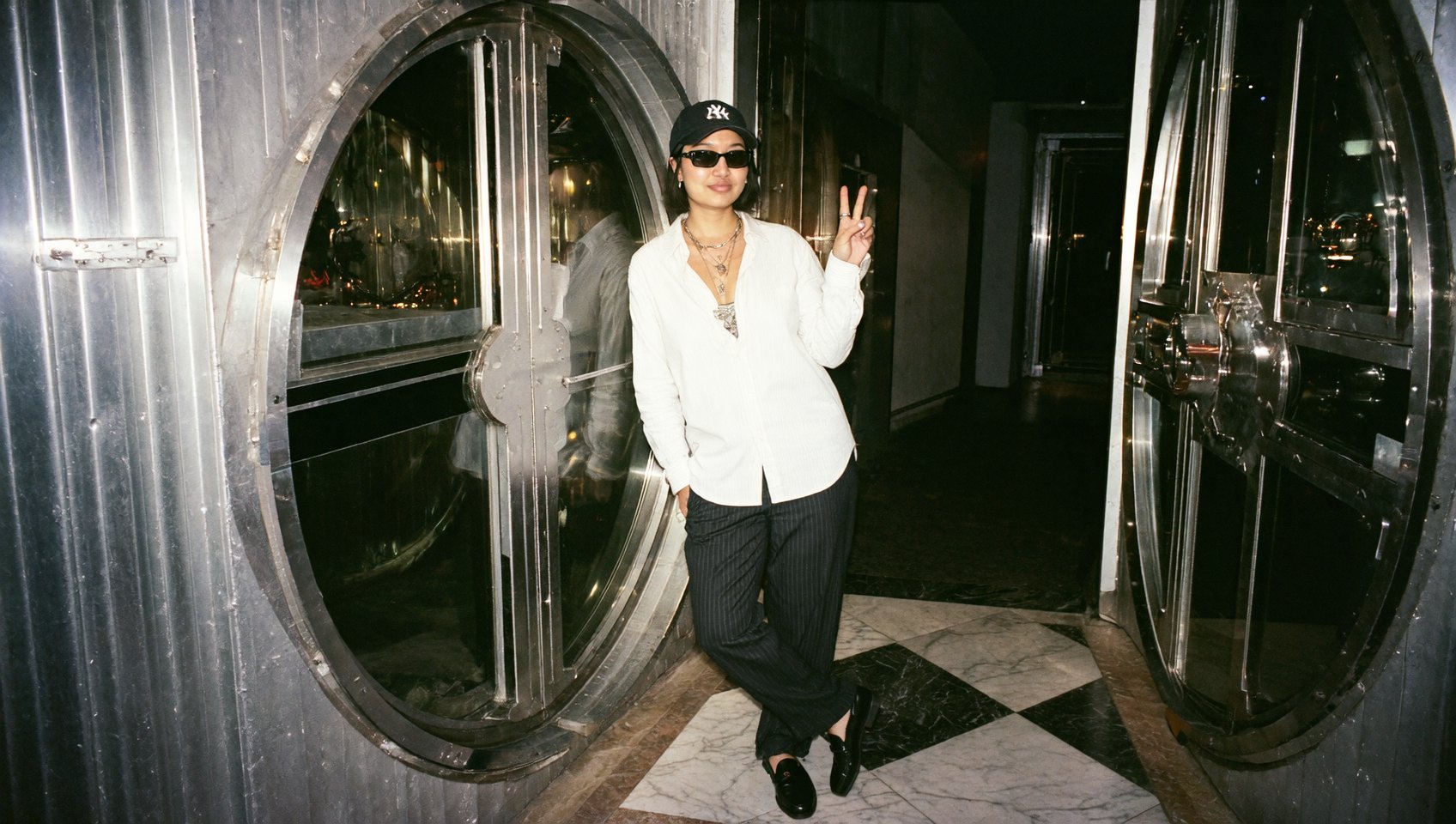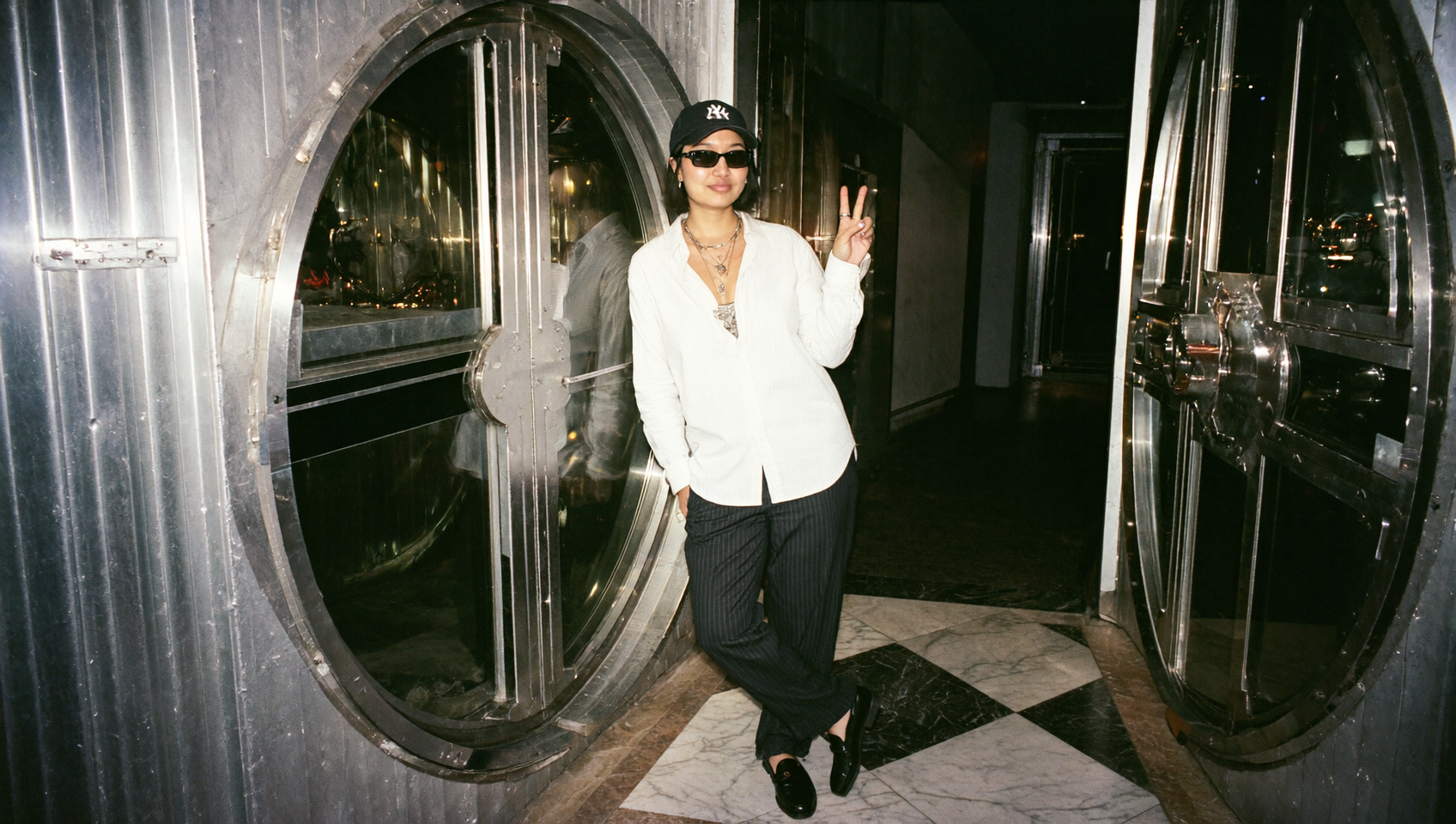

OpenAI’s GPT image 1.5 model - is designed as a dependable generative engine that emphasizes clarity, structure, and reasoning. Hazelnut focuses on consistent day-to-day performance, making it an excellent choice for users who need precision, multimodal processing, and predictable outputs without unnecessary complexity.
Below is a full overview of Hazelnut’s features, practical strengths, and a step-by-step guide for using it inside Higgsfield.

1. What GPT Image 1.5 Is Built For
The model provides a balanced set of capabilities optimized for:
It’s especially useful for users who need a reliable assistant for writing, diagrams, analytical tasks, and visual planning rather than stylized or high-fidelity artwork.
2. Core Input Capabilities
The image model excels at interpreting multiple forms of input, making it ideal for hybrid workflows.
Supported Input Types
Input Modes on Higgsfield
Multimodal mode: Upload images + write a prompt
Text-only mode: Best for reasoning, writing, and explanation tasks
This flexibility allows users to combine visual and textual cues into one coherent generative direction.
3. Output Quality & Technical Specs
Hazelnut is intentionally optimized for moderate yet sharp output quality.
Supported Aspect Ratios
1:1 – square compositions
2:3 – portrait layouts, diagrams, infographics
3:2 – horizontal formats
These ratios provide the right balance of flexibility across technical and visual tasks.
OpenAI's latest model's strengths shine in structured, logic-driven workflows.
Most Common Use Cases
Infographic generation
Diagram interpretation & visualization
Problem solving & step-by-step reasoning
Writing tasks:
summaries
rewrites
explanations
outlines
Concept visualization
Idea development and planning
Multimodal reasoning with multiple reference images
Organizing complex instructions
5. How GPT Image 1.5 Processes Multi-Input Tasks
Hazelnut can extract structural meaning from multiple images and combine them into a single generative interpretation.
What It Understands the Best:
Layout and spatial relationships
Diagram labels and proportions
Flow of information
Relationships between visual elements
Hierarchy and organization
This makes it particularly effective when merging sketches, wireframes, charts, or partial ideas into one refined output.
Hazelnut benefits from predictable behavior.
Advantages of Its Balanced Design
Consistency across generations
Reduced hallucination risk
Stable reasoning
Reliable interpretation of structure
Smooth handling of multi-step tasks
Hazelnut is ideal for users who want clarity, stability, and reliability, prioritizing accuracy and clean communication over dramatic visual flair.
Step-by-Step Guide: How to Use GPT Image 1.5 on Higgsfield
Step 1 - Navigate to the Apps Section
Go to Higgsfield.ai, open the Image directory, and locate the Hazelnut model among the listed engines.
Step 2 - Choose Your Input Mode
Select between:
Only upload images if they help clarify the task.
Step 3 - Upload Reference Images (Optional)
If using multimodal mode:
Upload up to 5–6 images
Include sketches, screenshots, diagrams, or relevant visuals
Avoid overloading with irrelevant references
Hazelnut performs best with clean, structured inputs.
Step 4 - Write a Clear, Structured Prompt
For optimal results:
Be descriptive
Include intended structure
Explain relationships between input elements
Keep instructions organized
Hazelnut interprets structured prompts exceptionally well.
Step 5 - Select Image Quality
Choose between:
Low (fast previews)
Medium (balanced)
High (polished output)
Step 6 - Set Your Aspect Ratio
Select from:
1:1 for neutral compositions
2:3 for vertical diagrams
3:2 for wide visual layouts
Step 7 - Generate Your Output
Click Generate, and Higgsfield processes your request through the Hazelnut engine.
The result is typically clean, structured, and aligned with the prompt’s logical intent.
Use Case Applications in Practical Workflows
Hazelnut shines in workflows requiring precision and coherence.
By helping users visualize ideas, explain concepts, and organize information, Hazelnut becomes a dependable assistant across academic, creative, and professional contexts.
Higgsfield is designed for creators who switch frequently between writing, visualization, reference-driven planning, and multimodal reasoning.
GPT Image 1.5 complements this ecosystem by offering:
Conclusion: A Model Built for Everyday Creative Intelligence
GPT Image 1.5 occupies a valuable space in the AI landscape: a model that excels in reasoning, clarity, and structured generation rather than dramatic visuals or high-complexity tasks.
Within Higgsfield, it becomes:
Its accessible workflow and dependable output make it a powerful choice for users seeking a model that prioritizes communication, structure, and consistent reasoning.