



















Seedance 2.5

The most controllable AI video model on higgsfield.ai

Now live

Direct It Like You're On Set

Use prompts and references to guide each scene, then adjust the settings before you generate.

Up to 30 Seconds with Sound

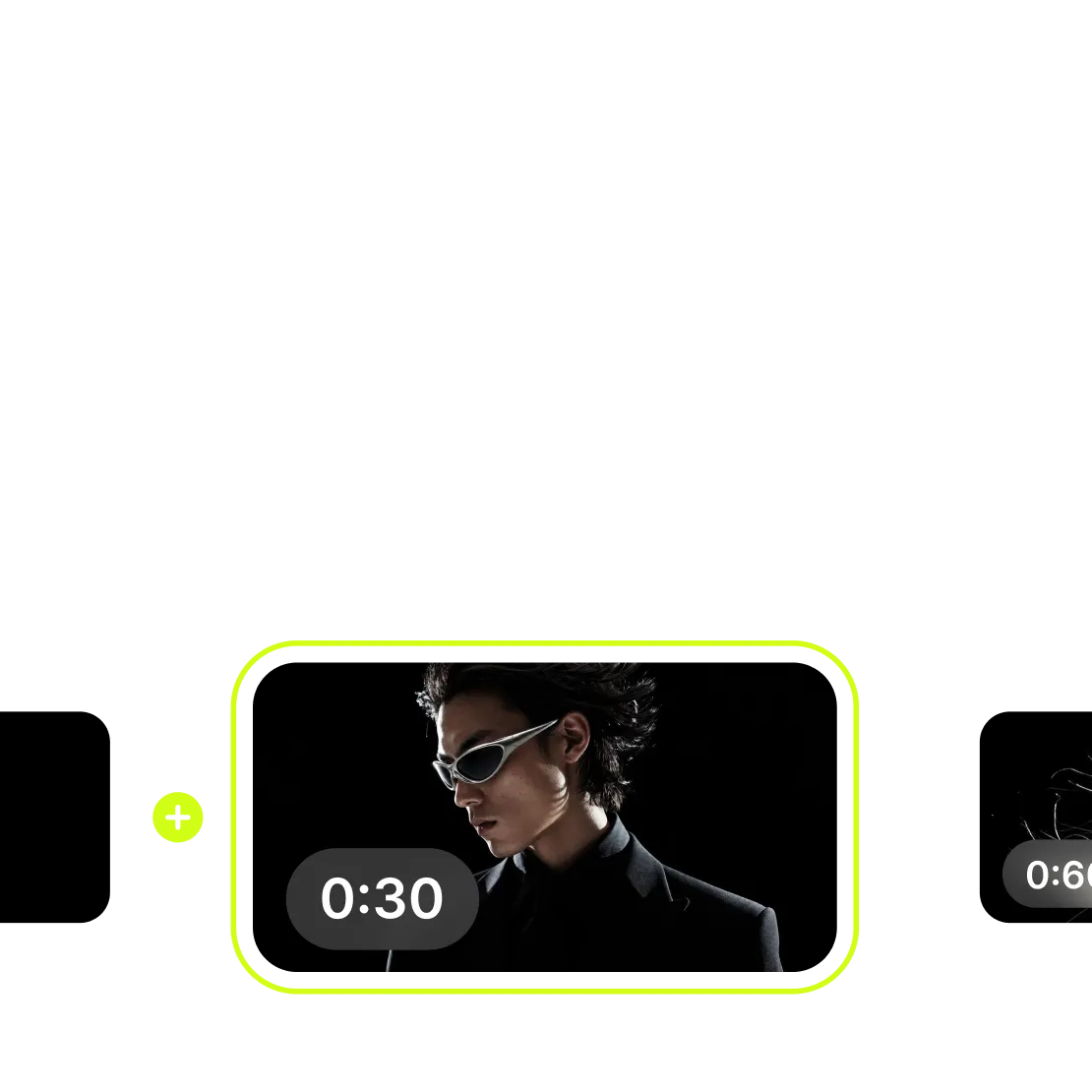
Generate clips up to 30 seconds, with audio created alongside the video. Sound is on by default and can be turned off.

Guide the Video with Up to 50 References

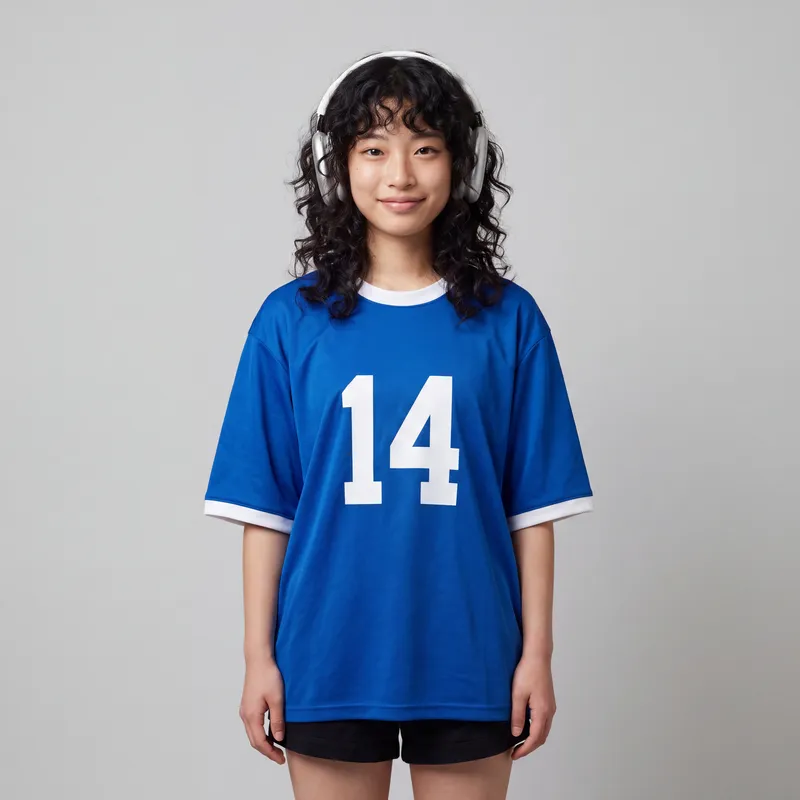
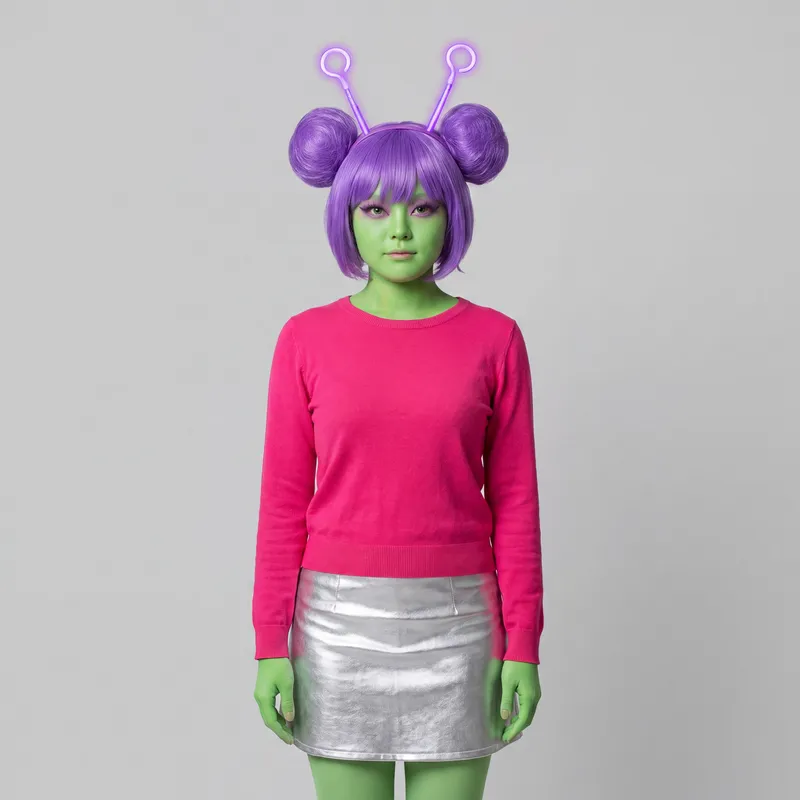
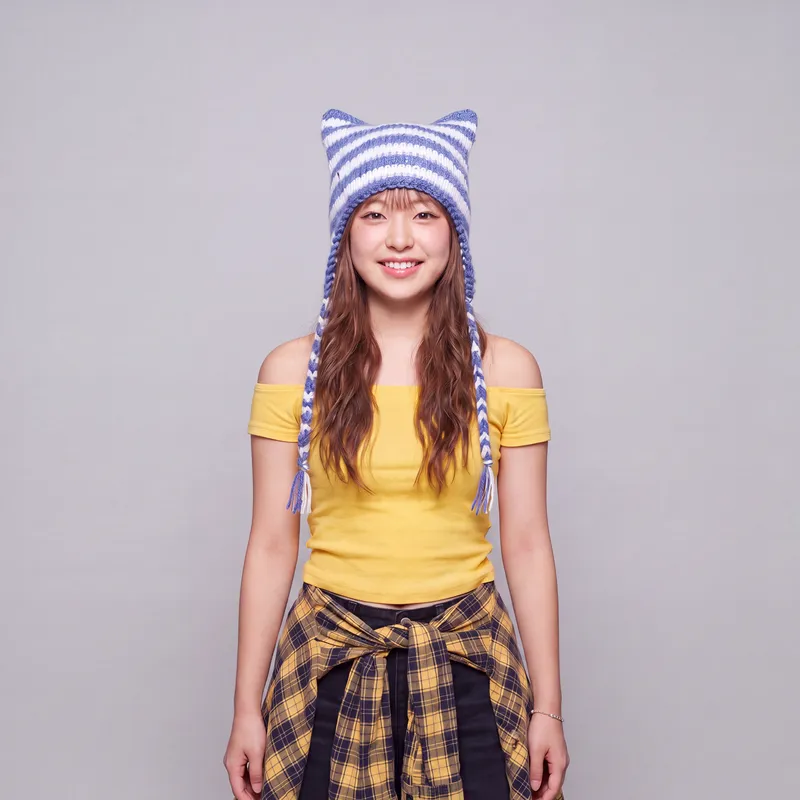
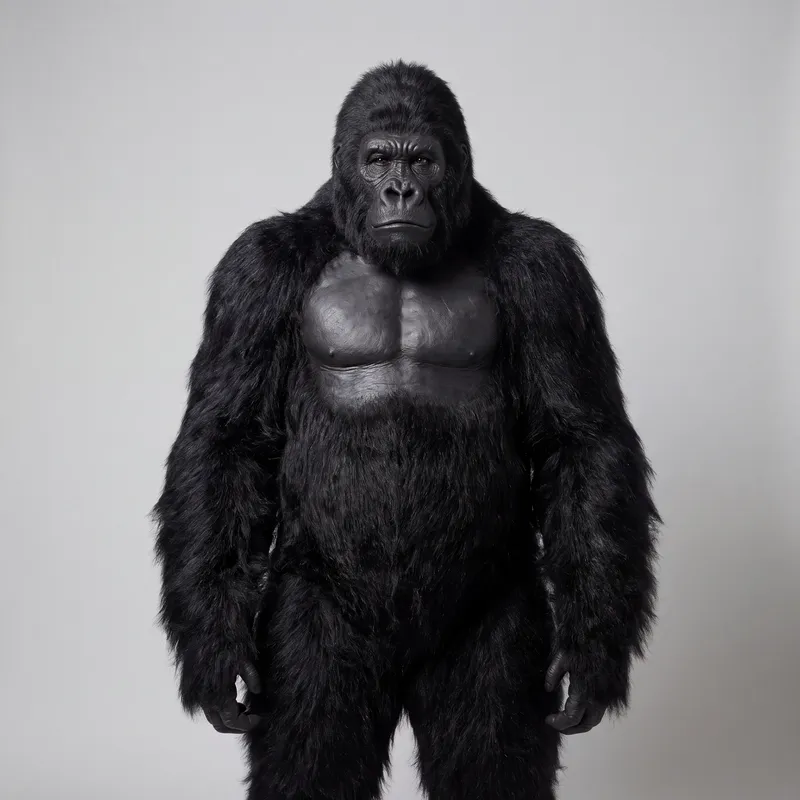
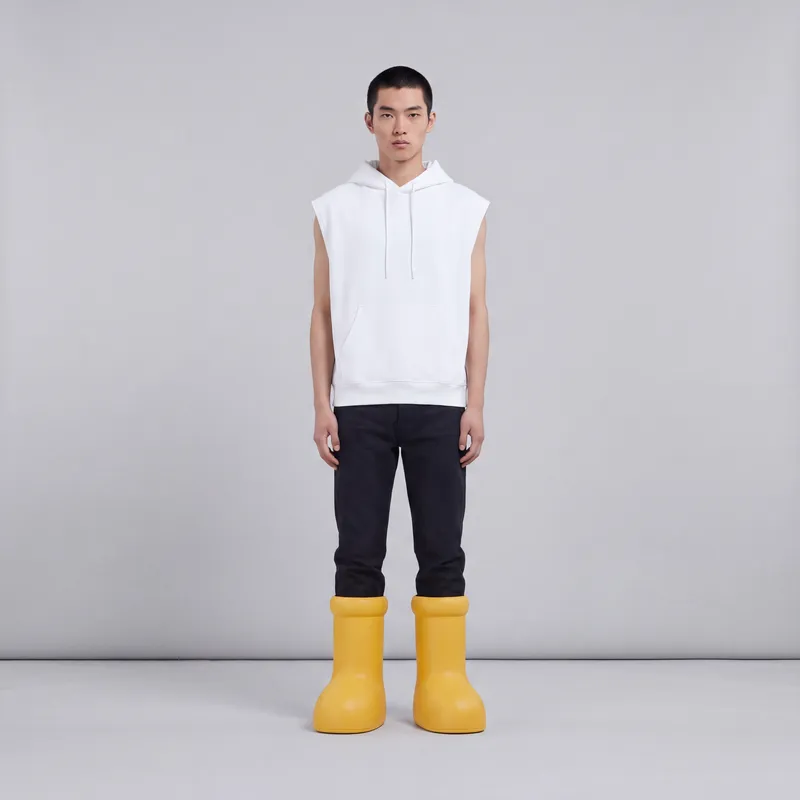
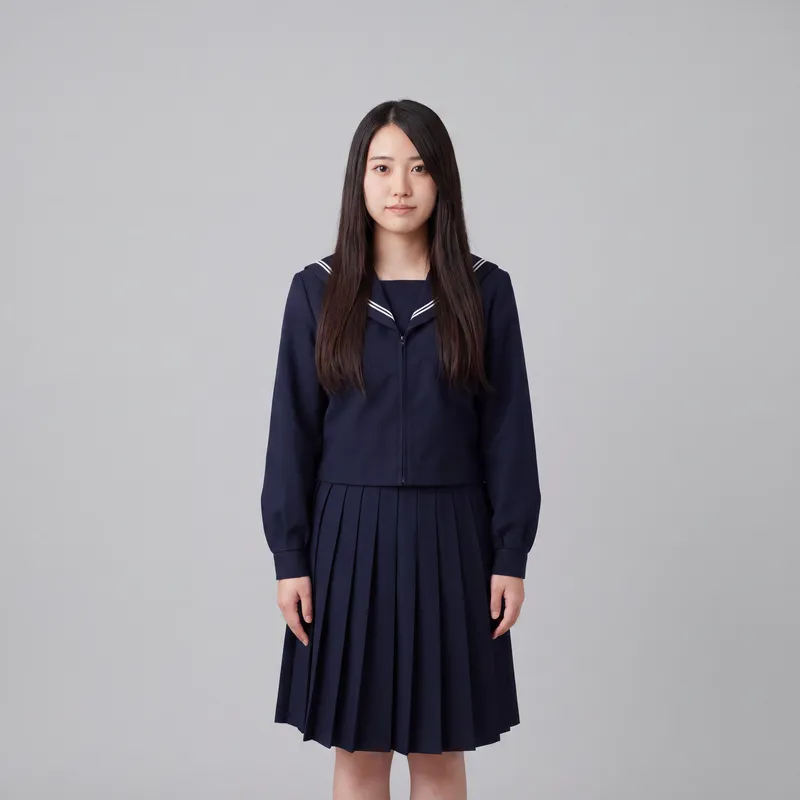
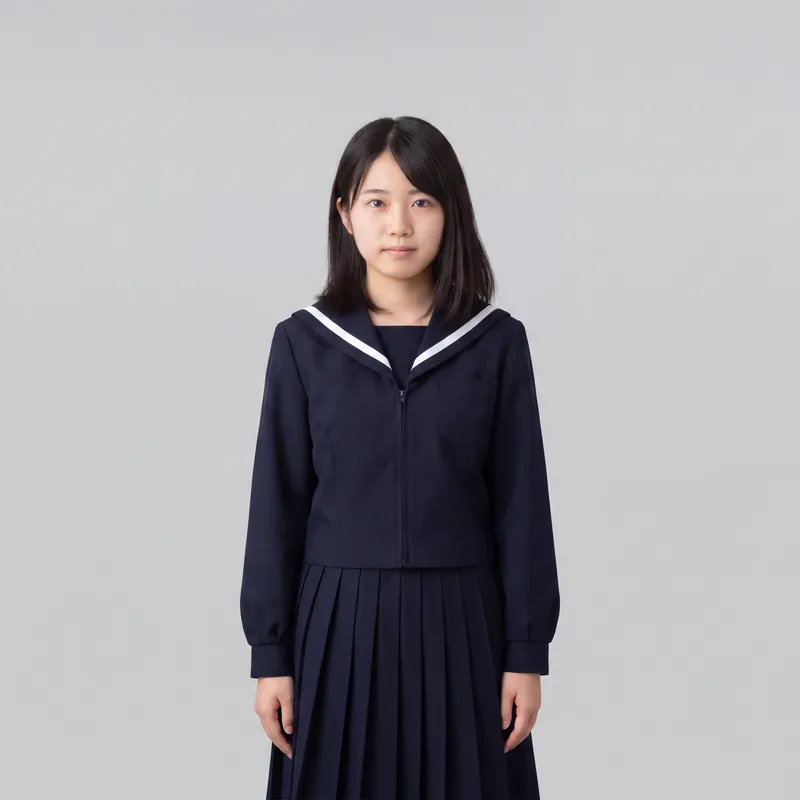
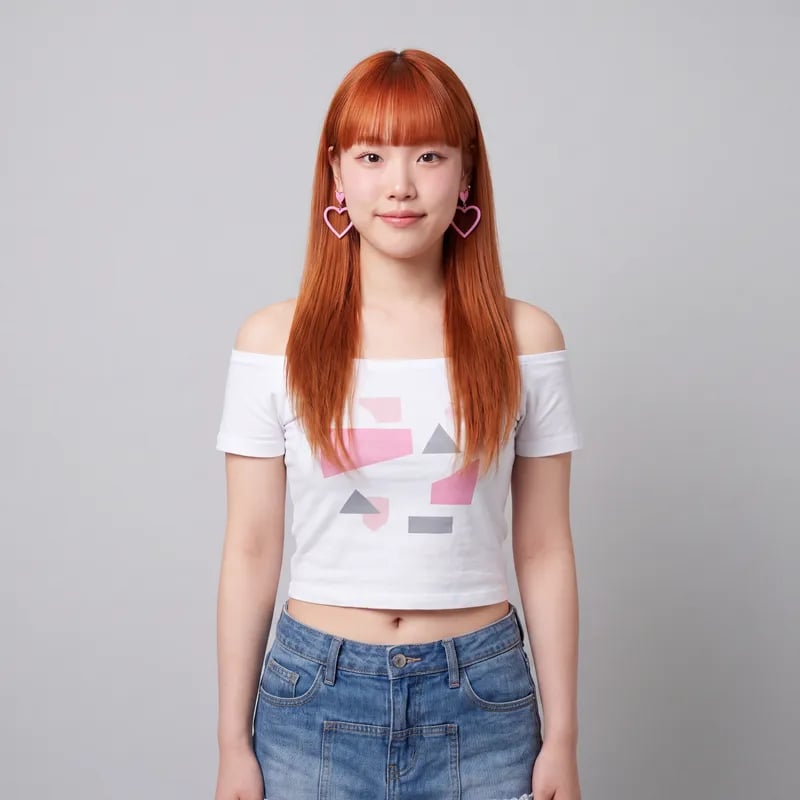
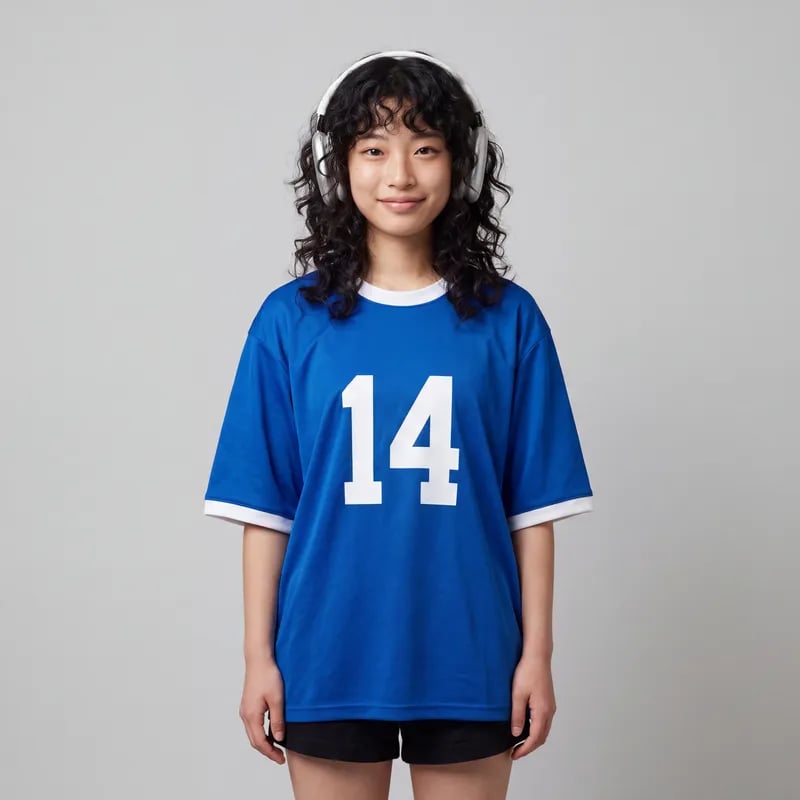
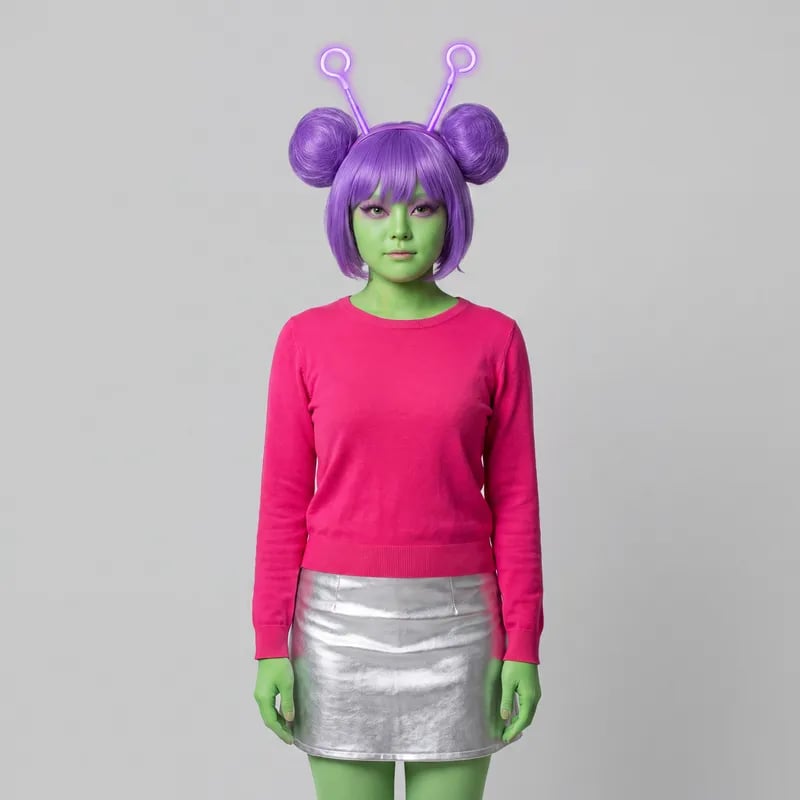
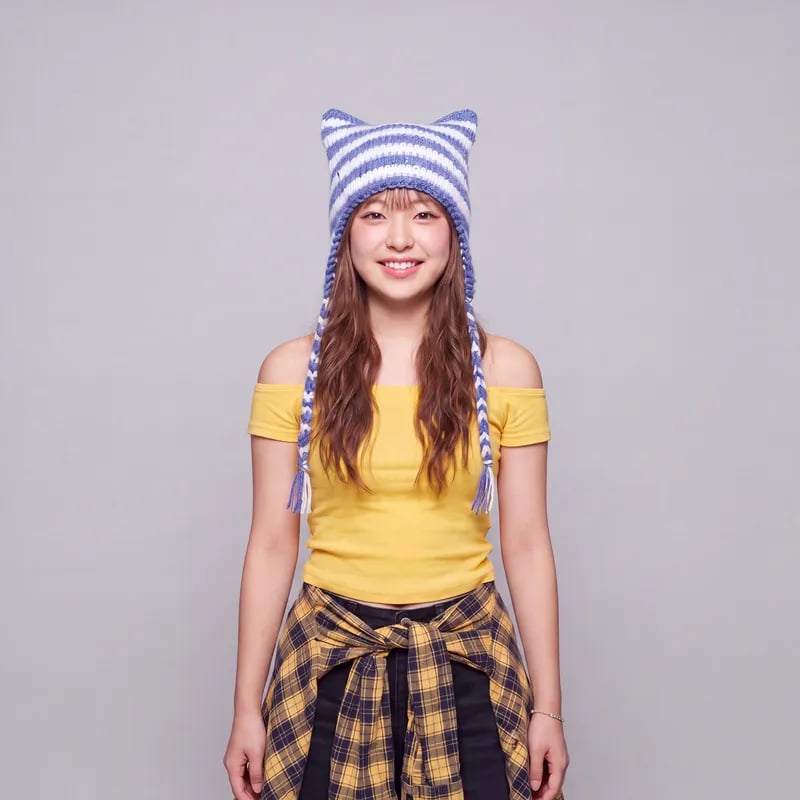
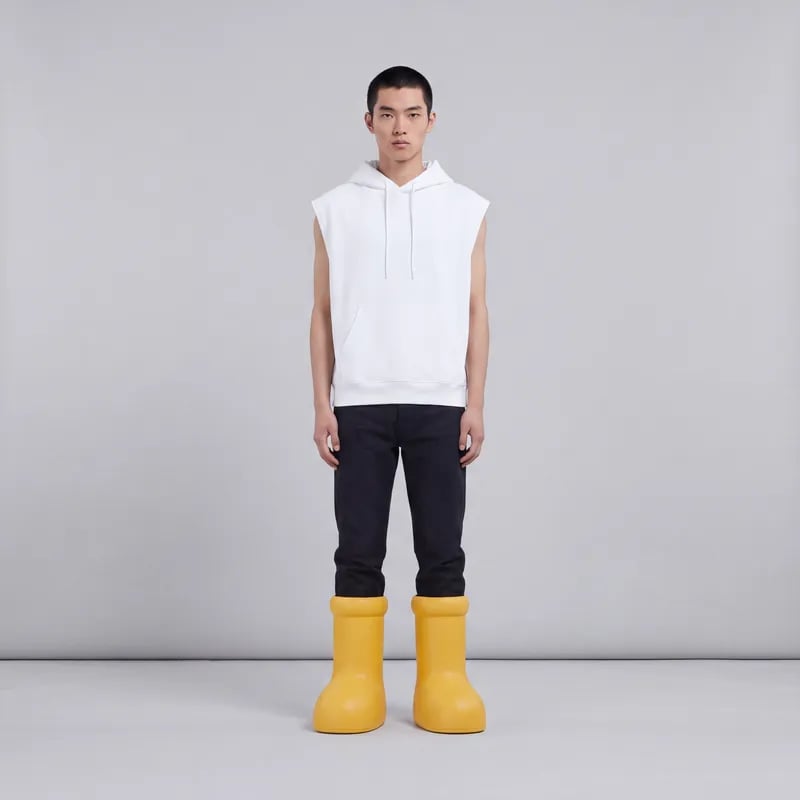
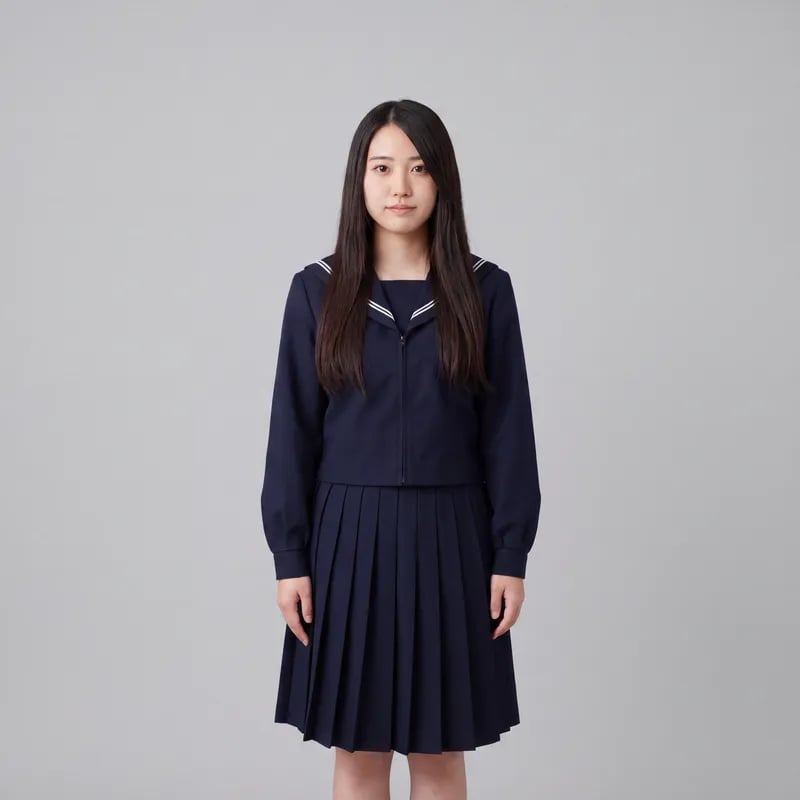
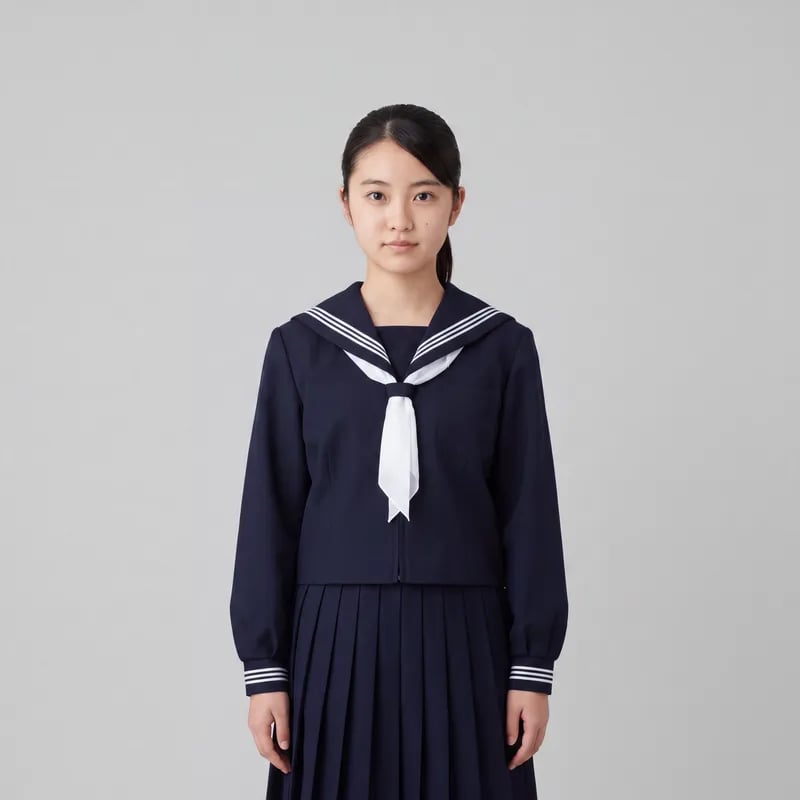
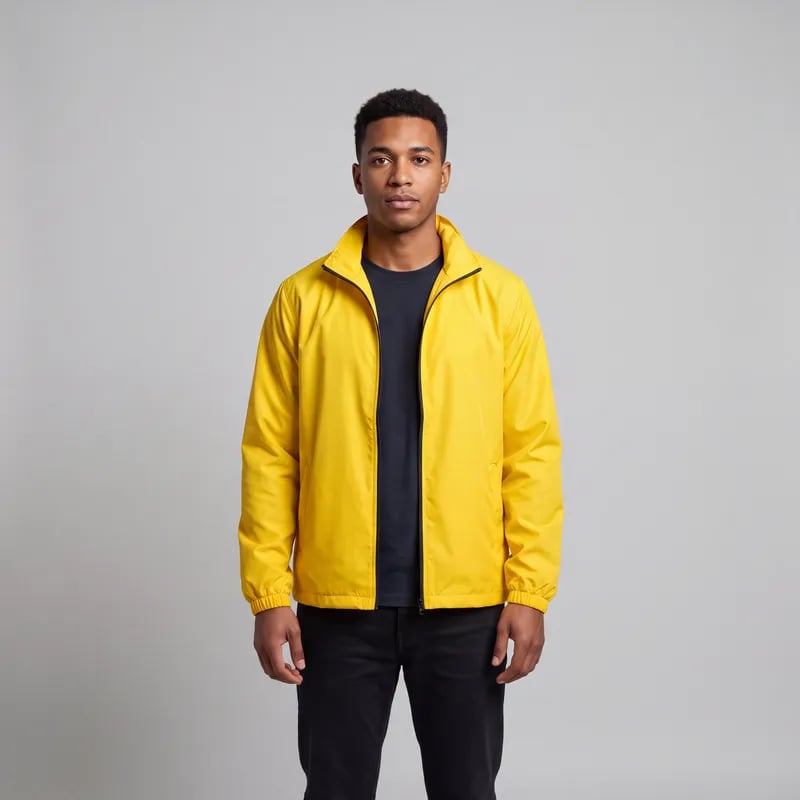
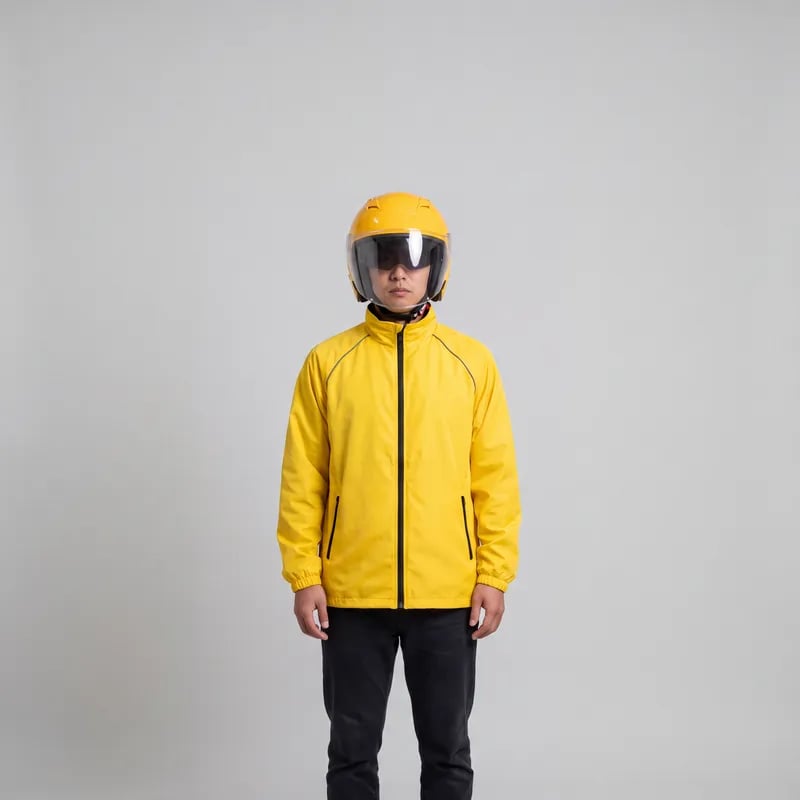
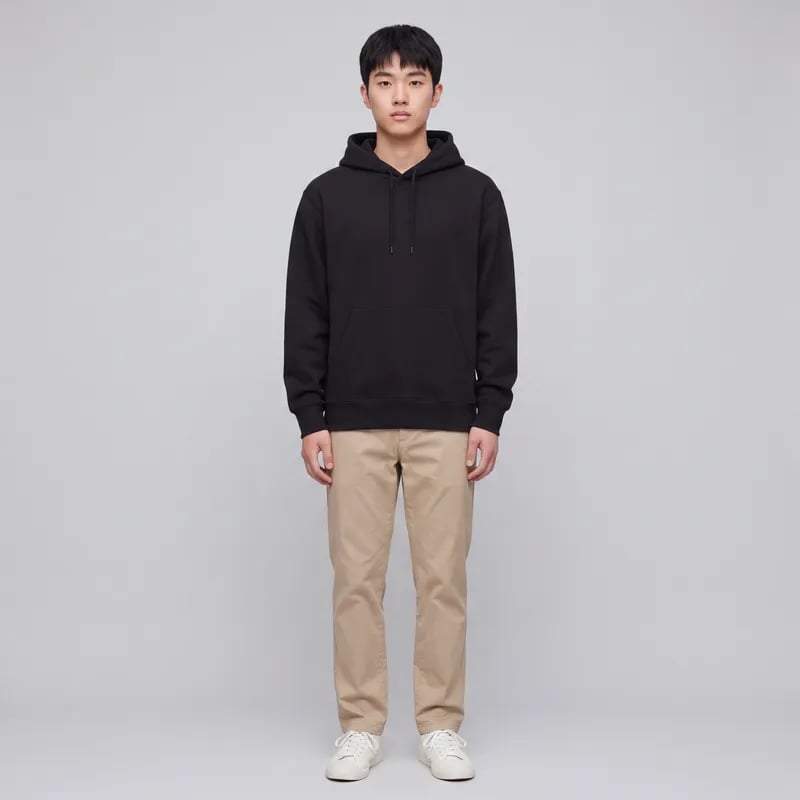
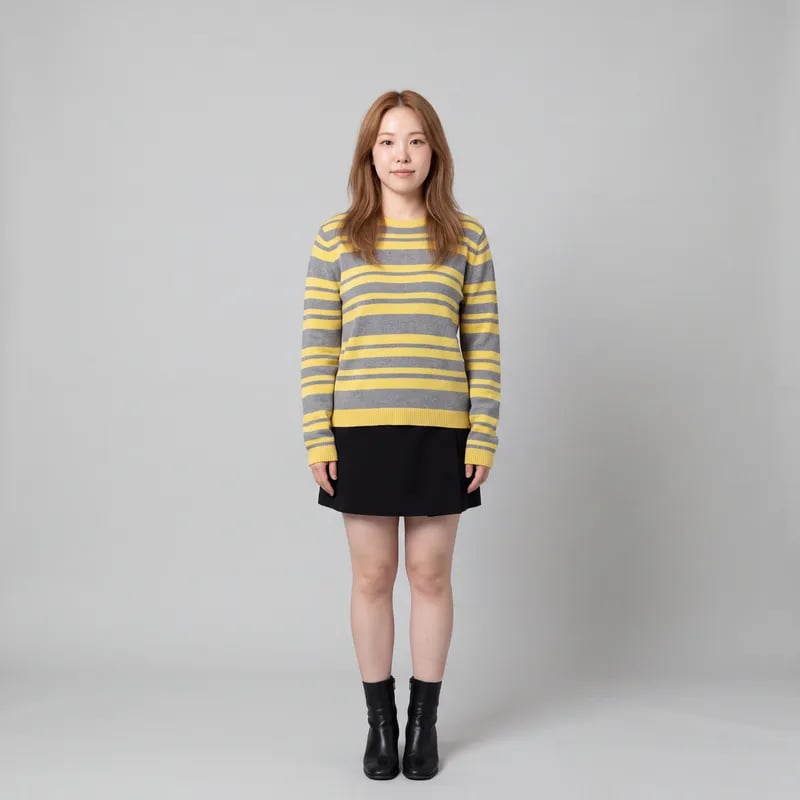
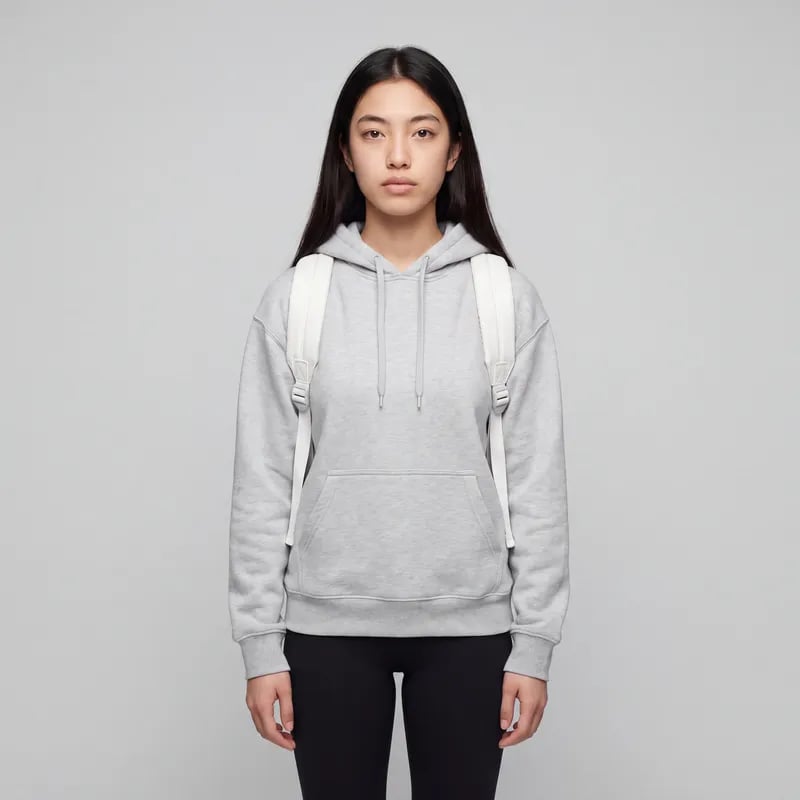
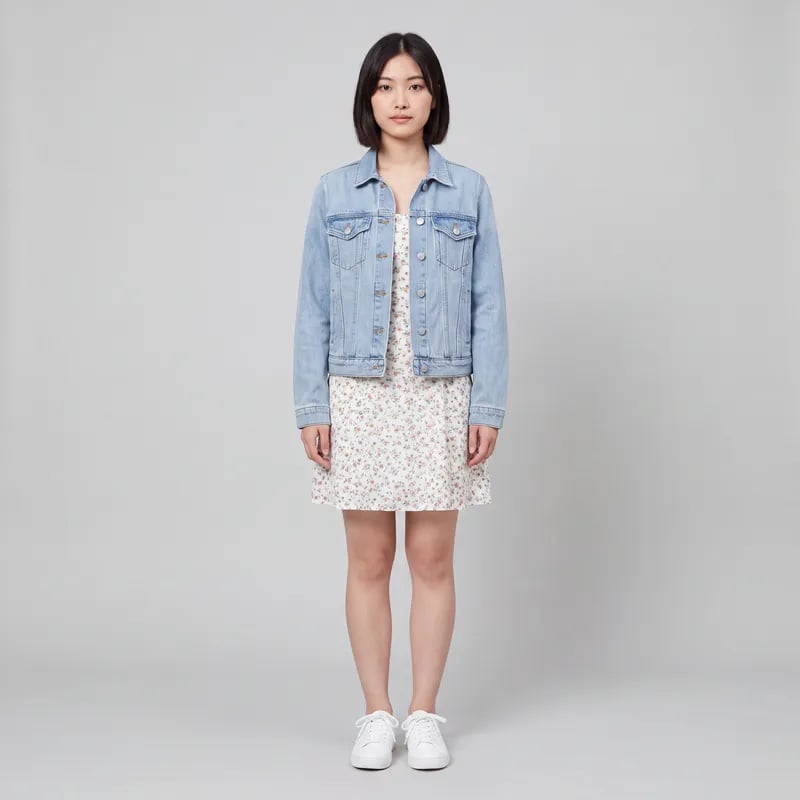
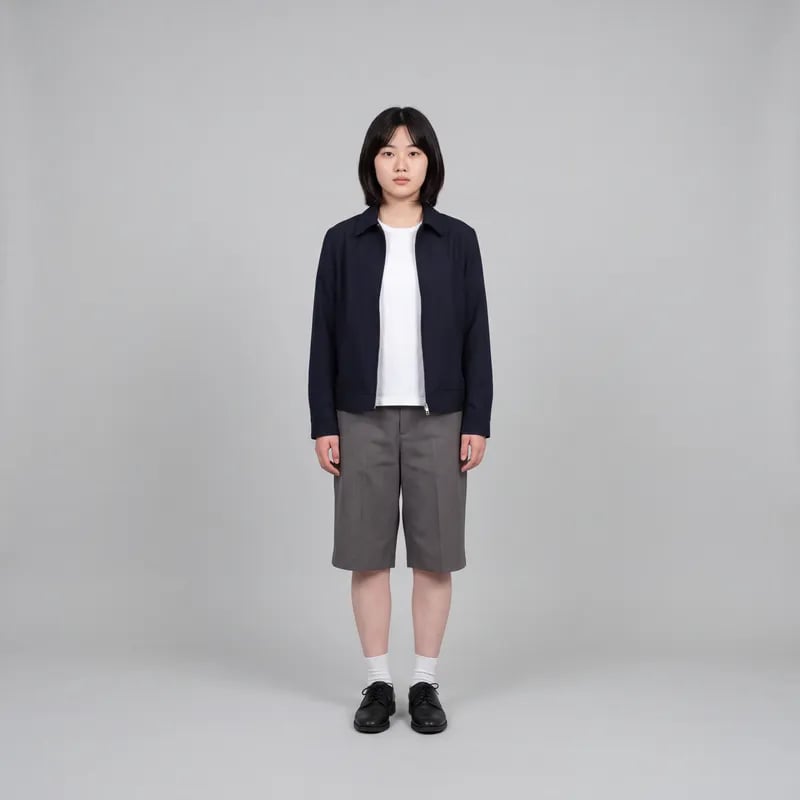
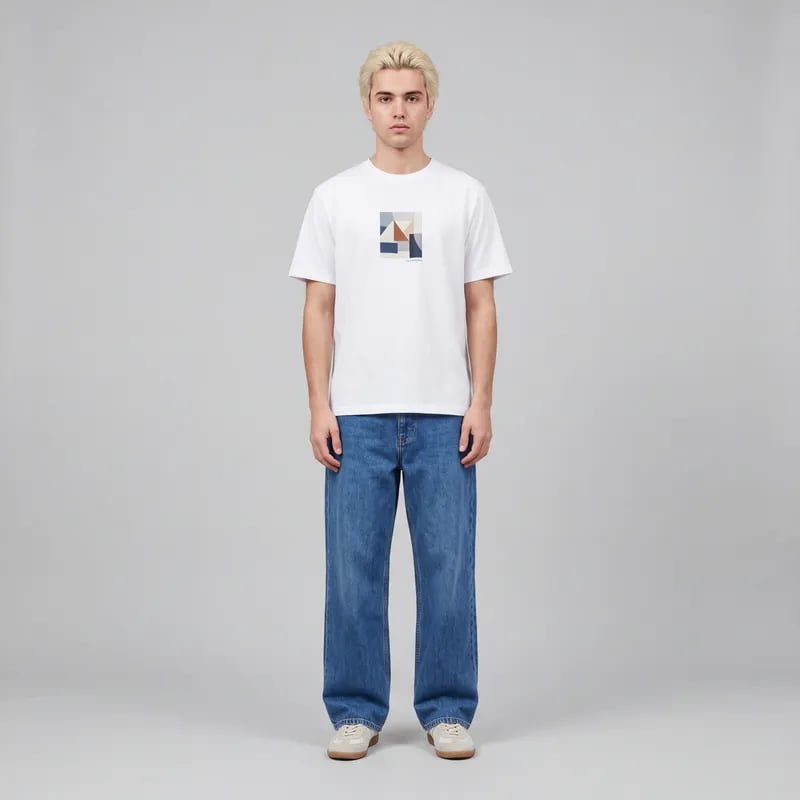
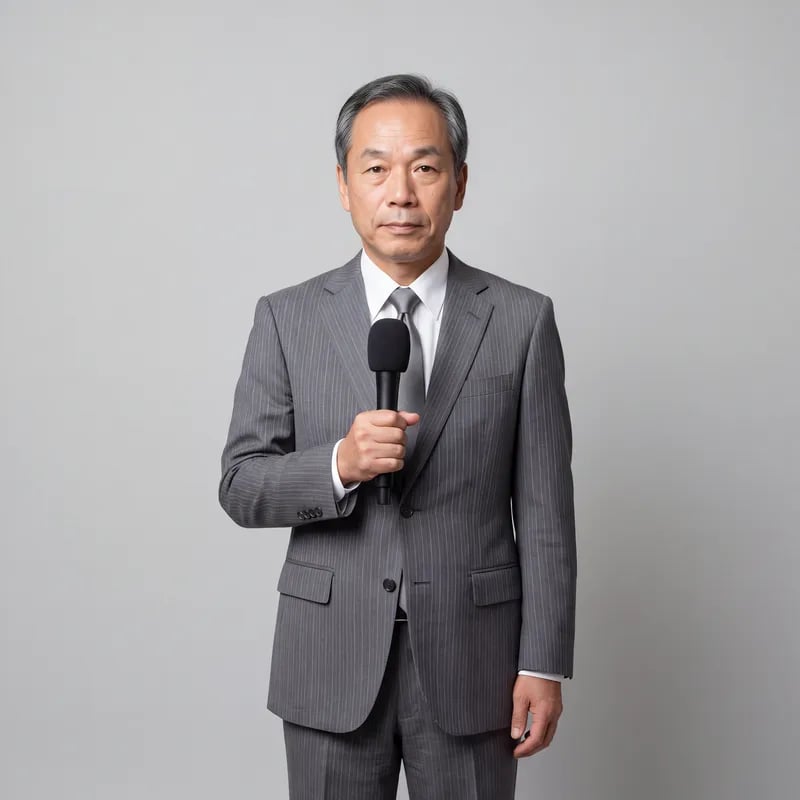
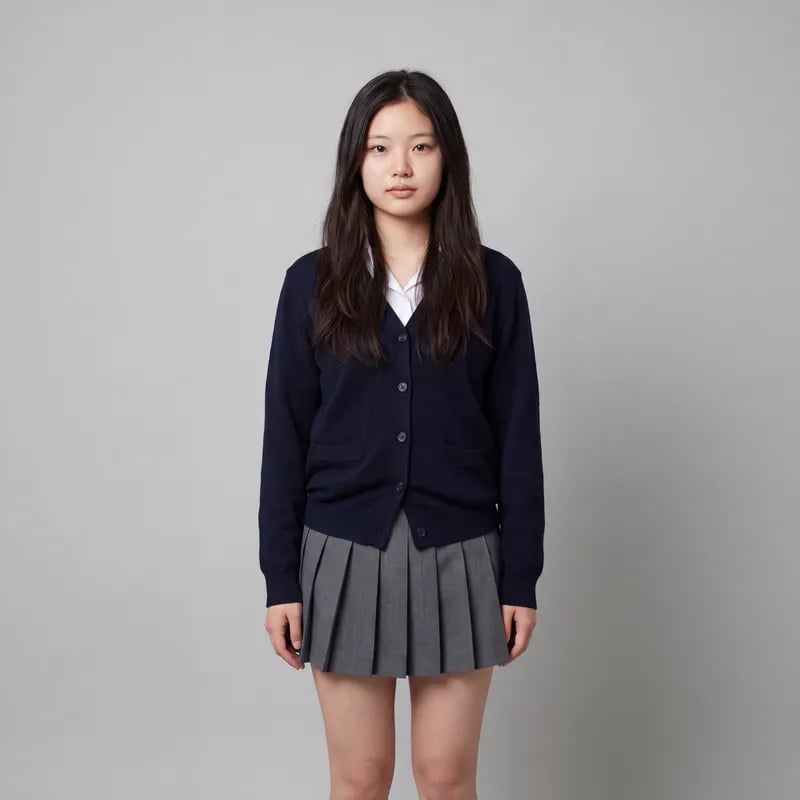
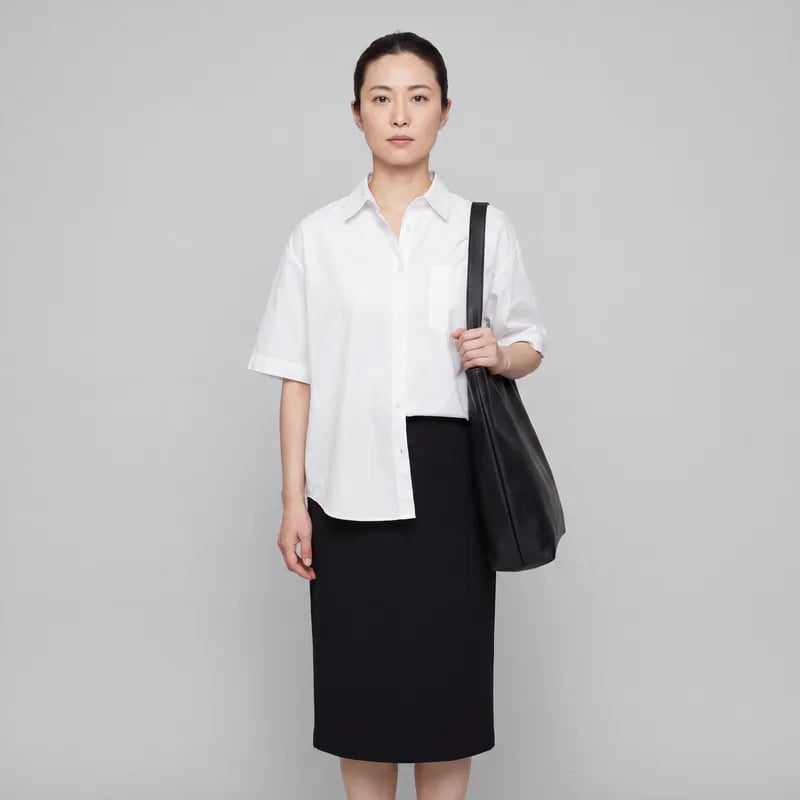
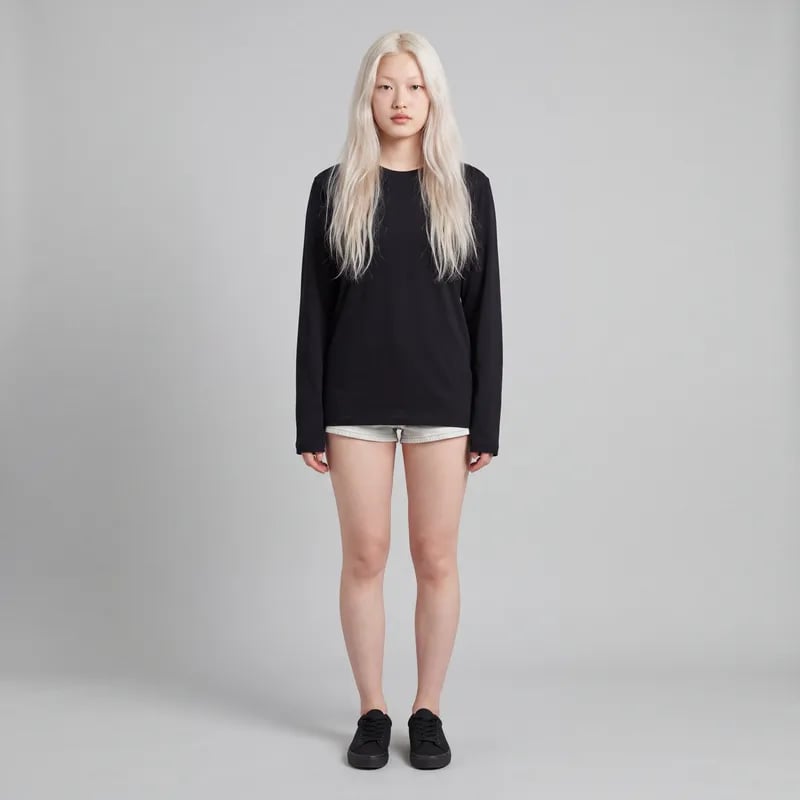
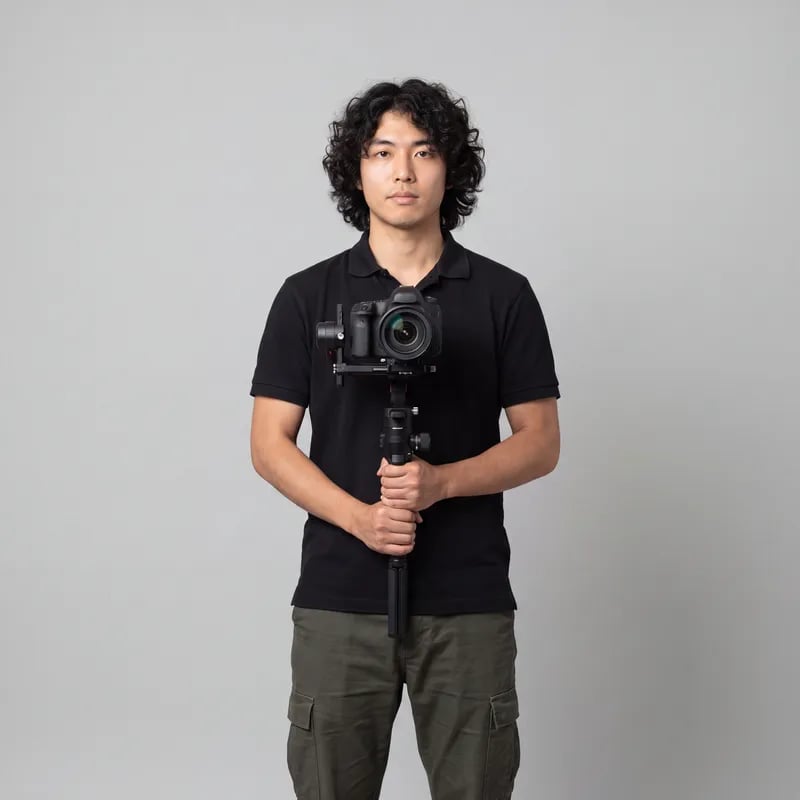
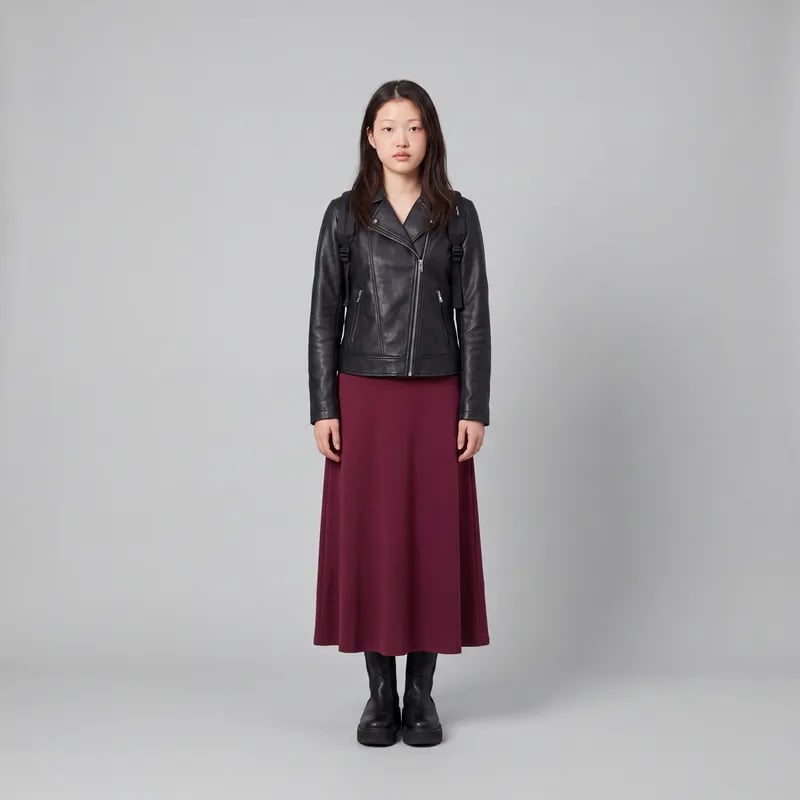
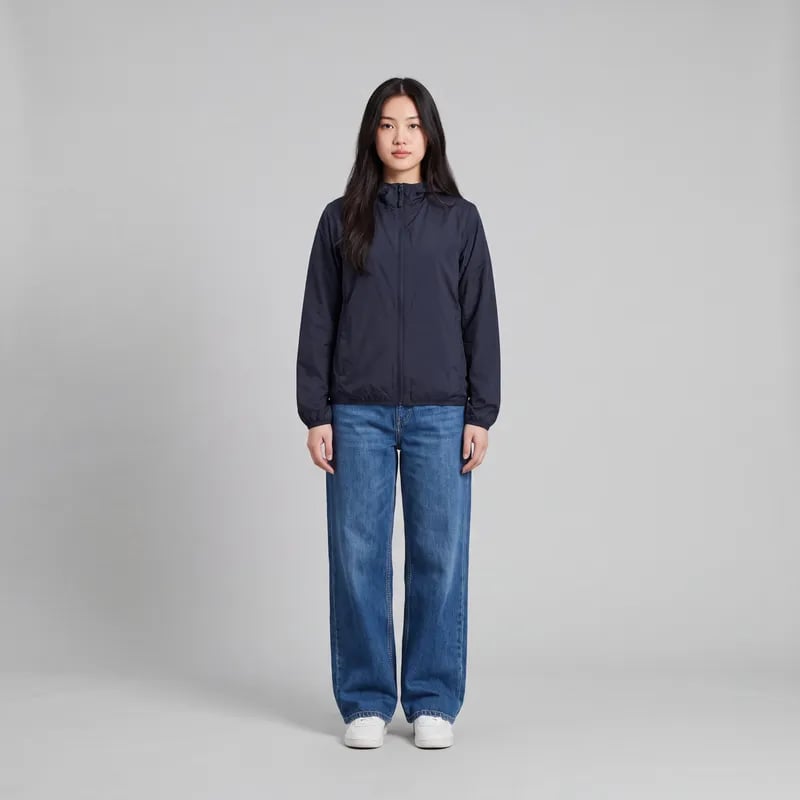
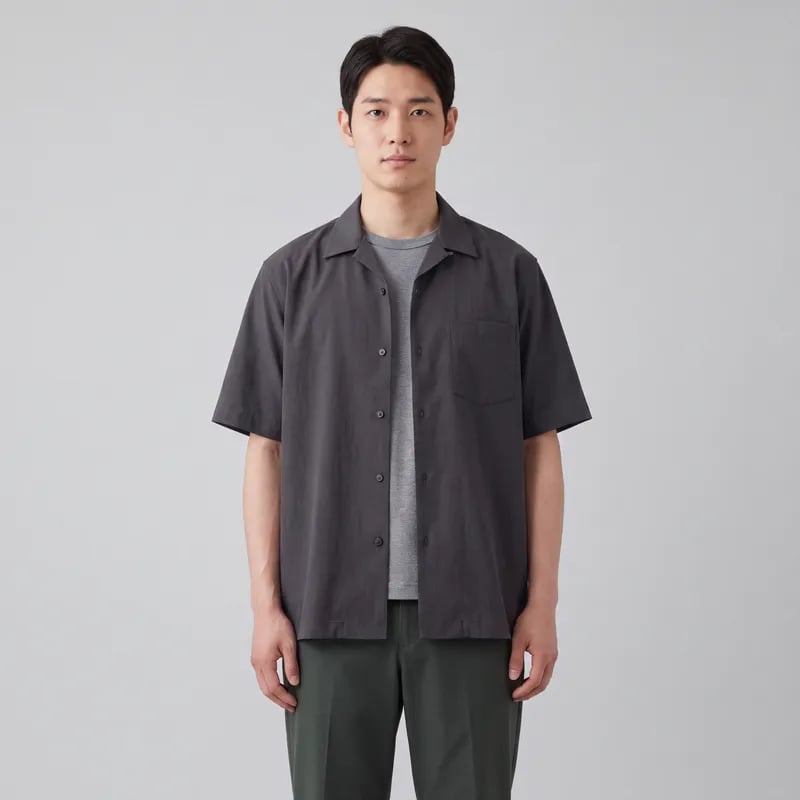
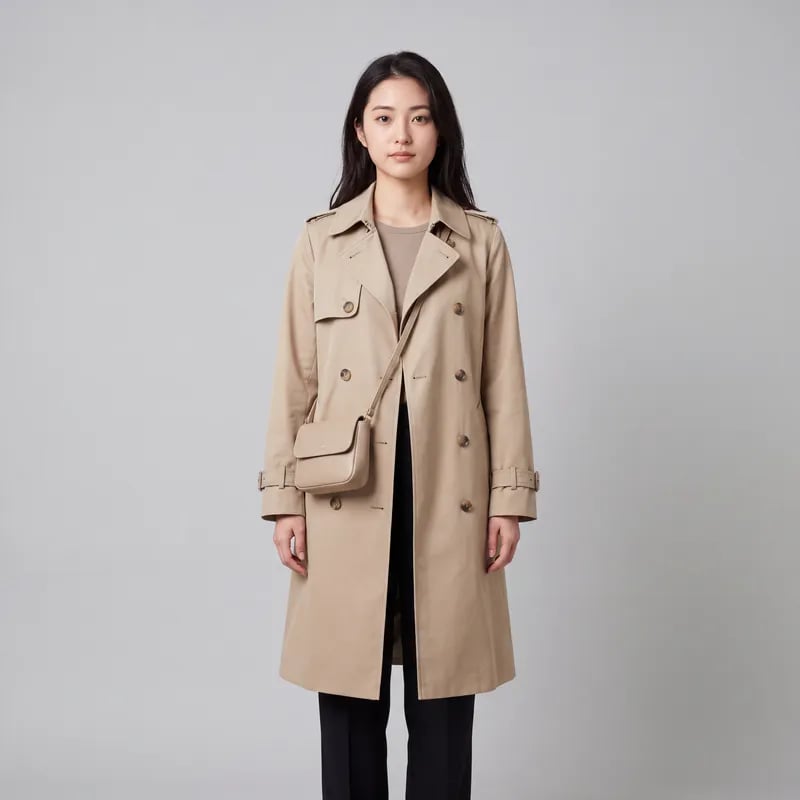
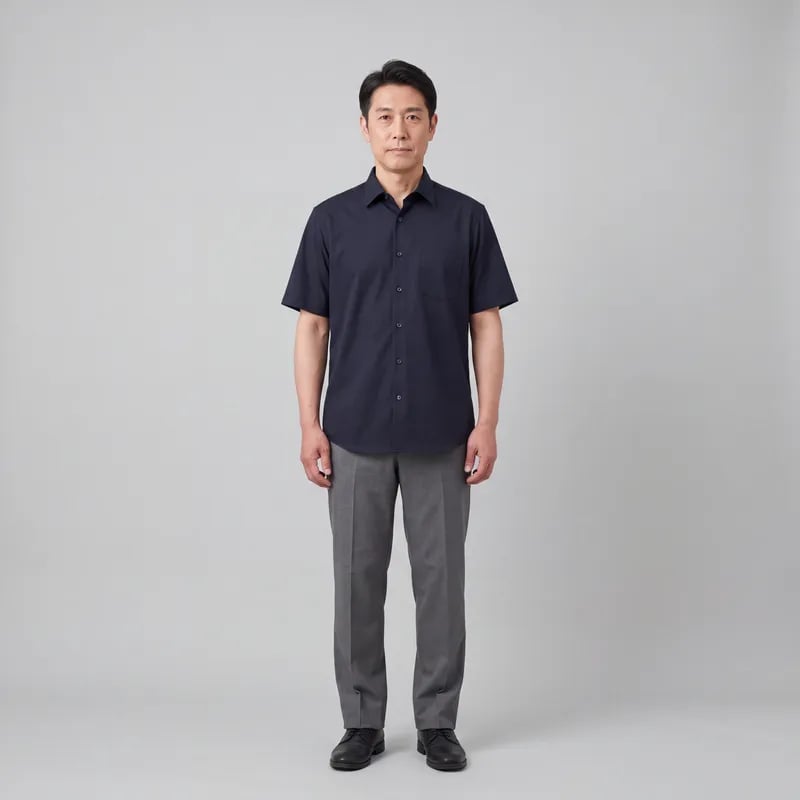
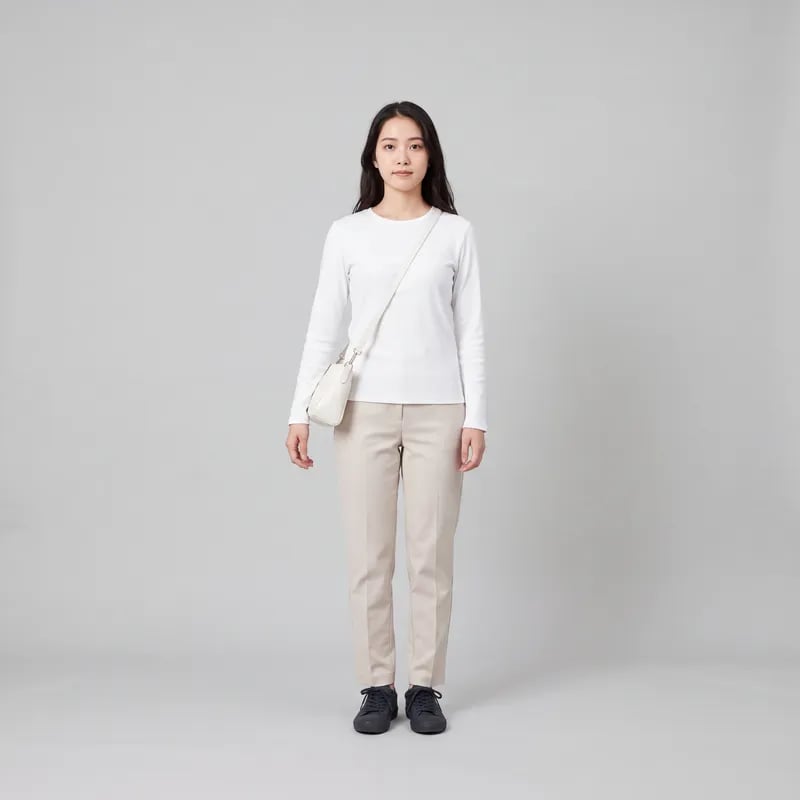
Add faces, products, outfits, locations, and style frames to steer the look of the clip. Seedance 2.5 takes up to 50 references in one generation: up to 30 images, 10 video clips, and 10 audio files.

Try Now
Input images

Make Targeted Changes with Seedance 2.5 Edit

Refine clips with targeted changes, from updating a product label to cleaning up a background. Describe the result or sketch the area, with image or audio references to guide the edit.

What You Can Make with Seedance 2.5

Higgsfield is the generative platform for creative production. Create product ads, short films, and social videos using prompts and references.

Product ads. Create product ads up to 30 seconds, then use its editing capabilities to change labels or backgrounds without starting over.

Storytelling. Use references to guide characters and locations across scenes. Extend a clip when more footage is needed.

New

Six reasons your film comes together easier

Try Seedance 2.5

Generate in 4K

Create more detailed videos

50 refs
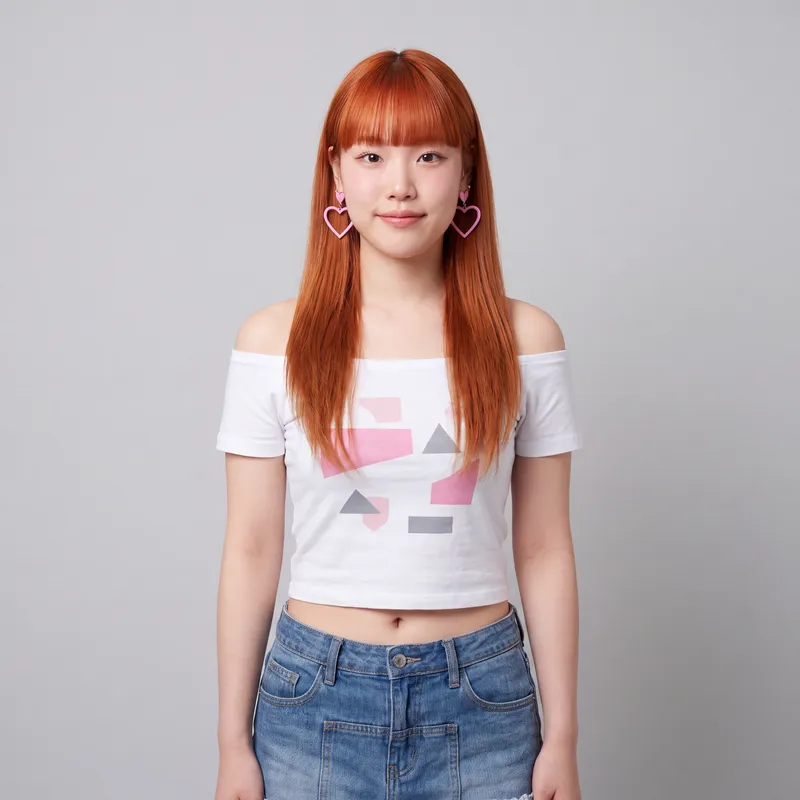
One generation, everything at once

Nothing drifts

Keeps your lighting, character and scene consistent

Audio

Sound is generated with the pixels, not glued on after
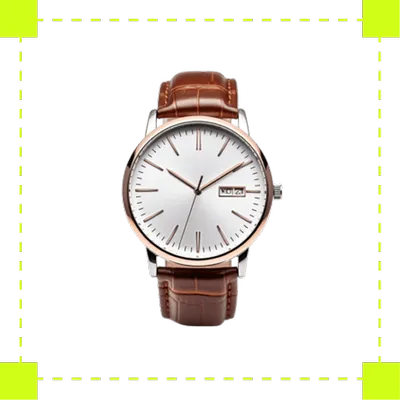
Region edit

Replace an object or polish a face

30s

Six times the runway in one continuous take
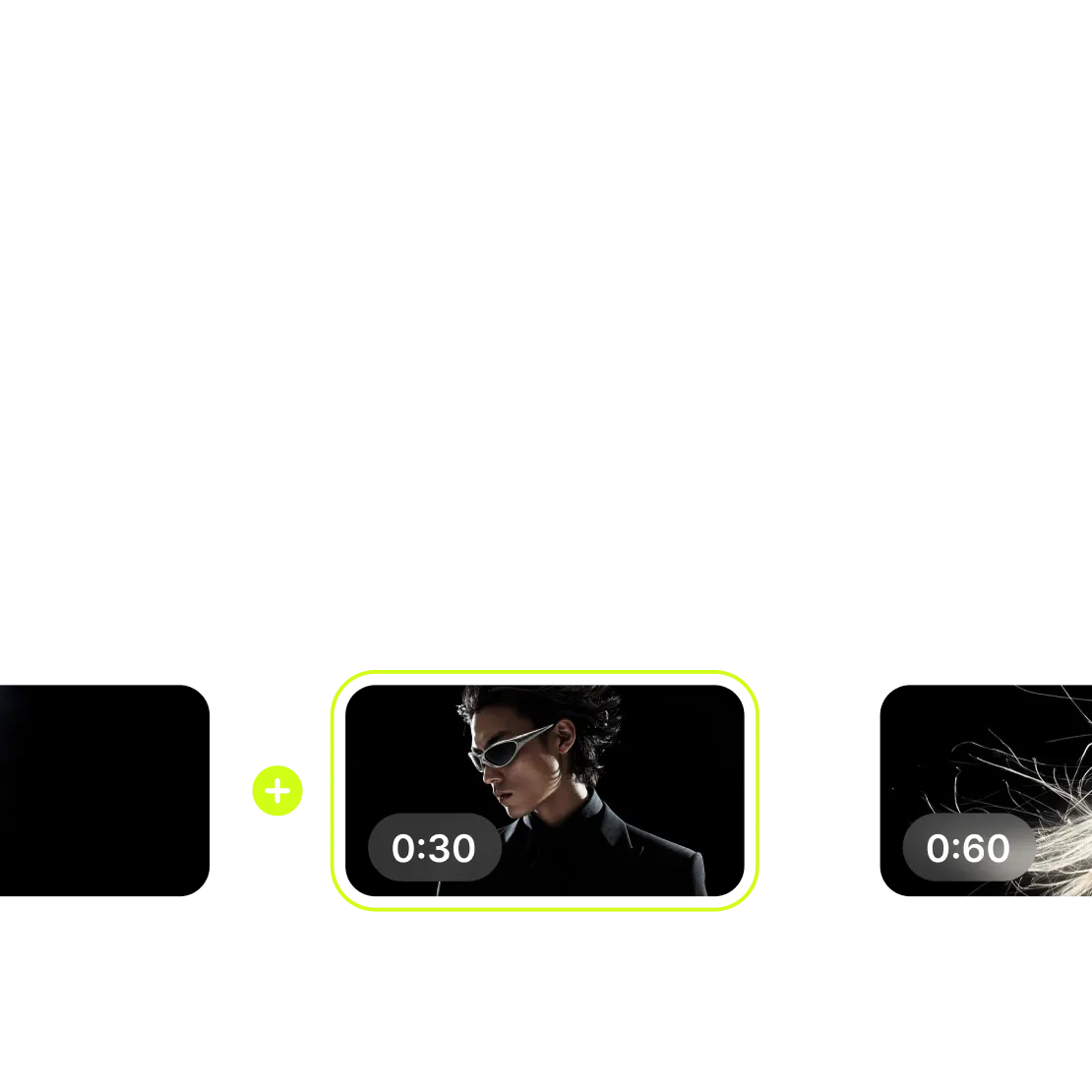
Seedance 2.5 Video Examples

Explore various examples across product ads, short films, social posts, and ecommerce videos to spark ideas for your next project.
See more

How to generate

How to Use Seedance 2.5

Start with a prompt, add references if needed, choose your video settings, and generate your clip.
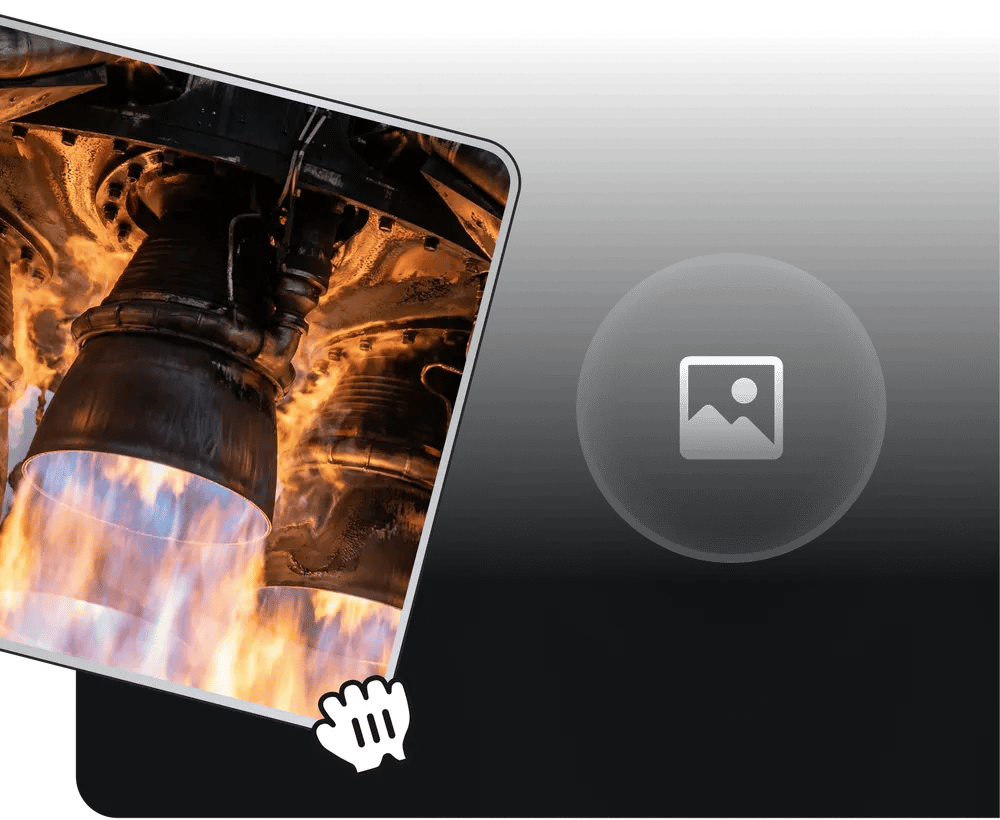
  1. Choose Your Inputs
    1

    Choose Your Inputs

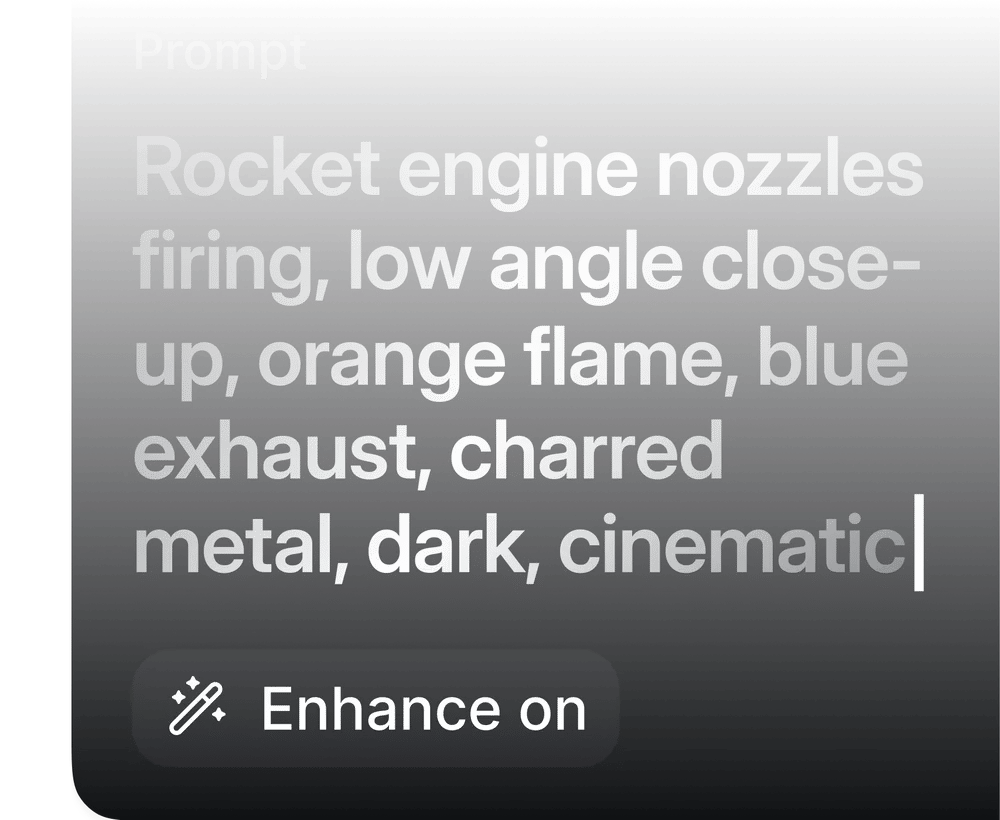
    Write a prompt describing the subject, action, camera movement, lighting, and sound. Add references to guide the scene.
  2. Adjust the Settings
    2

    Adjust the Settings

    Choose the duration, aspect ratio, and Quality setting for your clip.
  3. Generate and Download
    3

    Generate and Download

    Check the cost shown on the Generate button before you start. Generate your clip, then download it.

Community over 40 MILLION USERS

Join a global creative network where people generate AI images, share ideas, and inspire each other every day.
I've been using Higgsfield for my creative work for a while now and, honestly, it's one of the best platforms out there - the tools are powerful and the results speak for themselves. But what made me write this was the support. I had a question about my credits, and Tim handled everything with a transparency and care you rarely see.

Im a new customer of Higgsfield and enjoying it! I'm making some cool videos. I look forward to the advances on the platform! Oh, the support service is excellent!

Higgsfield A.I. has been the best and most exciting tool I've used since I first started editing back in 2008! I still can't believe we live in a time where we can type a sentence; prompt, on one end and get a blockbuster video that comes out on the other end! The site can feel overwhelming at times, but in a good way.

I am an Indonesian content creator based on my experience, I feel helped by the presence of this AI Agent higgsfield I say honestly and swear also thank you.. Because AI Agent Higgsfield has helped a lot, especially for creators in the form of our full support to create. In addition to this support, there are many other supports that are very helpful, especially the Higgsfield team

What Higgsfield is doing really well is making high-quality AI creation feel smooth, fast, and inspiring. I also appreciate how the company supports its creative community and gives artists the freedom to experiment, grow, and push visual storytelling to the next level.

The user interface (UI) is highly intuitive and beginner-friendly. Additionally, the cloud rendering speed for generating both images and videos is exceptionally fast, and the AI tools menu is very well-organized. I have completed numerous projects using Higgsfield, and every single one of them turned out perfectly.

For a long time, I have seen it as a useful and well-optimized tool, designed to help creators in the best possible way. I like that it constantly introduces updates and interesting features that improve the experience. That is why it has always been a platform that has caught my attention and that I have enjoyed using compared to others.

Honestly one of the best AI creative platforms out there. The credit pricing is surprisingly affordable compared to similar platforms, and what impresses me most is how consistently they keep shipping new features. You can tell the team actually listens and keeps pushing the product forward.

The Most Powerful AI Creative Platform for Creators. What impressed me the most is the level of support around the creator program. The team is helpful, professional, and always there when you need assistance or have questions. It really feels like they care about creators and want to help them grow.

Trusted by 40M+ users worldwide