How to Build a $10K/Month Faceless YouTube Channel With Higgsfield AI + Claude Fable 5 (Full Guide)

Mariam Barova

Mariam Barova

ยท

Jul 9, 2026

ยท

5 minutes

How to Build a $10K/Month Faceless YouTube Channel With Higgsfield AI + Claude Fable 5 (Full Guide)

For the full walkthrough check out the YouTube video: I Automated This Hidden Faceless Niche Using Higgsfield AI + Claude Fable 5


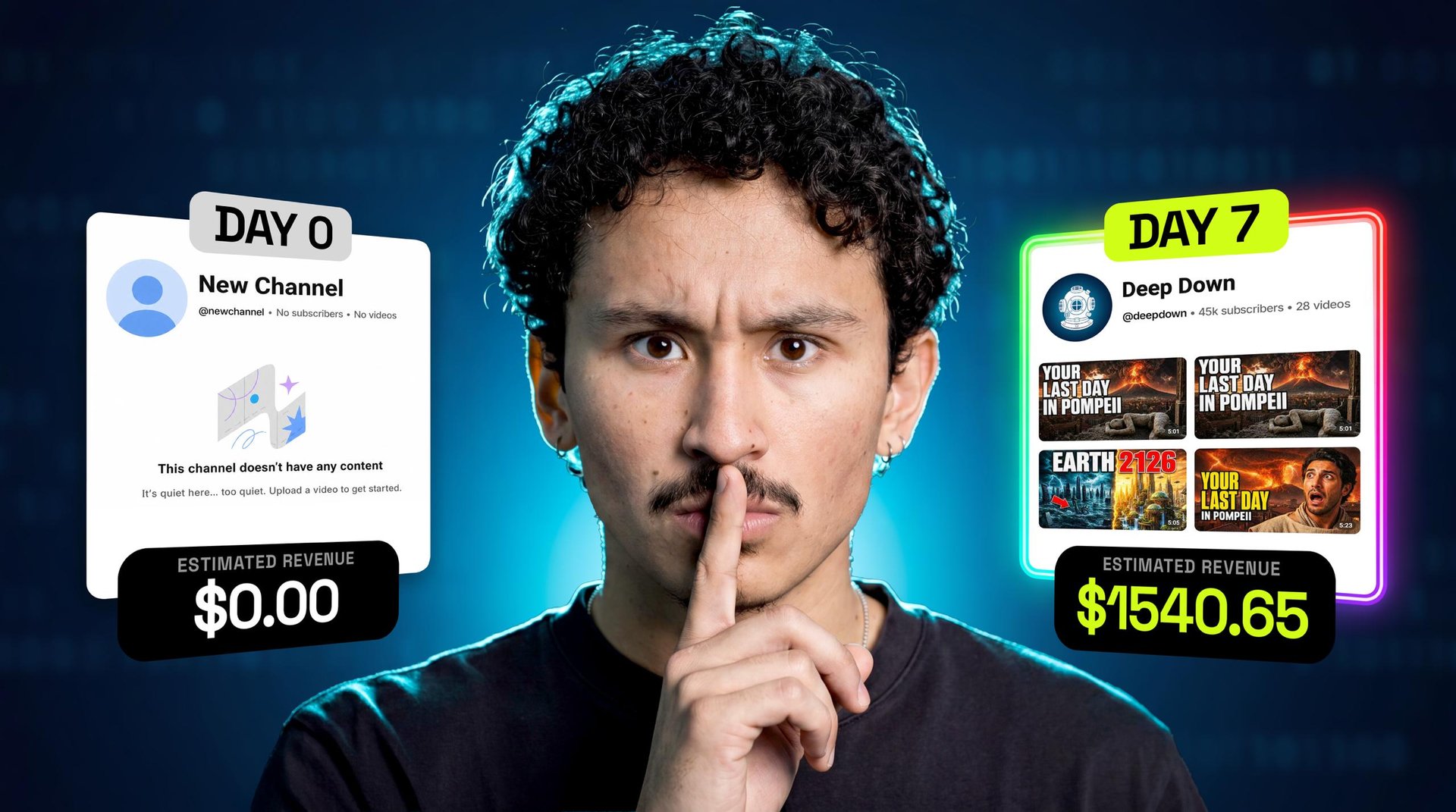
Recreate a $10,000/Month Faceless YouTube Channel With One Prompt

Most people who want a faceless YouTube channel never post a single video. Not because the idea is bad โ€” because scripts, narration, and editing were a full production pipeline.

The format itself is proven: faceless, ten-minute explainers pull millions of views on repeat, and it hasn't changed in years โ€” because it works.

That pipeline now runs from one chat. Below is the exact workflow โ€” every prompt copyable, the skill file included โ€” that turns one sentence into a ten-minute video, a Spanish version, thumbnails, twenty shorts, and a 30-day plan.

Why explainer videos

Educational content sits in one of YouTube's highest-RPM niches โ€” RPM being what YouTube pays per 1,000 views. VidIQ pegs channels running this exact format at 10,000 a month, and that's AdSense alone โ€” channels that size stack brand deals on top.

What you need

Two tools, one skill. Claude is the brain: it researches, picks the topic, writes the script, plans the month. Higgsfield is what actually makes the video โ€” the visuals, the narration, the edit. The higgsfield-explainer skill wires them together so the whole system runs from one prompt.
higgsfield-explainer.skillapplication/zip

Step 1: Connect Higgsfield to Claude

Go to higgsfield.ai and copy the MCP link. In Claude, open Settings โ†’ Connectors โ†’ Add, name it, paste https://mcp.higgsfield.ai/mcp, hit Connect. Then install the skill the same way. Everything else happens inside one chat.

Step 2: Let Claude pick the topic

Don't brainstorm โ€” ask:

What's actually working in explainer videos right now?

The skill researches topics on the live web, scores them, and picks one with a one-line reason.

One rule: pick one niche and stay in it. Every upload in the same lane sharpens the algorithm's targeting; mixing niches resets it to zero.

Step 3: The script does the heavy lifting

The prompts carry the visuals; the script carries the meaning that saves a video from being beautiful nonsense. It's also what protects monetization โ€” more below.

The skill writes it retention-first: the hook opens on the payoff, not backstory; the video is structured in chapters that each set up the next; and every minute or so it plants an open loop โ€” a trick professional scriptwriters get paid for. In testing, Fable 5 writes the strongest scripts and prompts, which shows up directly in views.

Step 4: Render the full video

The skill asks one question โ€” how long? It recommends 10 minutes: YouTube pushes videos that accumulate watch time, and a longer video earns more minutes, as long as it stays interesting. Confirm, and Higgsfield builds the entire production โ€” visuals, narration, edit.

The result clears AI video's oldest wall โ€” consistency: around a hundred scenes in one style, start to finish.

Step 5: Translate it โ€” in your own voice

Most people online don't speak English first; translating is how you reach them. One line re-renders the film in another language:

Translate the video into Spanish.

Then clone your voice โ€” about a minute. On higgsfield.ai, open Audio โ†’ Voice Presets โ†’ Create a custom voice, record yourself reading the sample script, and upload. Every video now ships in a voice nobody else on YouTube has โ€” one more signal it could only have come from you.

Step 6: Package it

Packaging decides whether anyone clicks. In the same chat:

Give me titles and thumbnails for this video.

Back come 3 title options and 3 thumbnails. Judge them with two rules: one focal point readable at phone size, and a title that opens a question the thumbnail deliberately doesn't answer โ€” that gap is the click.

Step 7: Turn it into twenty shorts

Create shorts from this video with Shorts Studio.

Back come about twenty shorts โ€” cut, captioned, ready to post, zero frames edited by hand. Post the same batch to YouTube Shorts, Reels, and TikTok. A ten-minute video asks viewers for a decision; a short never asks โ€” it just shows up mid-scroll. And every clip points back to one channel.

Step 8: Plan the month โ€” then run it in parallel

Plan my first 30 days: eight long videos, topics ranked by search volume.

Back comes a mapped month: eight long videos, each with a shorts batch, every topic picked off real search data.

Then:

Start videos two and three from the plan.

Both render in parallel while you publish the first โ€” output that used to take a production team.

The growth math

Full monetization needs 1,000 subscribers and 4,000 watch hours. That sounds scarier than it is: ten-minute videos watched about 4 minutes on average reach 4,000 hours at roughly 60,000 views โ€” not per video, but across everything you post, combined.

The honest catch: the system builds the videos โ€” it doesn't skip that bar. So post on a schedule you can actually keep โ€” two long videos a week, shorts every day, same days and times โ€” your audience and the recommendation system both learn it. Then watch one number: average view duration. Where people drop off is the script note for your next video โ€” and where you find out if the open loops worked.

"Won't YouTube demonetize AI content?"

A common myth โ€” and it's false.

YouTube doesn't demonetize or block AI content automatically.

It flags content that is spam or unoriginal โ€” "inauthentic" โ€” whether it's AI-made or not.

A well-written original script, in your own cloned voice, keeps a channel clear of that line โ€” and monetization running.

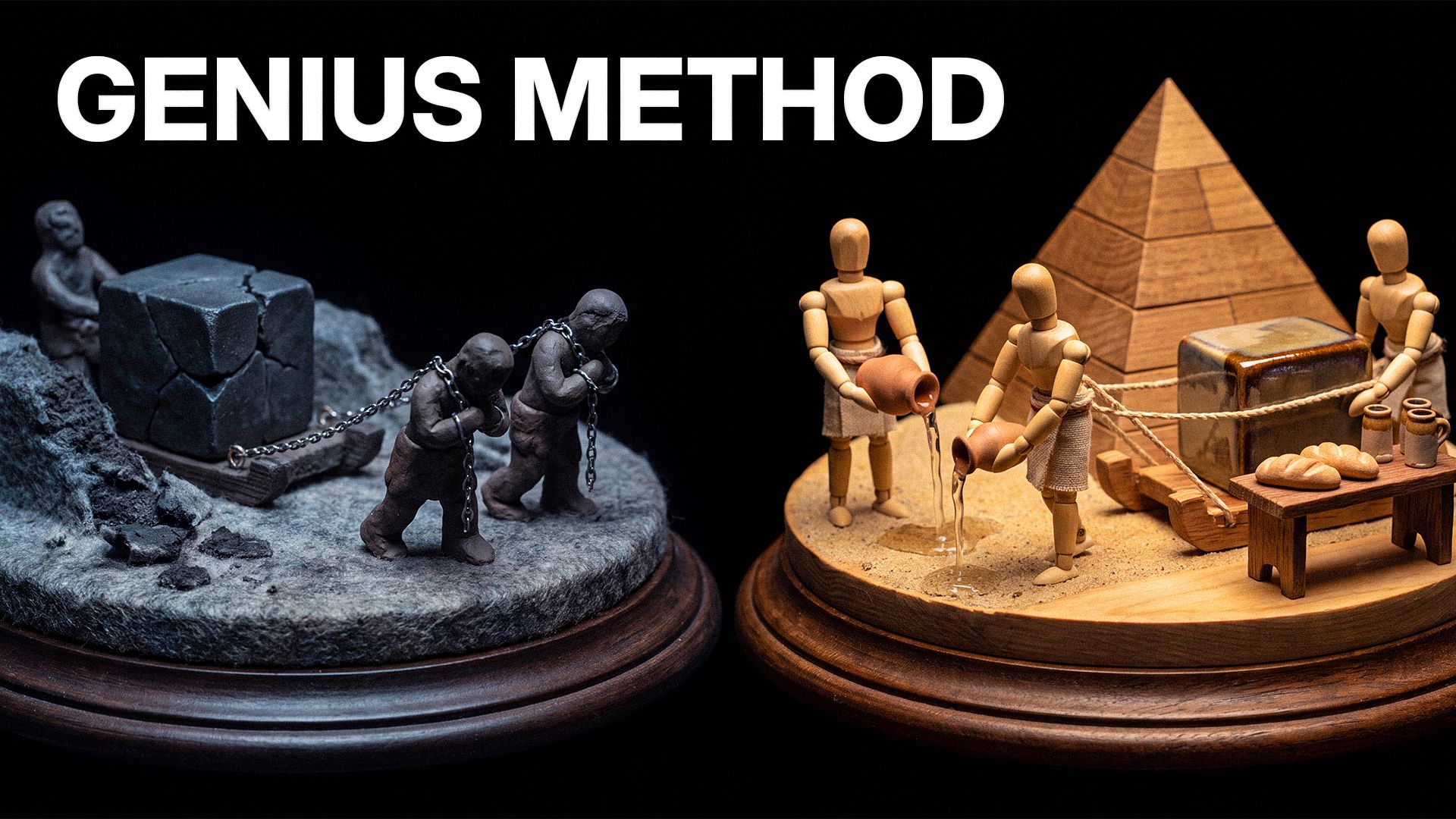
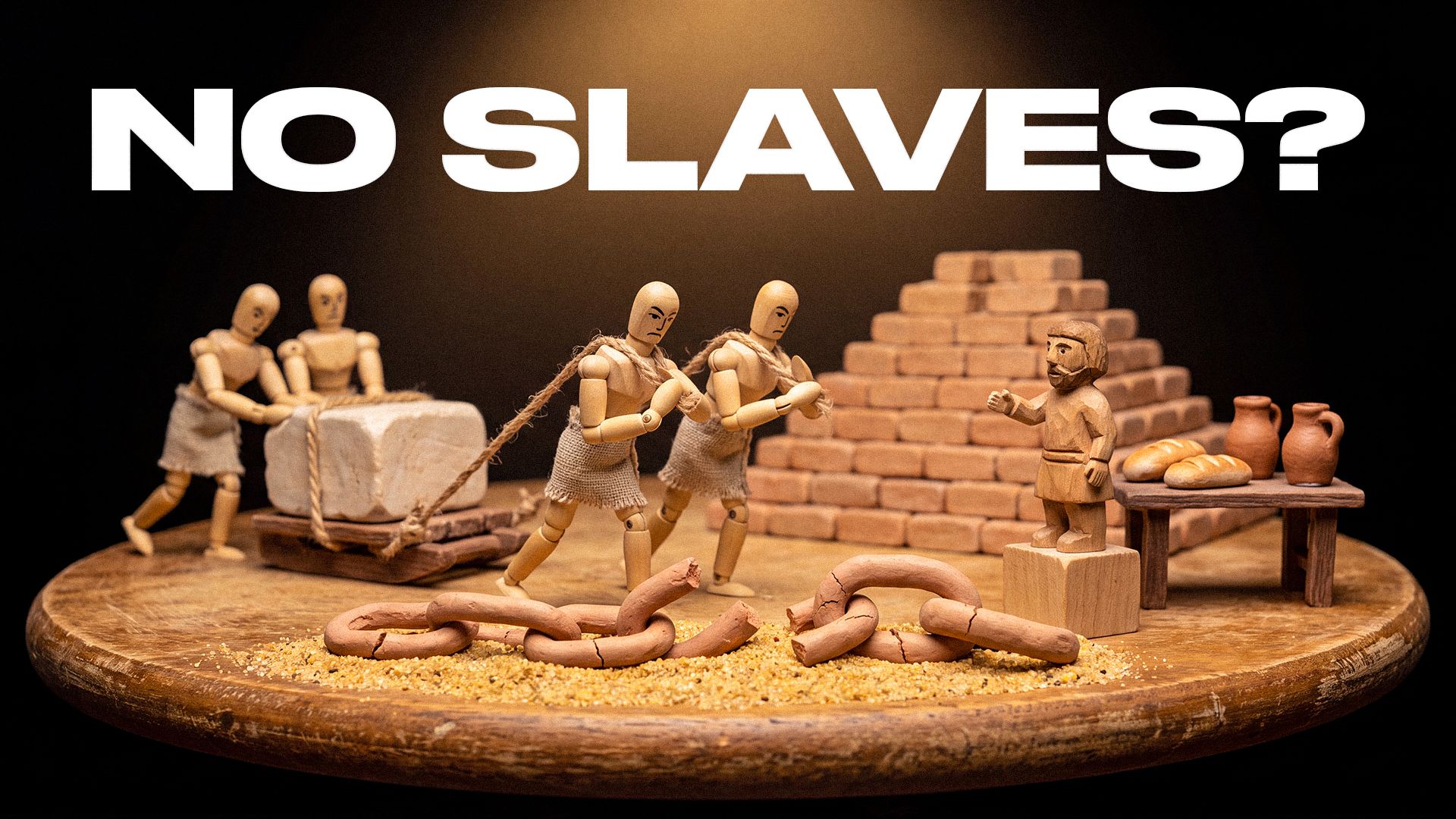
Every video from this run

Everything the run produced, unedited. Judge it yourself.

Your move

Connect the MCP, install the skill, and type one sentence about a topic you'd binge at 2 a.m. When the render finishes, ask for your twenty shorts in the same chat.

Your Turn To Publish. Start With One Sentence โ€” The Workflow Does The Rest

Start Your Faceless Channel
Mariam Barova

by Mariam Barova

Share article