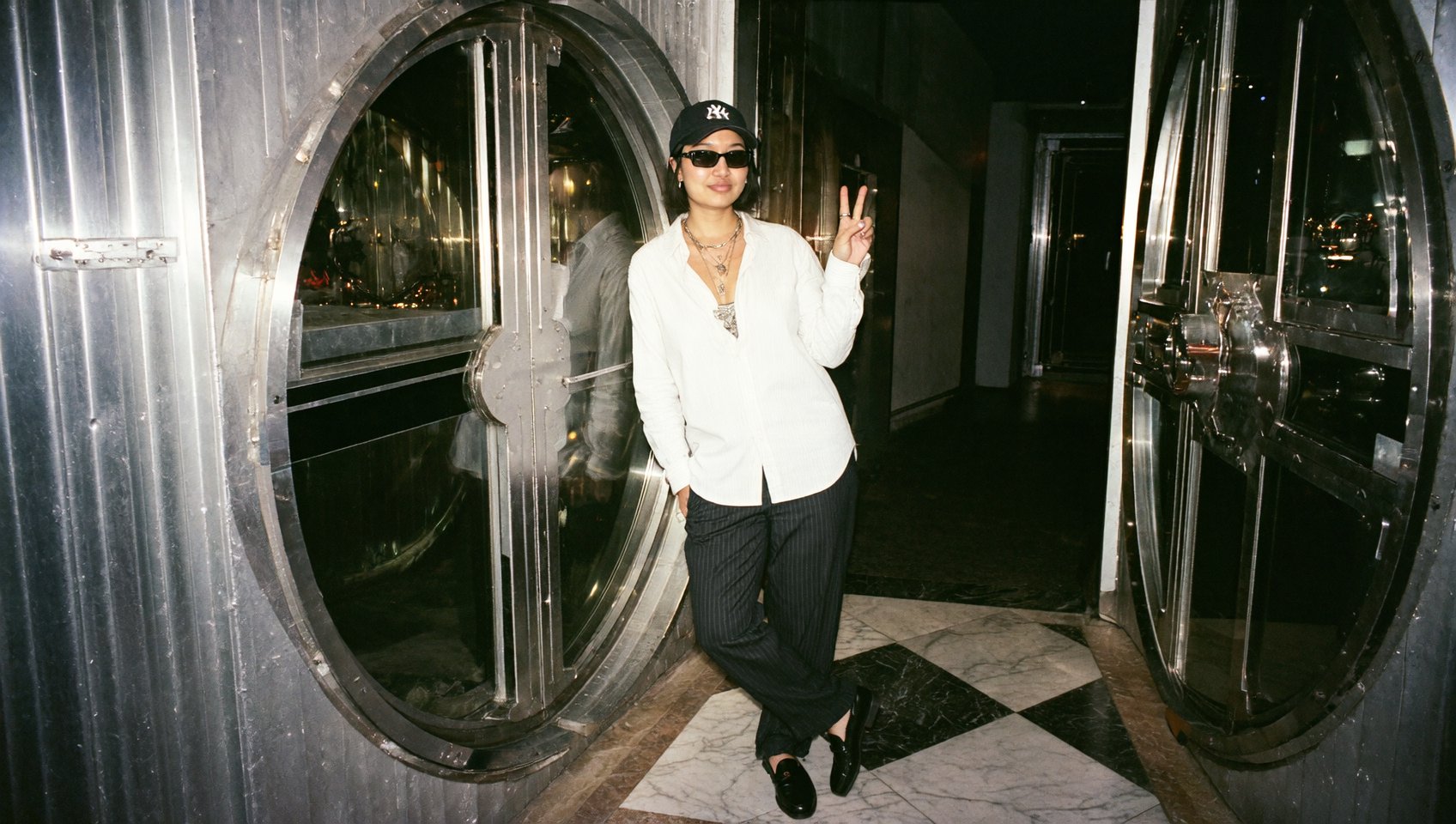
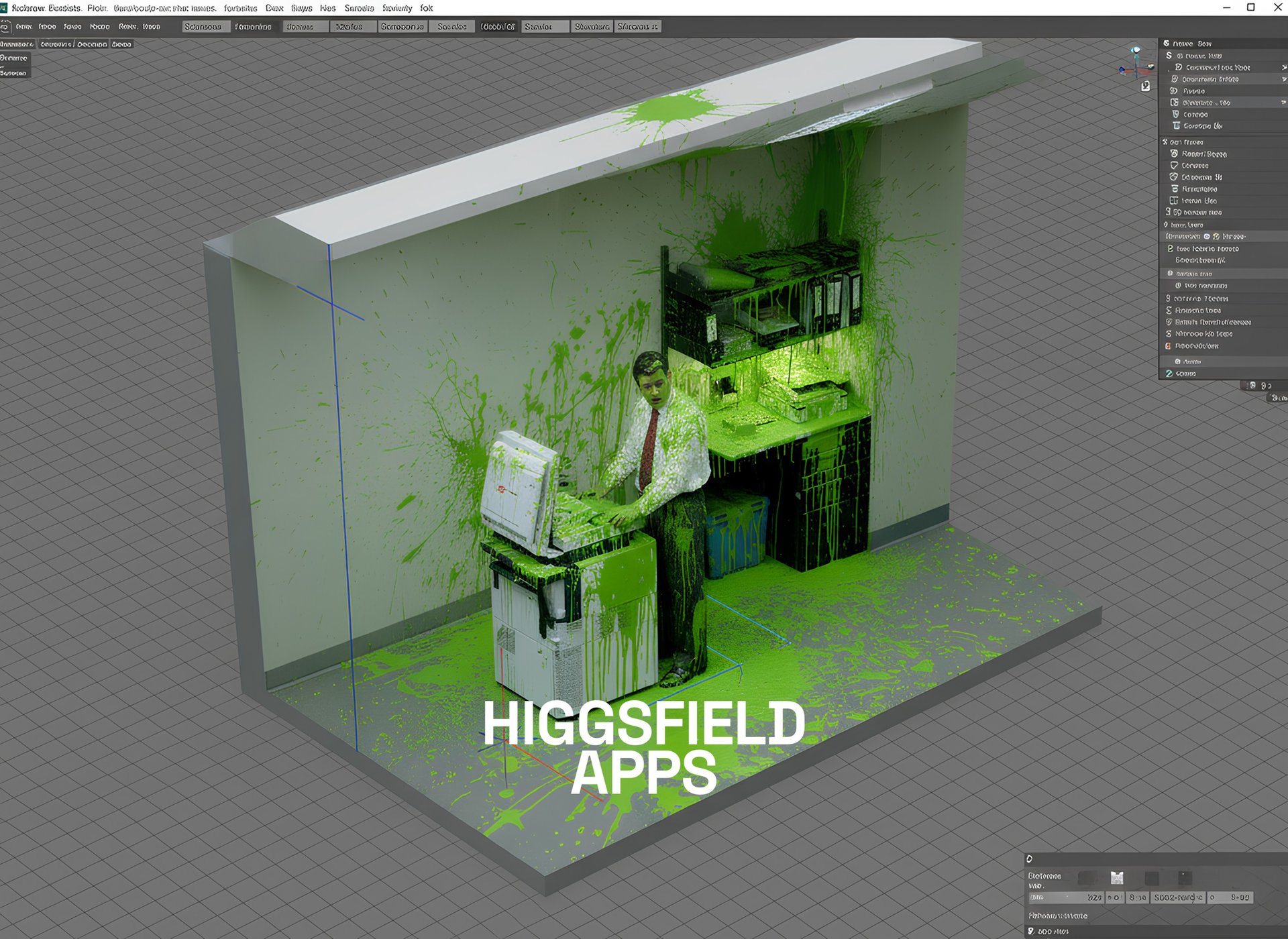
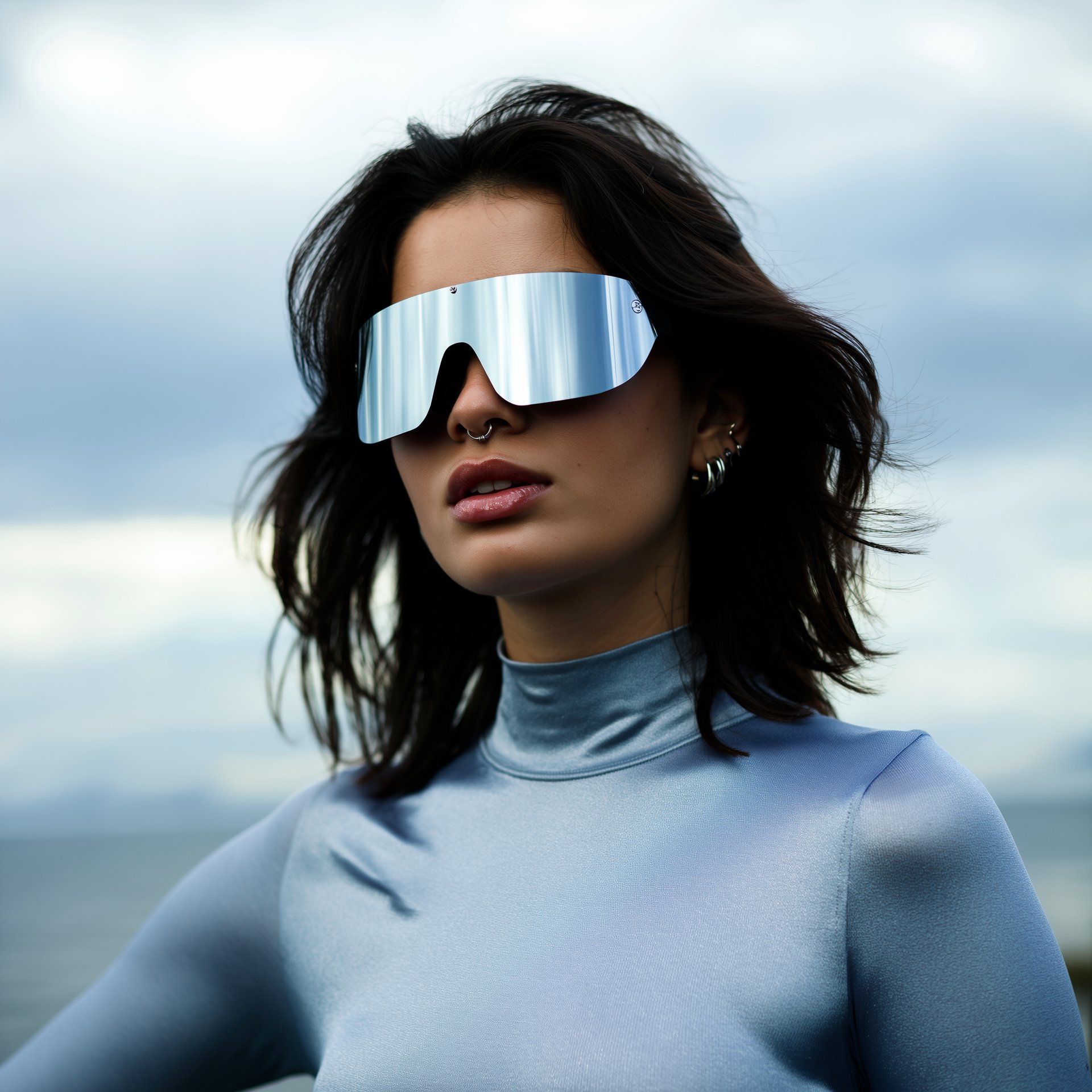
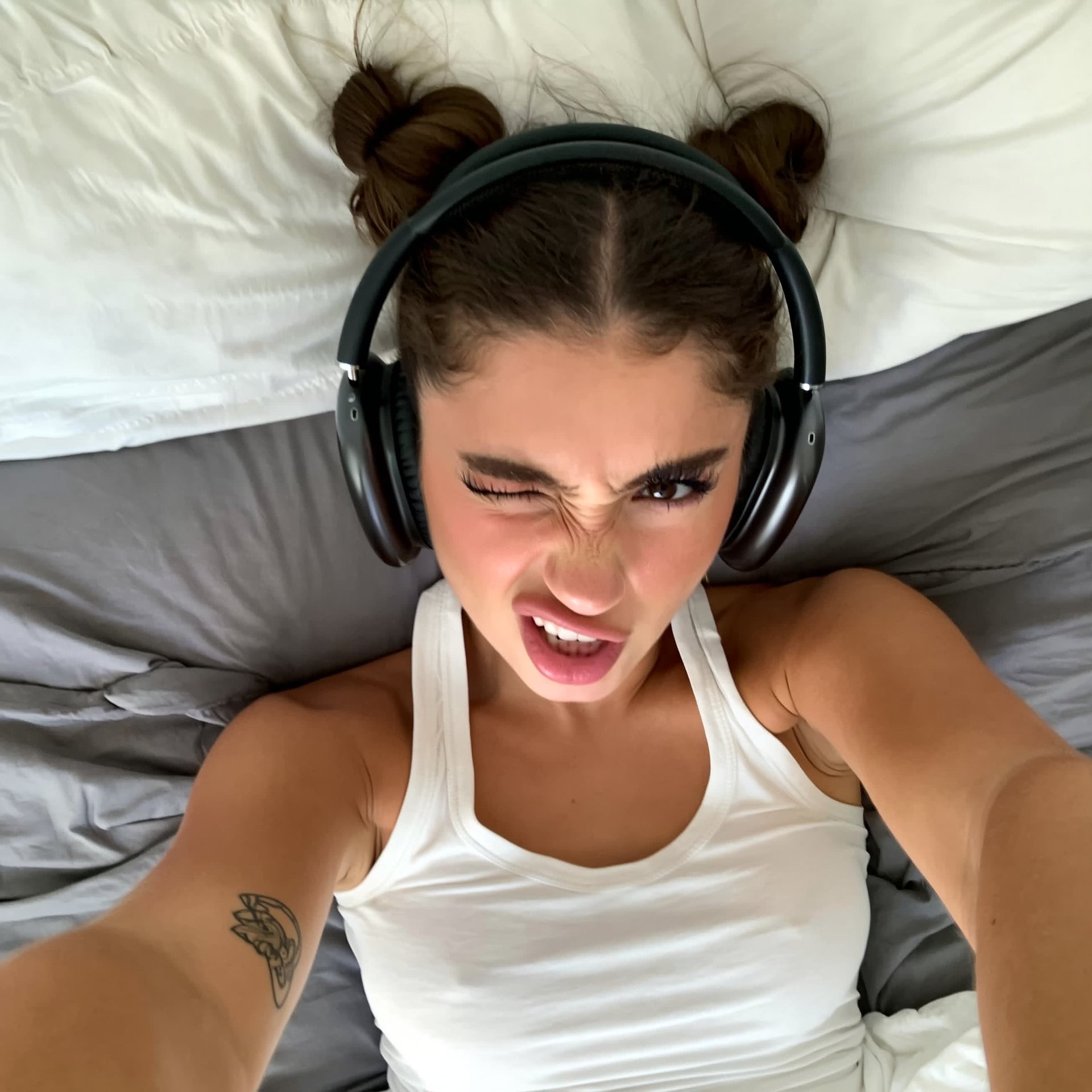
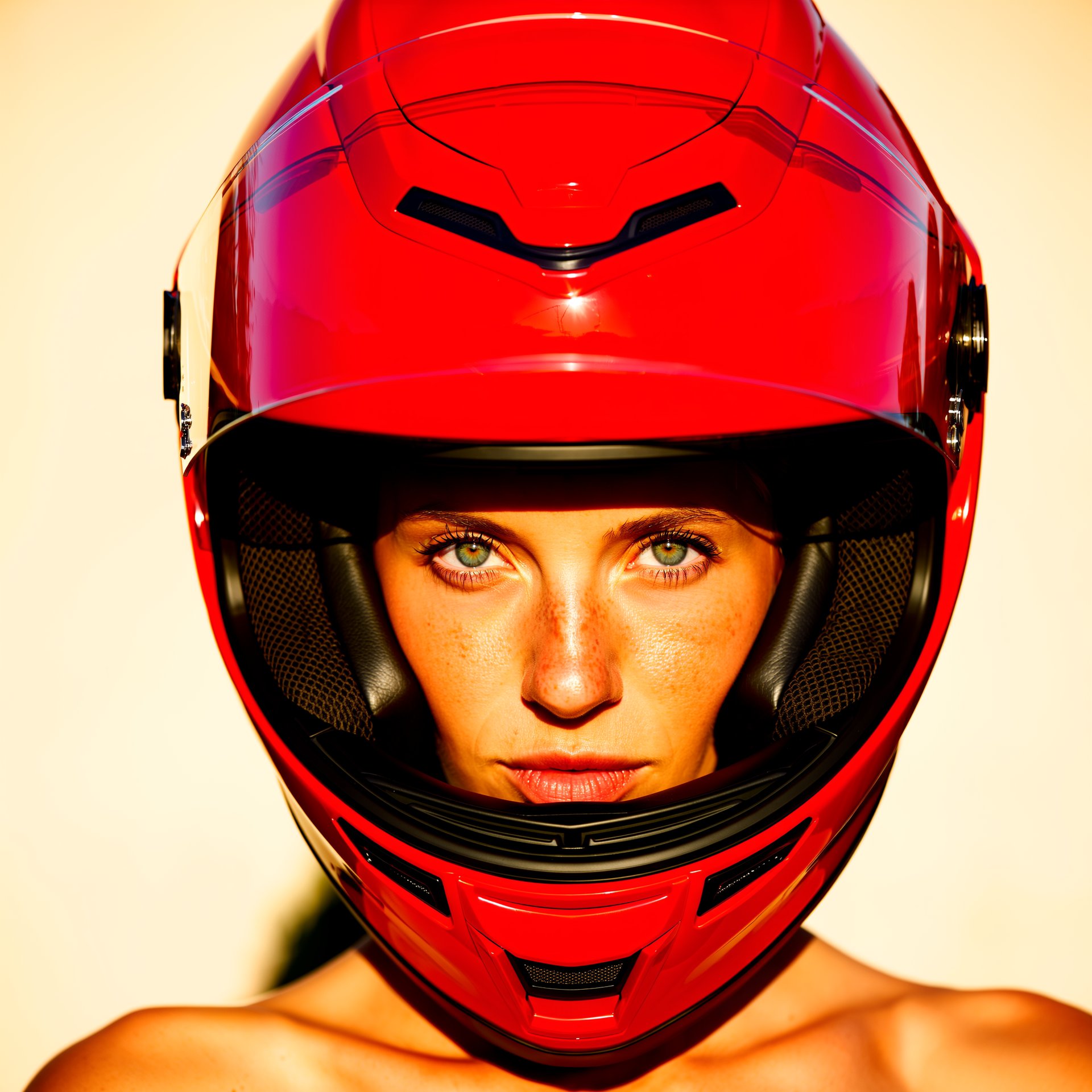
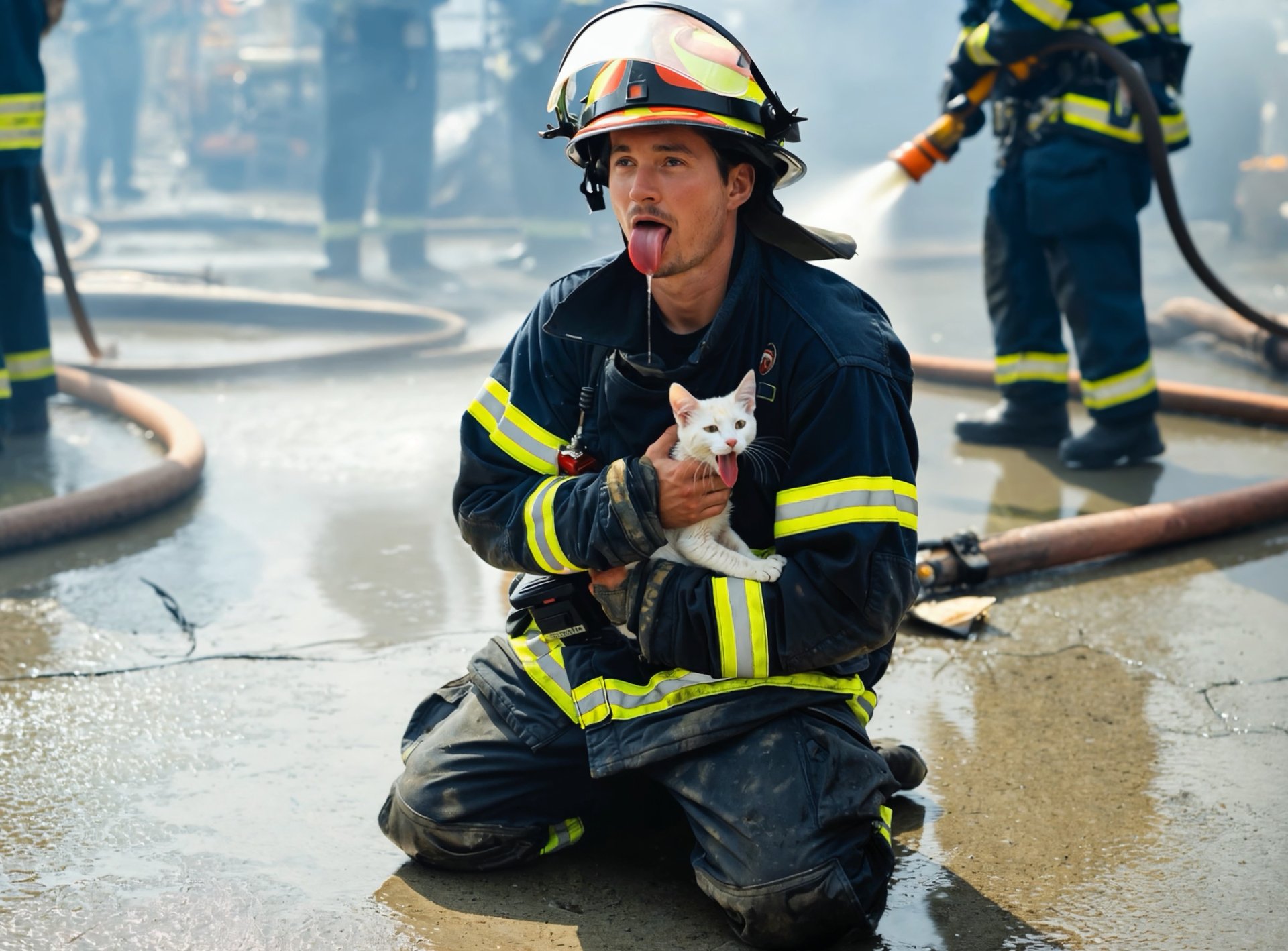
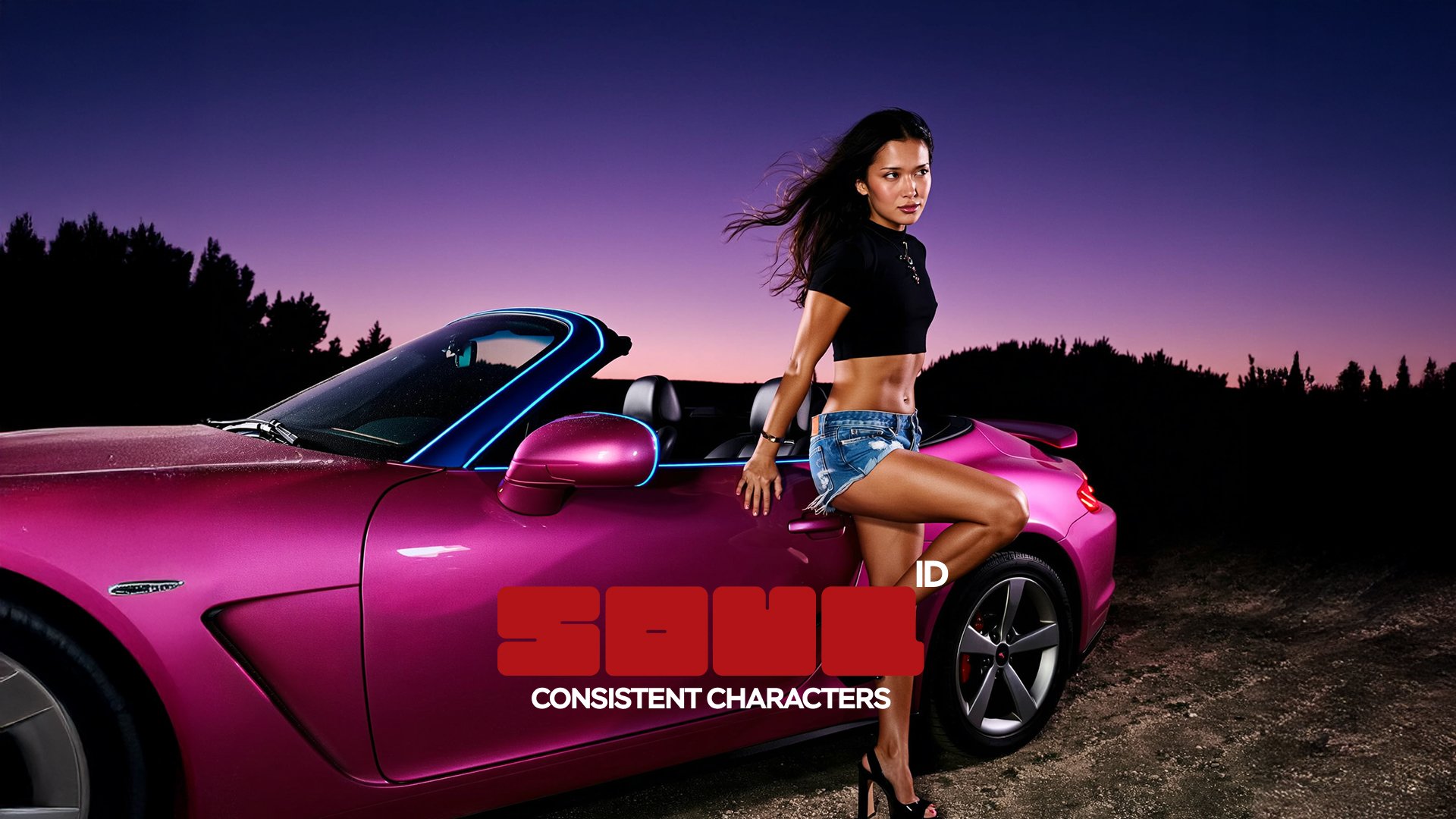
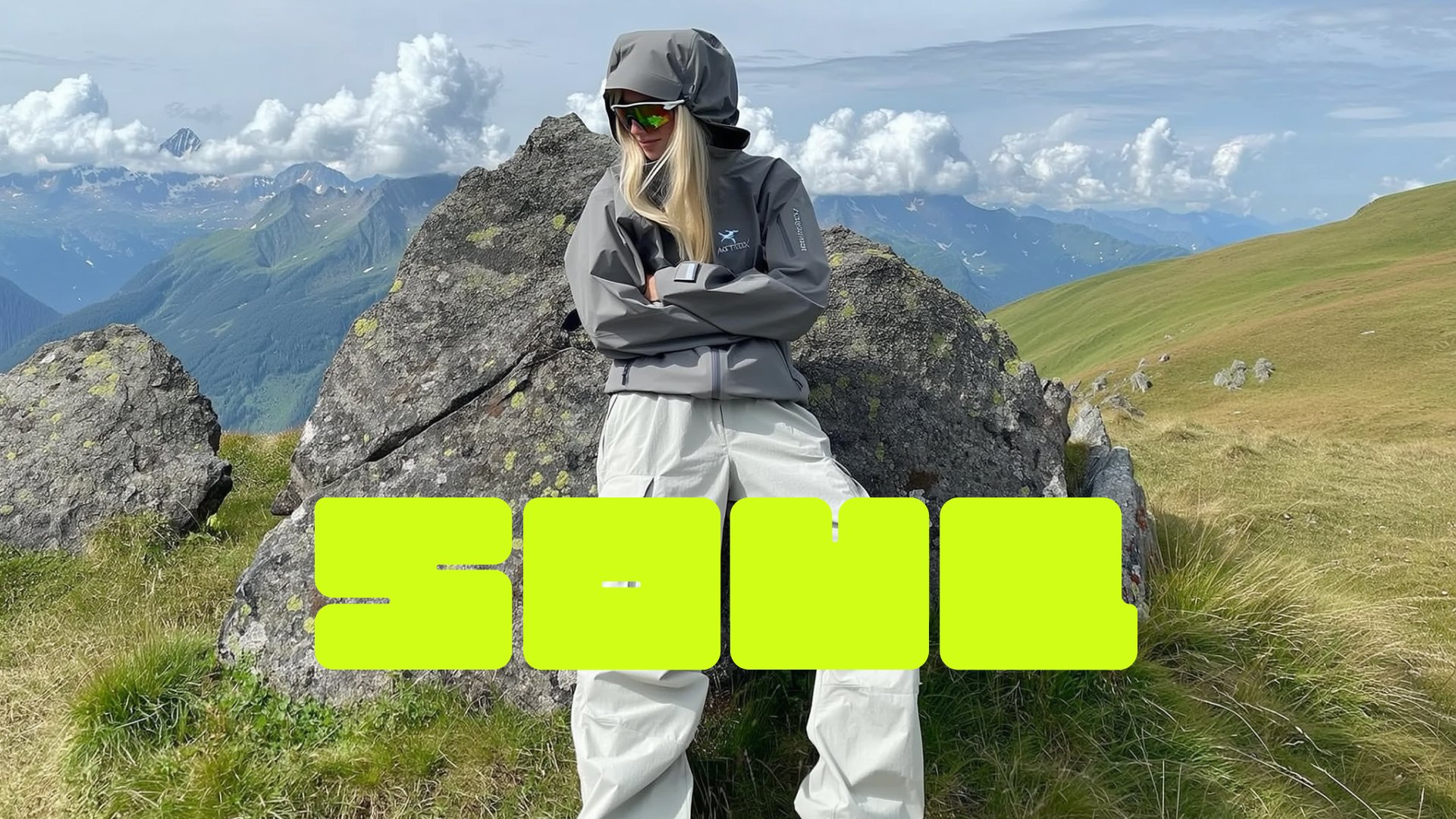
It's been a few days since Nano Banana shocked the world. Now, we're giving you an upgraded version.
UPD: now with new presets
Nano Banana is the ultimate editing and creative control model in Higgsfield. Unlike any other model, it understands the world around you - celebrities, brands, cars, products, and more - and lets you edit images with surgical precision while maintaining character consistency and scene integrity.
Think of it as a creative studio in one click: from product placement on Times Square to blockbuster scenes in Dune, from multi-reference collages to detailed text edits - Nano Banana does it all.
Why Use Nano Banana
World Context:
Knows celebrities, brands, characters, and objects - and places them flawlessly.
Ultimate Editing:
Change clothes, facial expressions, backgrounds, objects, or add entirely new elements.
Character Consistency:
Tell a story across multiple shots without losing identity or setting.
Multi-Reference Control:
Upload multiple images and position them however you like with prompts.
Product Placement:
Seamlessly insert products or logos for campaigns and ads.
Text Control:
Add, edit, or remove text with precision - perfect for posters, memes, or branded content.
Step-by-Step: How to Master Nano Banana with Higgsfield Apps
Or generate a fresh image using Soul or other models as a base
Or upload any image
3. Add Your Edits in the Prompt
Use simple, directive instructions like:
“Change background to a Paris café at night”
“Replace T-shirt with black leather jacket”
“Add Messi holding a football next to me”
“Add floating text: FUTURE IS NOW”
For multi-reference, upload multiple images (now really multiple):
“Place the car to the left, me in the center, and city lights in the background”
4. Generate and Iterate
Nano Banana maintains scene logic and character consistency across edits.
Make small refinements in the prompt to perfect the shot.
5. Add VFX Presets
Now with 30+ unique options
Promptless: Just insert your image and get any result you want
One-click: No more extra steps, 1 image input = ready to post video.
Example Use Cases
Product Placement:
Insert products in lifestyle or ad settings for campaigns.
Collabs:
Seamlessly create shots with celebrities or popular characters.
Fashion & Styling:
Change outfits or environments to match your creative vision.
Collages & Posters:
Build complex visuals using multi-reference prompts.
Storytelling:
Maintain a consistent character across a series of edited shots.
Text-Driven Designs:
Add, remove, or stylize text within your images.
Pro Tips for Best Results
Keep edits stylistically consistent - match realism with realism, anime with anime.
Use clear, concise prompts for the best control.
Experiment with multi-reference positioning for advanced compositions.
Combine with Upscale for ultra-sharp, print-ready outputs.
Wrapping Up
Higgsfield Apps are not just another fancy presets - it’s your to-go viral playground. Whether you’re editing a single portrait, producing ad-ready visuals, or building multi-image stories, the precision, context, and consistency set a new standard for generative creativity.