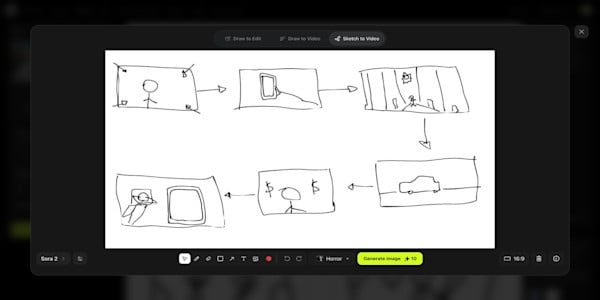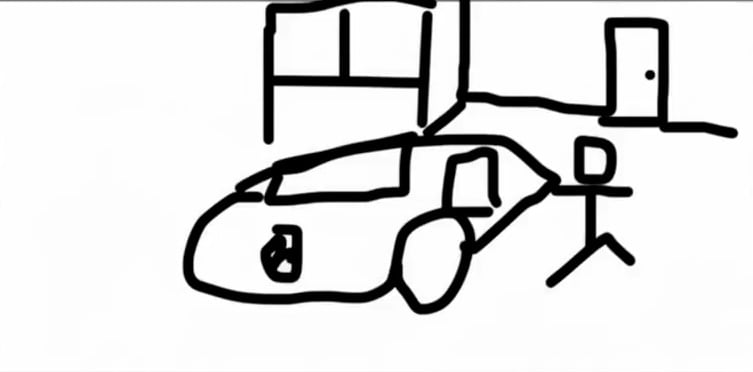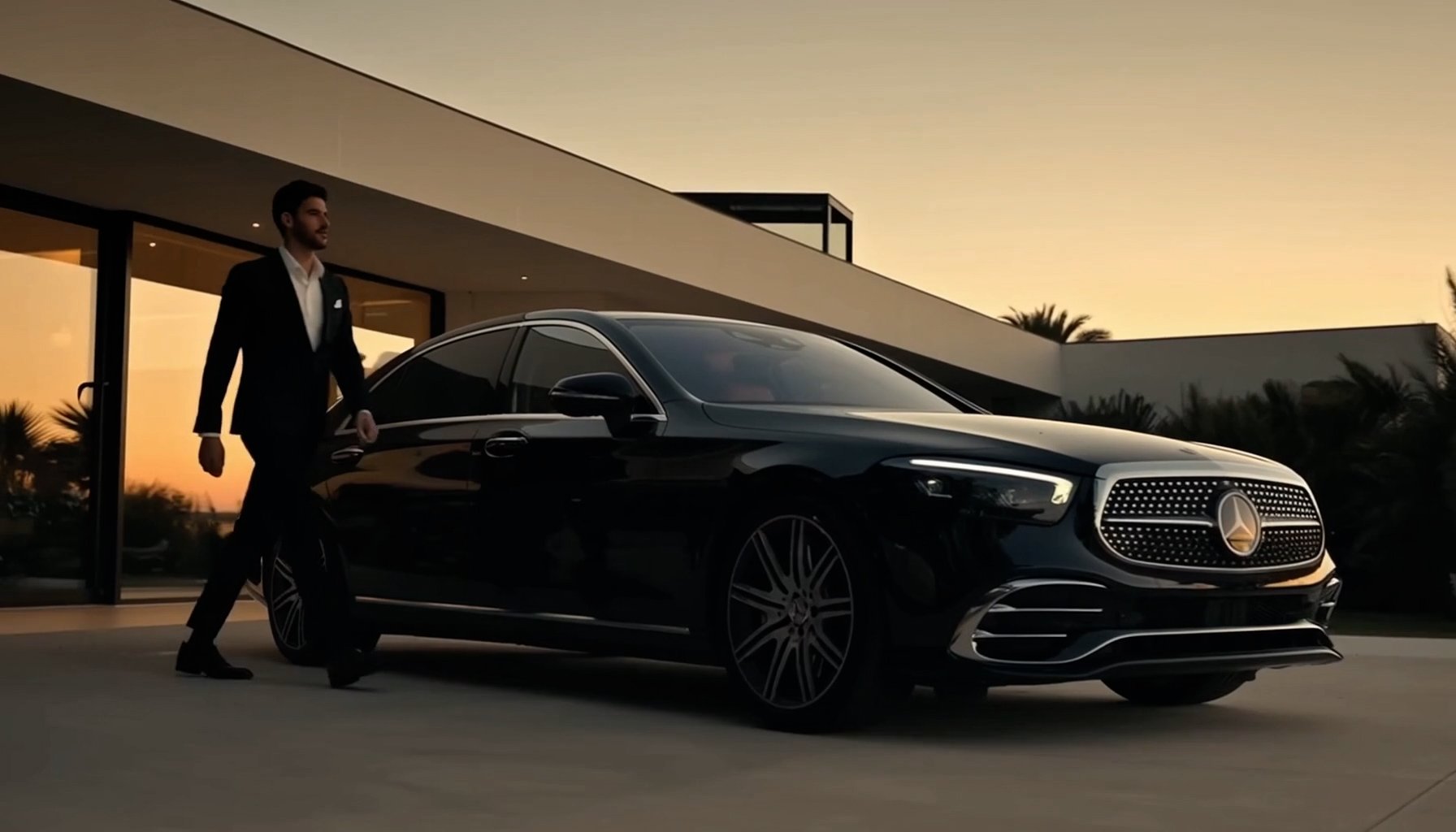

Higgsfield’s Sketch-to-Video feature powered by Sora 2 represents the biggest leap yet in making every artist a filmmaker. Now static drawings can come to life with 1080p cinematic videos, full motion, and AI-driven sound, effectively turning your rough sketch into the final scene.
Let’s see what’s new in this feature.
No Prompt Needed: offering a pure sketch-to-video generation where the AI reads your lines and generates motion directly from your artwork.
1080p Cinematic Quality: delivers true cinematic sharpness at full resolution, powered by Sora 2’s advanced motion understanding.
A Built-in Drawing Canvas: allows you to draw your idea directly inside the Higgsfield interface if you don't have a sketch ready.
Five Motion Style Presets: offer a range of pre-configured animation styles, from smooth and cinematic to dynamic and energetic, to instantly set the tone of your video.
Intelligent Motion AI: an engine that reads the weight, momentum, and emotion from your lines to create realistic and nuanced movement.
Multi-Scene Narrative Coherence: maintains character and style consistency across entire sequences, from single doodles to full storyboards.
Preset-Based Audio: a feature that automatically generates or selects a soundtrack that perfectly matches the mood and style of your visual.
Flexible Aspect Ratios: enabling you to generate content in either vertical 9:16 for social media or horizontal 16:9 for film workflows.
How to Use Sketch-to-Video to its Full Potential
1. Go to Sketch-to-Video
Go to Sketch-to-Video model & Select Sora 2.
2. Create or Upload Your Sketch
You can either use the built-in canvas to draw your scene directly within the platform or upload an existing image, such as a photo of a napkin sketch or a PNG from your tablet.