
From Image to Talking Video: Veo 3 inside Higgsfield (Horizontal & Vertical)
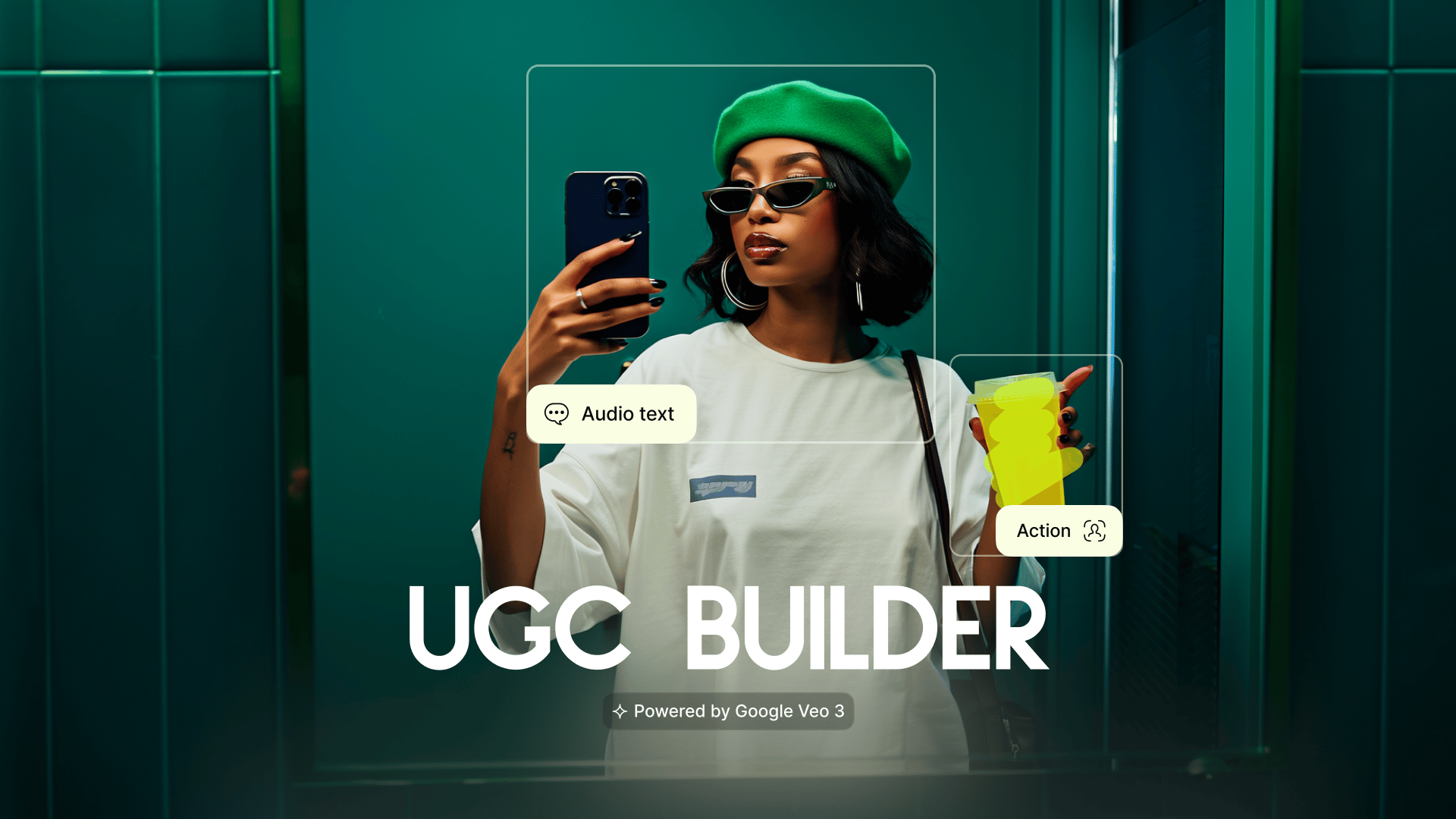
UPD: Now supports Vertical (9:16). The all-in-one AI content studio just got its most powerful upgrade. Higgsfield now integrates Google’s state-of-the-art video model, Veo 3 - so you can go from a static concept to a photorealistic talking video in one seamless pipeline. Generate high-end images, train a digital twin with Soul ID, and make it speak with realistic lip-sync - all under one subscription, all inside Higgsfield.
Part 1. Step-by-Step: Create with Veo 3
1. Go to: https://higgsfield.ai/create/video
2. Upload or Generate an Image
Upload a clear, high-res image, or
Generate one with Soul (image model) or Nano Banana (Get 1 Year of FREE & Unlimited generations, offer is active until the end of the week).
3. Direct the Scene (and Voice)
In the prompt, describe what you want to see: subject, motion, setting, camera moves (e.g., “slow dolly-in,” “whip pan,” “match cut”).
If you want a person speaking, include what they should say (the exact line). You can add tone, language, pacing, and emotion.
4. Choose Format
Vertical (9:16) for TikTok/Reels/Shorts
Horizontal (16:9) for YouTube/desktop/web
5. Click Generate
Veo 3 animates your image into a high-fidelity, lip-synced video.
Review, then iterate: tweak your prompt, image, or format and regenerate.
What This Unlocks (Why Veo 3 + Higgsfield is Different)
State-of-the-Art Talking Videos
Turn any Soul or Soul ID image into a video with exceptionally realistic motion and lip-sync.
Consistent Characters That Speak
Maintain perfect character consistency from static image → animated spokesperson.
End-to-End Pipeline (No App-Hopping)
Image (Soul / Nano Banana) → Character (Soul ID) → Video & Voice (Veo 3) → Polish (Higgsfield VFX & Camera Motion) - all in one place.
Limitless Combinations
Layer Higgsfield’s creative tools (camera motion, VFX, product placement) over Veo 3’s generation for unique, brand-ready outputs.
Creative Recipe (Prompt Cheatsheet)
Use this structure for reliable results:
Subject & Look: “30-something skincare founder, studio-lit, clean beauty aesthetic”
Setting & Motion: “minimal set, soft backlight; slow dolly-in; subtle rack focus”
Action: “raises product to camera, gentle hand pose”
Voice Line (if speaking): “Hi, I’m Mia. This is our new vitamin C serum—bright skin in 7 days.”
Style Hints (optional): “photoreal, editorial lighting, warm tone, shallow depth of field”
Vertical example (9:16):
“TikTok intro; tight portrait framing; gentle camera drift; caption space up top; keep hands in frame.”
Horizontal example (16:9):
“YouTube hero; medium-wide framing; product on table; slow push-in; room ambiance.”
Pro Tips
Start with a strong image. Clear face, consistent lighting, uncluttered background → better motion & lip-sync.
Write speech like a hook. Keep it concise; specify language, emotion, and pacing (“calm, warm; 1 short sentence + CTA”).
Direct the camera. Mention moves (“dolly-in,” “whip pan,” “orbit right”), transitions (“match cut,” “logo-to-product morph”), and focus (“shallow DOF”).
Mind the platform.
9:16 → mobile hooks, tight framing, faster beats.
16:9 → wider composition, product on surface, longer beats.
Iterate fast. Adjust the prompt or image, regenerate, and A/B test variants.
Use Cases
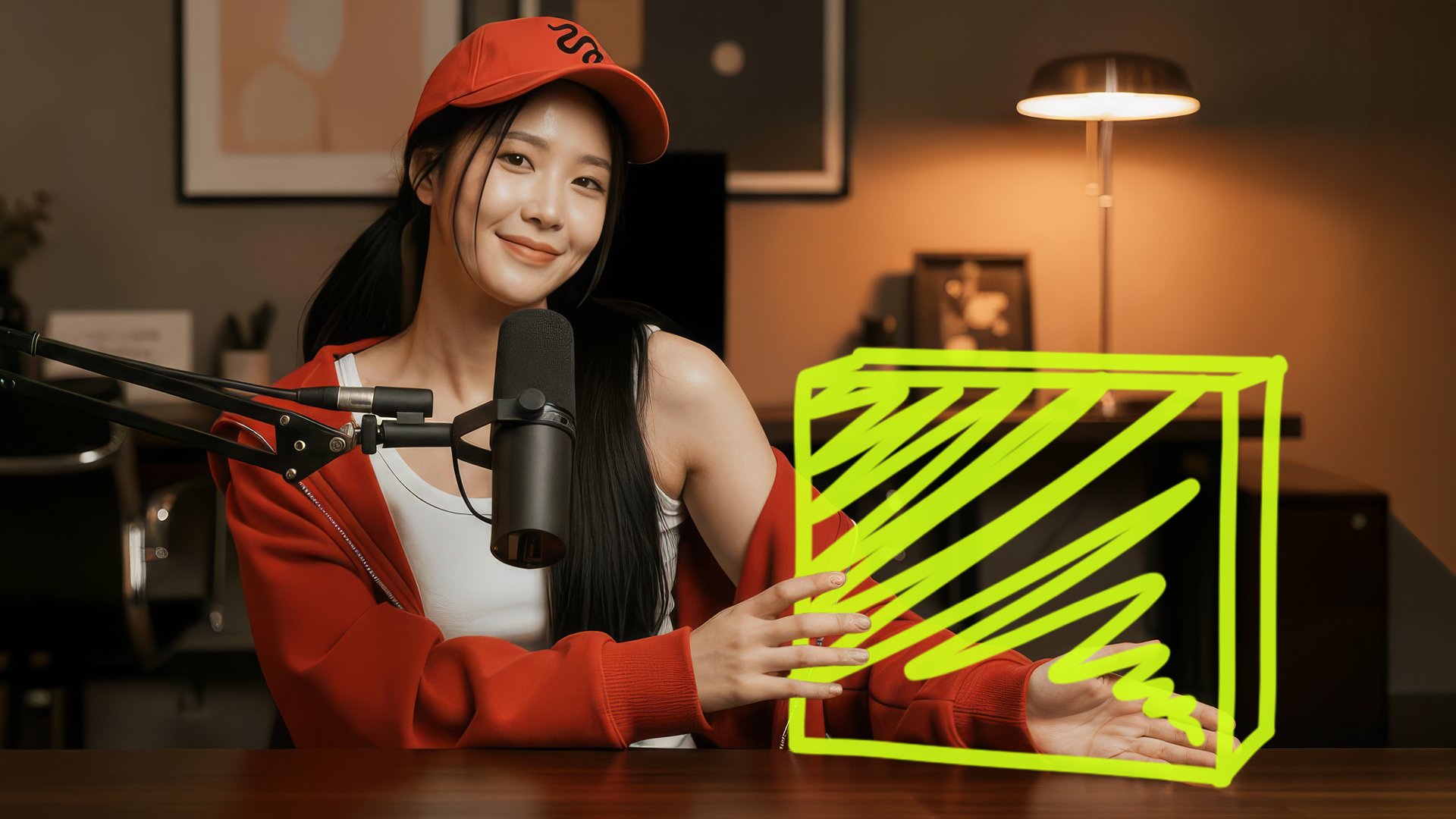
UGC talking heads at scale - no camera, instant lip-sync.
Brand spokescharacters (Soul ID) delivering promos or updates.
Product demos morphing from static hero shots to animated reveals.
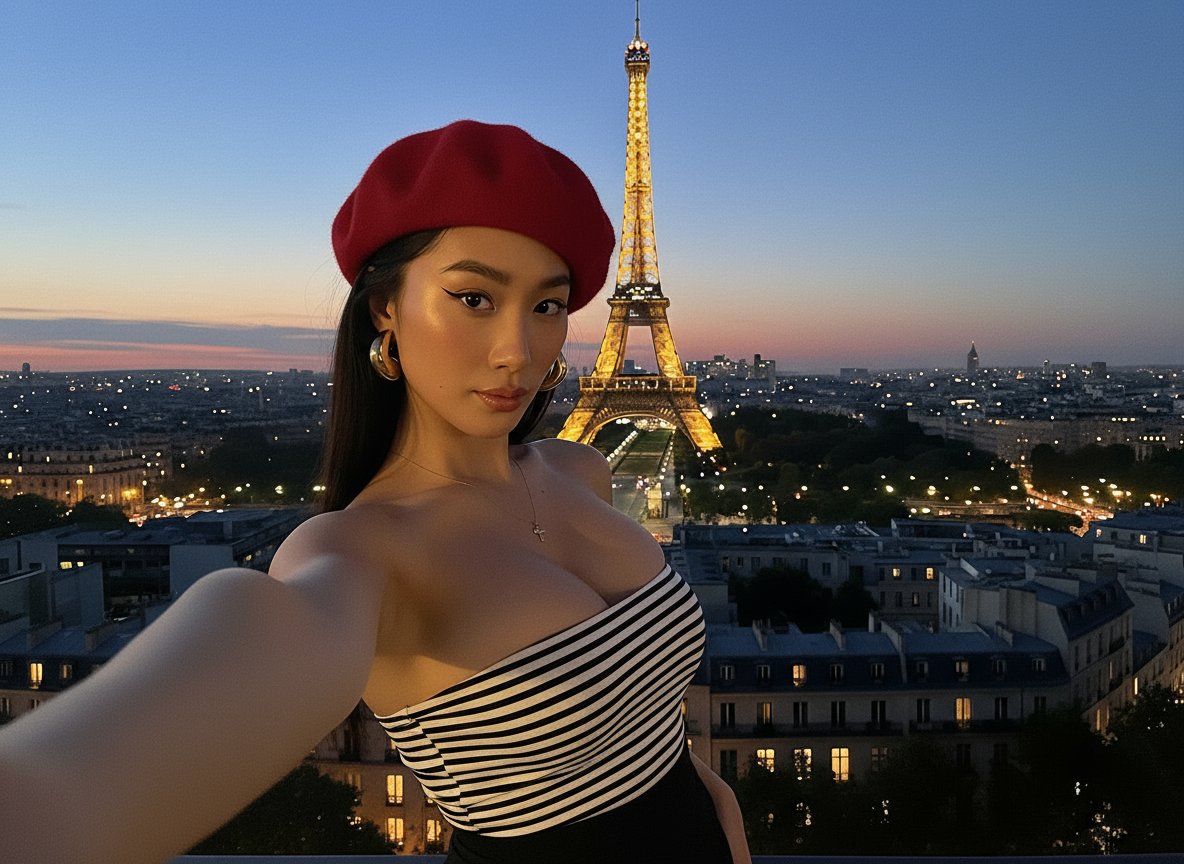
Fashion lookbooks where models describe the collection.
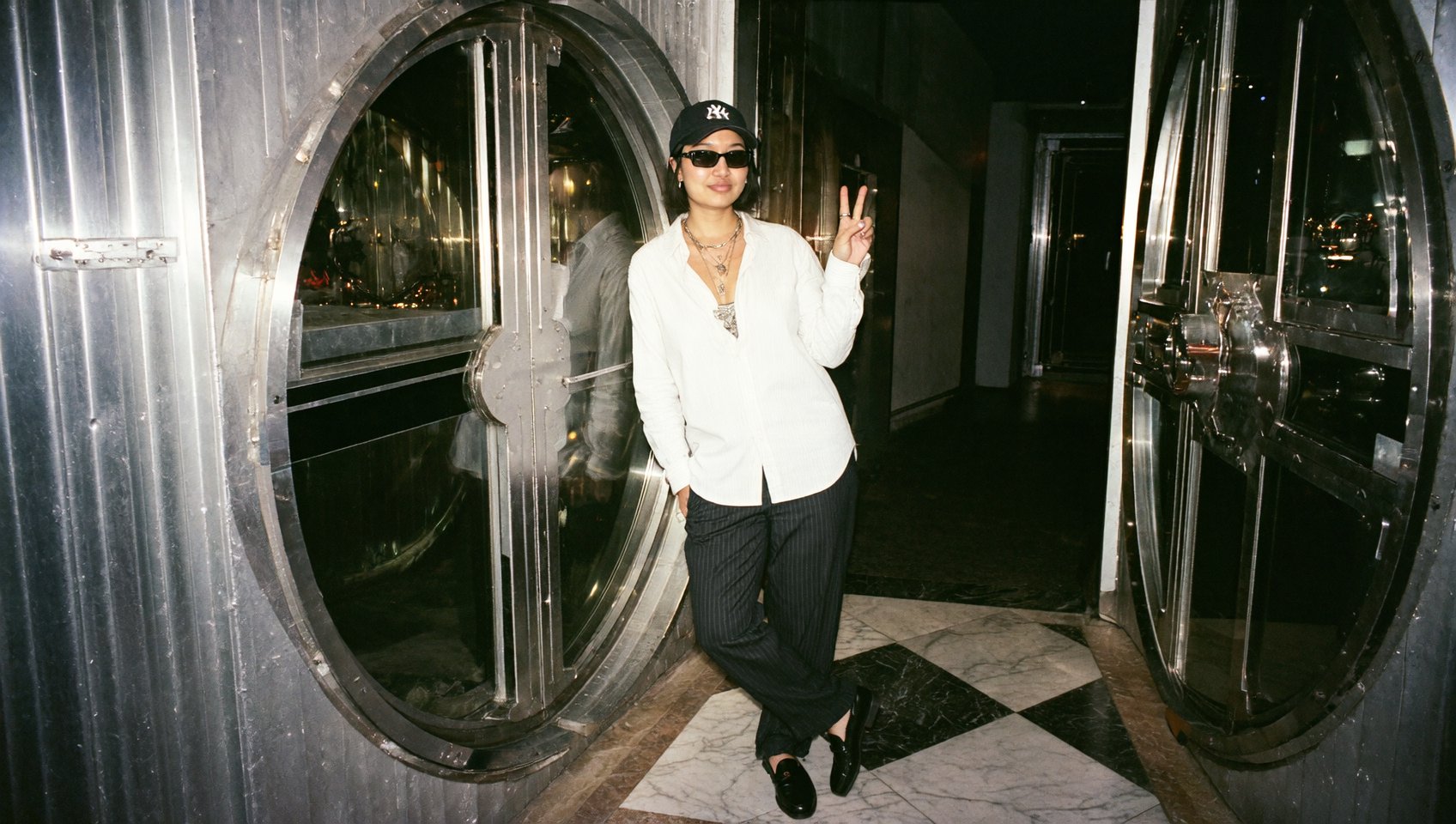
Storytelling - consistent characters narrating scenes across episodes.
Example Starters
“Vertical TikTok ad; confident tone; ‘New drop is live—link in bio’; product reveal via match cut; warm bounce light.”
“Horizontal website hero; soft studio; spokesperson says ‘Meet our AI assistant—book a demo below’; slow dolly-in.”
“Lifestyle kitchen; influencer vibe; ‘Morning ritual, 3 steps’; quick hand motion; subtle logo wipe at end.”
Start Creating
🎬 Make your first Veo 3 video now: https://higgsfield.ai/create/video Upload or generate an image → write the scene (and speech, if needed) → pick Vertical 9:16 or Horizontal 16:9 → Generate.
Tag us when you post - we love featuring your work 💚 IG: @higgsfield.ai | TT: @higgsfield_ai | X: @higgsfield_ai
Need help or feedback? DM us anytime.